Free AI Text to Video Generator

Not sure how to make a video?
Let Vlo complete your story and shot description
AI Suggestions
0/5000Credits
Log in to Create for Free

Try Now

Free AI Text to Video Generator
Simply type a prompt, and watch WeryAI bring your idea to life. Our Text to Video generator aggregates state-of-the-art models like Google Veo 3.1 and Kling AI, allowing you to create high-quality, physically accurate videos for social media (9:16) or cinematic projects (16:9) in seconds.
Turn Imagination into Reality with Text to Video AI
Features of WeryAI Text to Video
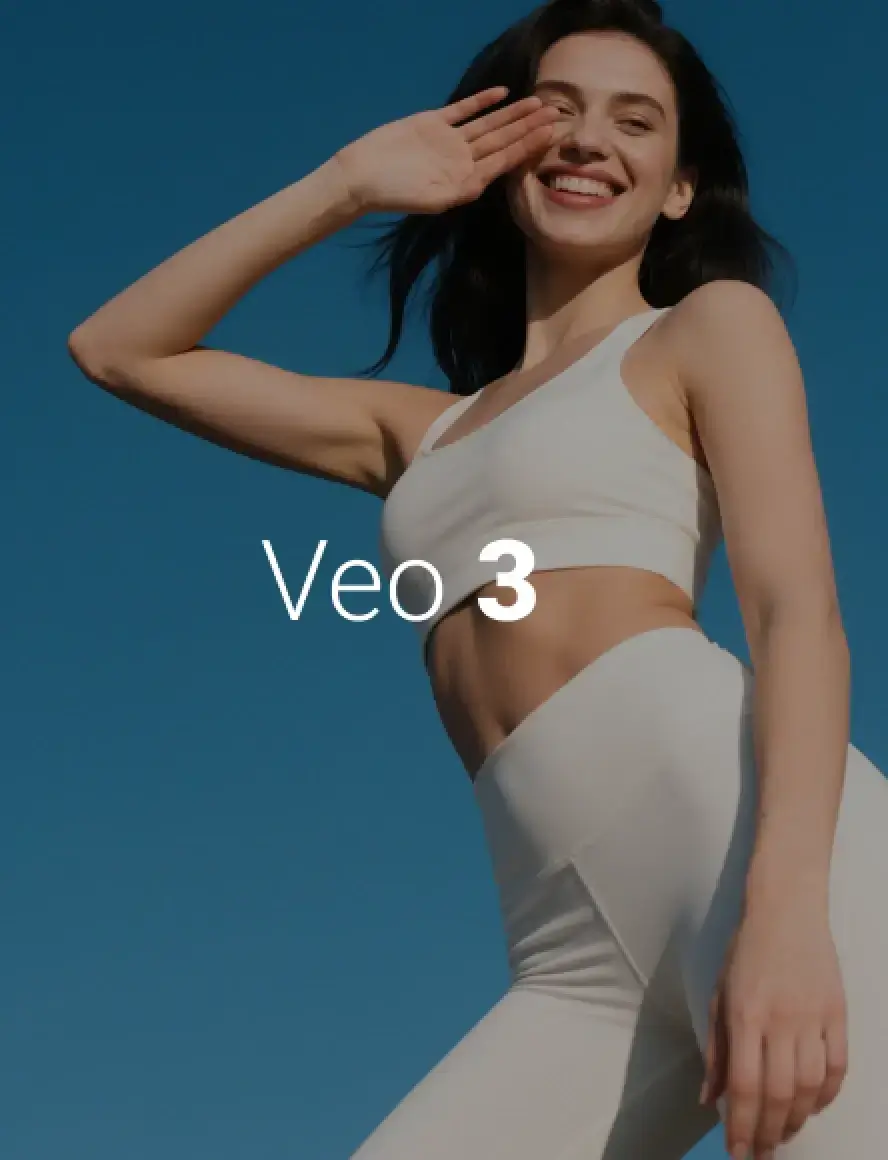
Multi-Model Powerhouse
Switch between Veo 3.1 for realism and Kling for motion consistency. No need for multiple subscriptions.
Custom Aspect Ratios
Generate vertical videos (9:16) for TikTok/Reels or widescreen (16:9) for YouTube directly.
Extended Duration
Create videos up to 8 seconds (or longer with extensions) in a single generation, perfect for storytelling.

Frequently Asked Questions about Text to Video
How do I write a good prompt for AI text to video?
Which model should I use: Google Veo 3.1 or Kling?
Can I use WeryAI Text to Video for free?
Can I generate videos longer than 8 seconds?
Do the generated videos have sound?