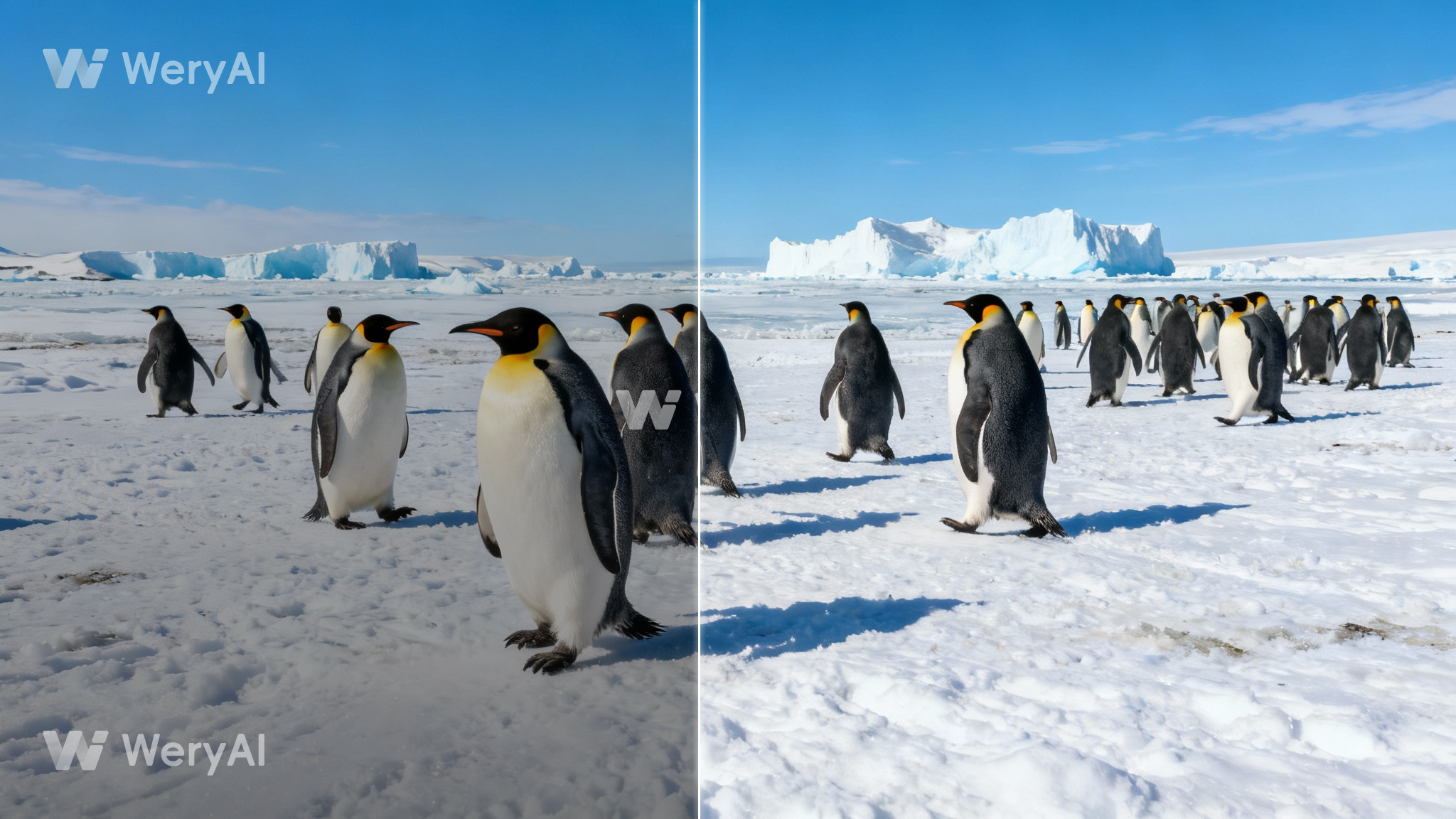
Remove Watermark
Selection Modes
One-Click Erase

Precision Erase

1.One-Click Erase: AI automatically detects and removes common watermarks.2.Precision Erase: Use the brush tool to manually remove complex objects like moving subtitles or timestamps.
Upload Video
Click to upload video
Operation Steps
- 1.Upload video
- 2.Click "Generate" to start AI-powered watermark removal
0Credits
Log in to Create for FreeTry Now

History
Img2Img
Img2Vid
Remove Video Watermark
Video Face Swap
Video Lip Sync

The create result will be displayed here
Img2Img
Img2Vid
Remove Video Watermark

No inspiration data
Free Online AI Video Watermark Remover
Instantly erase watermarks, logos, text overlays, and subtitles from your videos. Paste a video link or upload a file, select the area, and let our AI restore the background pixel-perfectly without blurring.
AI Video Watermark Remover - Restore Pure Clarity Instantly
AI-powered video watermark removal. Restore pure, clean footage with one click—no complex operations required.
Why Choose WeryAI for Watermark Removal?
Flawless Repair, Original Quality

Our powerful AI algorithms don't just blur or crop. They intelligently analyze pixels around the watermark and perfectly reconstruct the area, ensuring seamless integration with your original video—no traces, no quality loss.

Effortless & Automated
Forget complex video editing software! With WeryAI, there's no need for manual frame-by-frame editing. Simply upload your video, and our AI will automatically detect and remove watermarks. The entire process is fast and simple, saving you valuable time.

Versatile & Powerful
Whether it's static logos, scrolling text, or annoying date stamps, WeryAI can accurately identify and remove them. Our tool handles a wide range of complex scenarios, ensuring your video looks clean and professional.

Secure & Fast
We're committed to protecting your data. Uploaded video files are automatically deleted after processing. Our advanced cloud servers ensure efficient processing speeds, so you can download your watermark-free HD videos instantly.

How to Use
Remove watermarks in three simple steps
1
Upload Video
Click to upload or drag and drop your video file here (supports MP4, MOV, AVI, and other mainstream formats).
2
Select Area
Use your mouse or trackpad to select the area containing the watermark. You can select multiple areas, each will be processed independently.
3
Remove Watermark
Click the "Remove Watermark" button, and our AI algorithm will start processing your video. Once complete, you can download your watermark-free video.
Explore Other Cutting-Edge AI Video Tools from WeryAI
AI Video Face Swap
AI Video Lip Sync
AI Video Subtitle Remover
Frequently Asked Questions
How to remove a watermark from a video online for free?
Simply upload your video to WeryAI or paste a video link. Use the selection box to cover the watermark, and click "Generate". It's 100% free to try.
Can I remove moving subtitles or text?
Yes. Use the "Precision Erase" mode to select the text area. Our AI tracks the watermark across frames to ensure clean removal throughout the video.
Does it work for TikTok or YouTube videos?
Absolutely. You can remove platform logos (like the TikTok bouncing watermark) or channel watermarks to get a clean video for personal use.
Will the removed area look blurry?
No. WeryAI uses advanced "Video In-painting" technology to fill the erased area with realistic textures generated from the surrounding video, avoiding the ugly blur effect.
What video formats do you support?
We support all major formats including MP4, MOV, AVI, and WebM.