Free AI Video to Anime Converter
Click to upload video



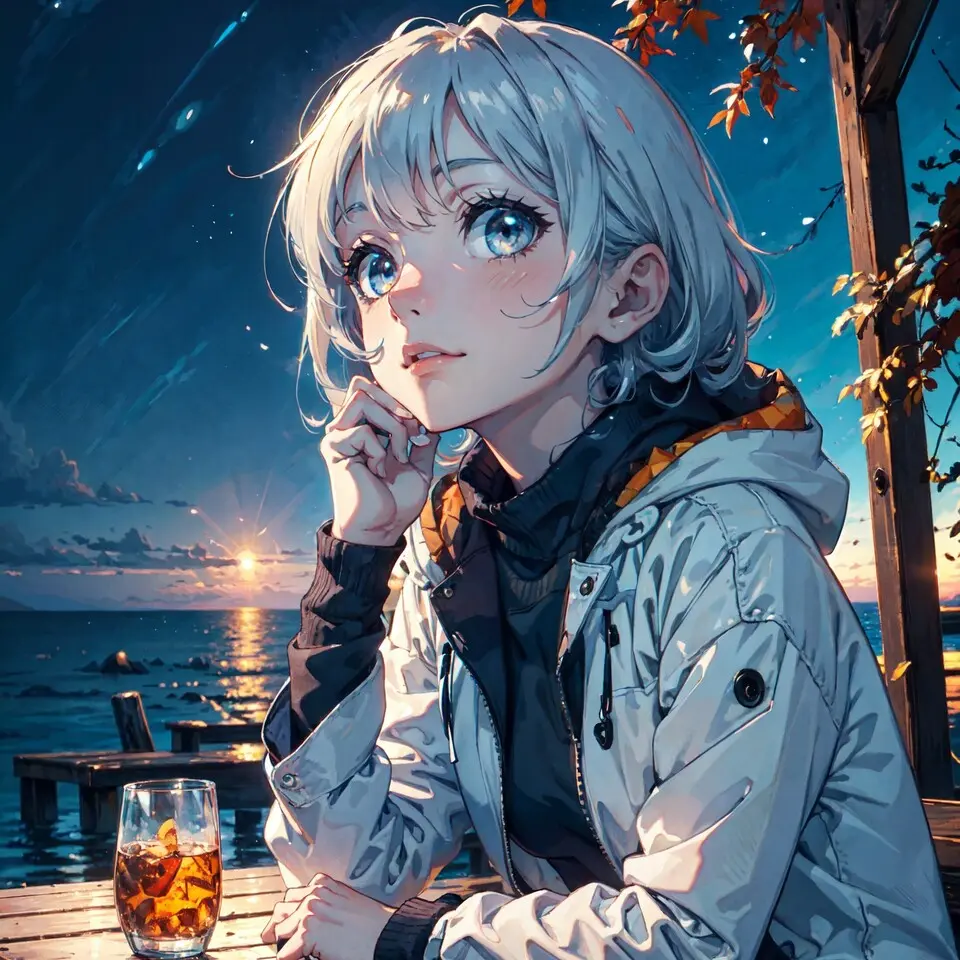

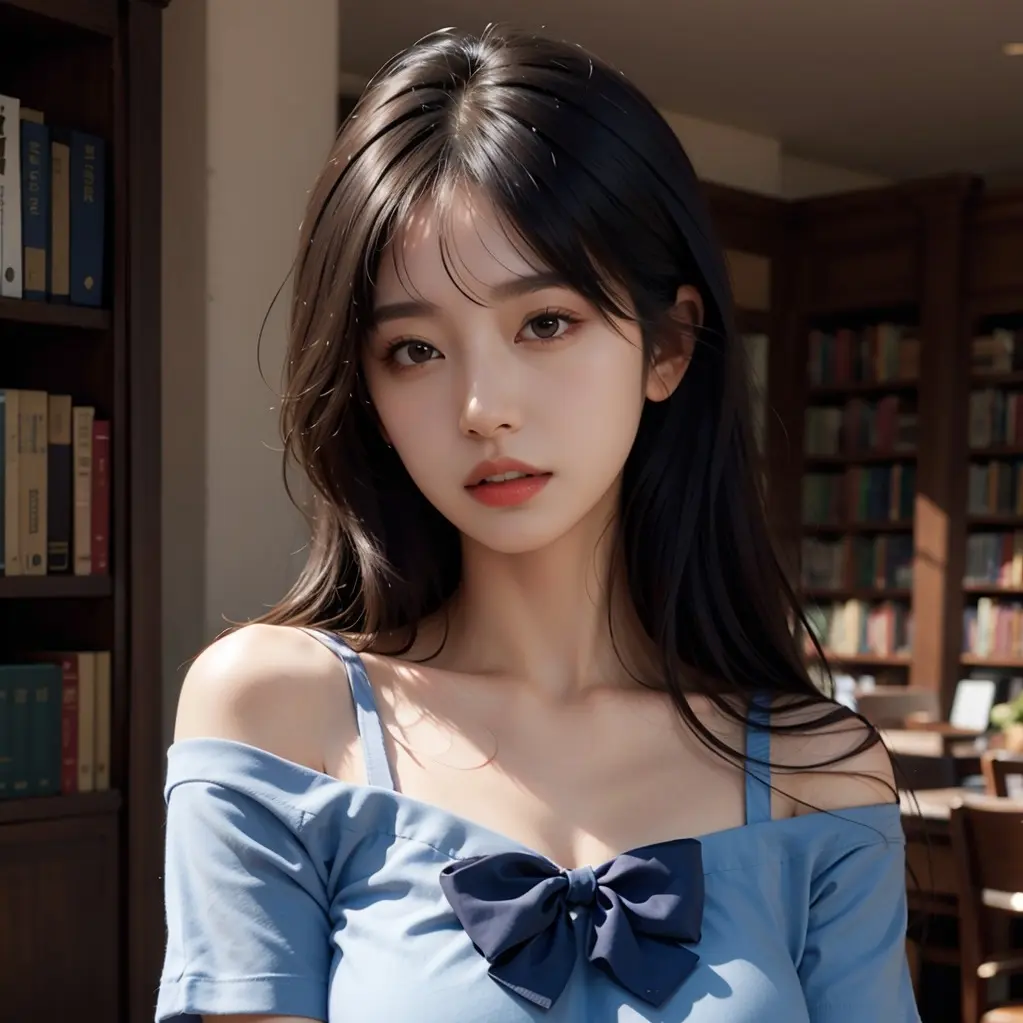

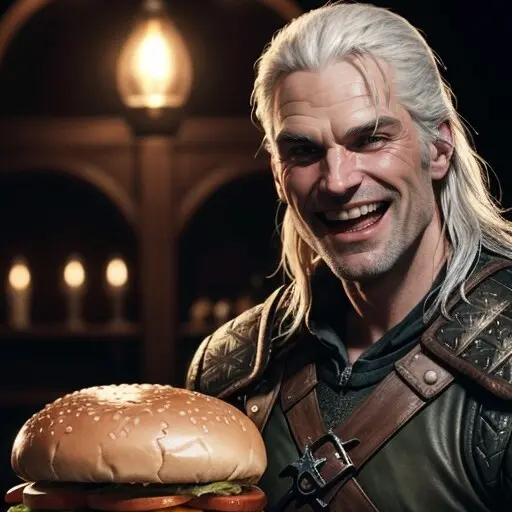
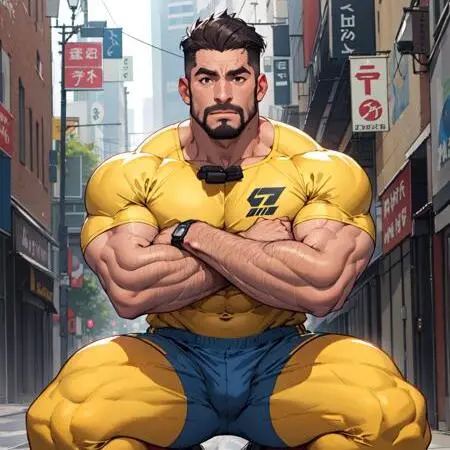
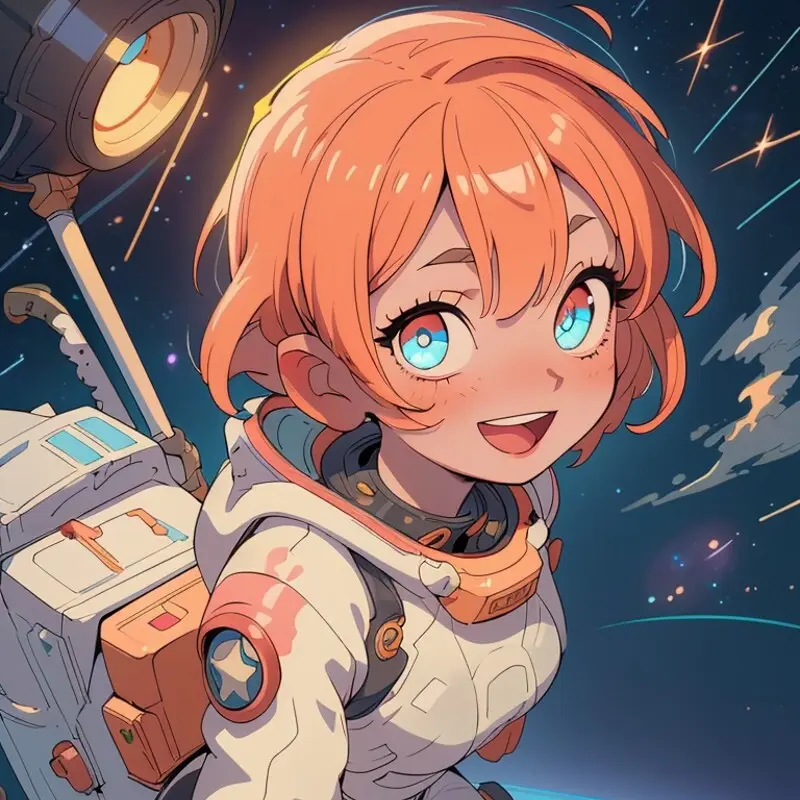
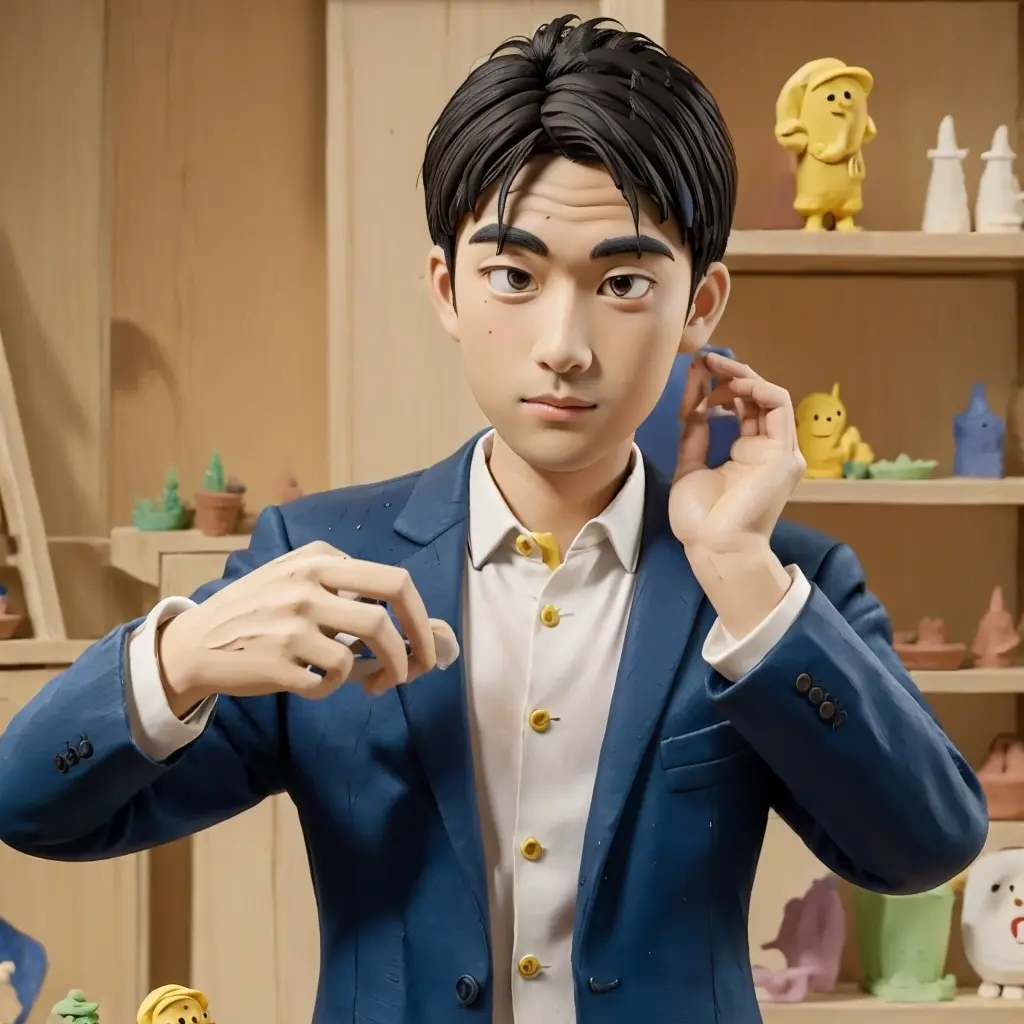
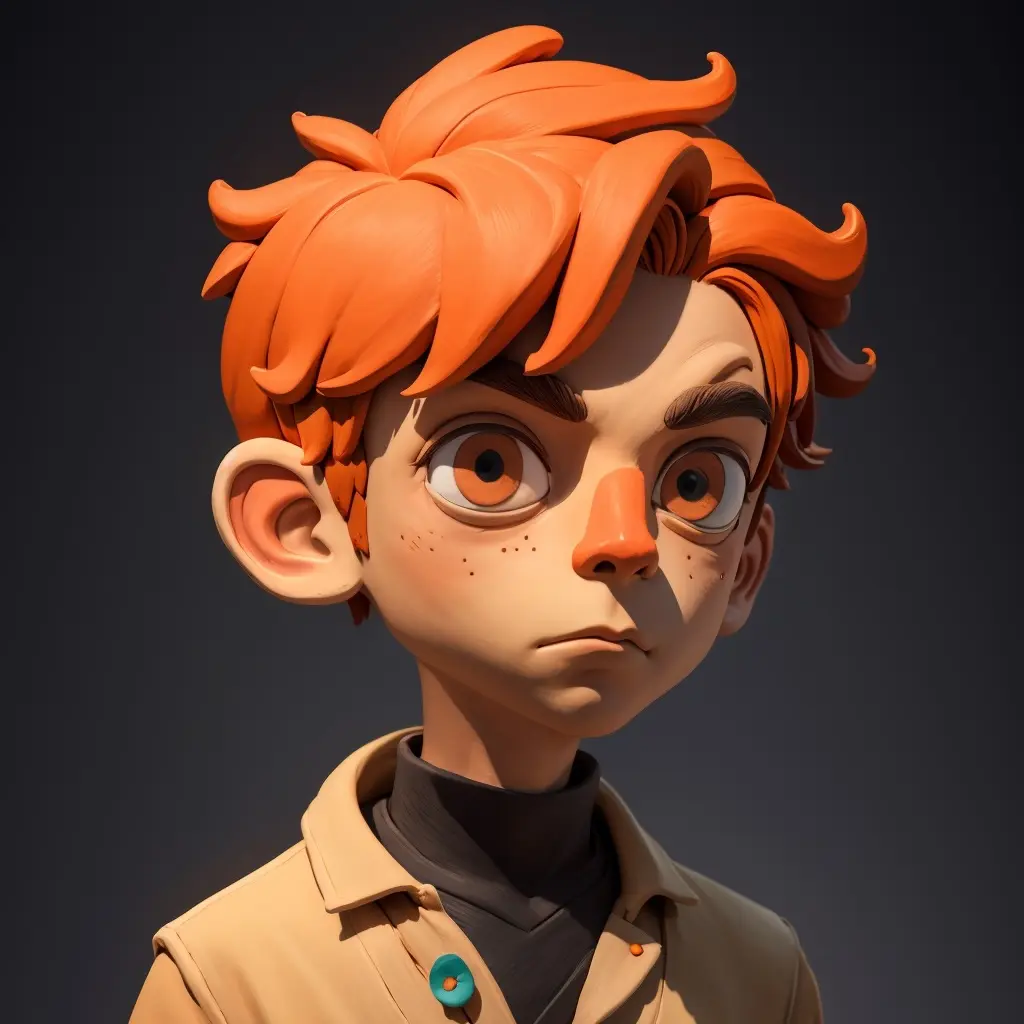
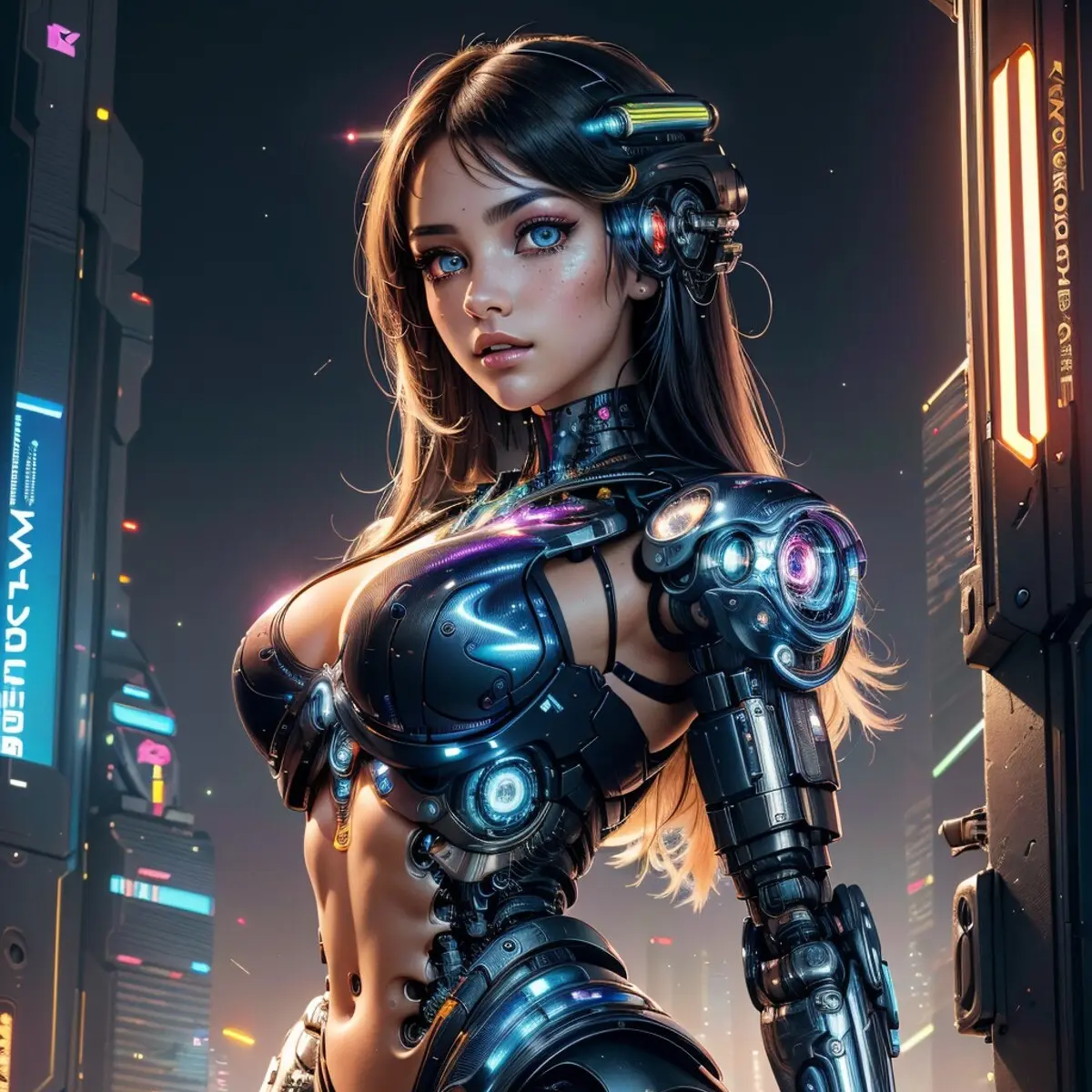
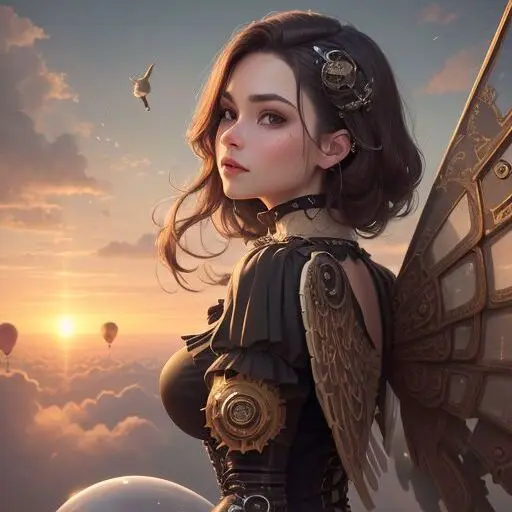
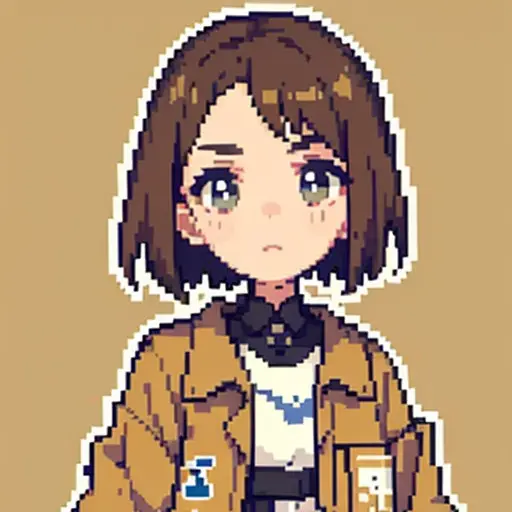

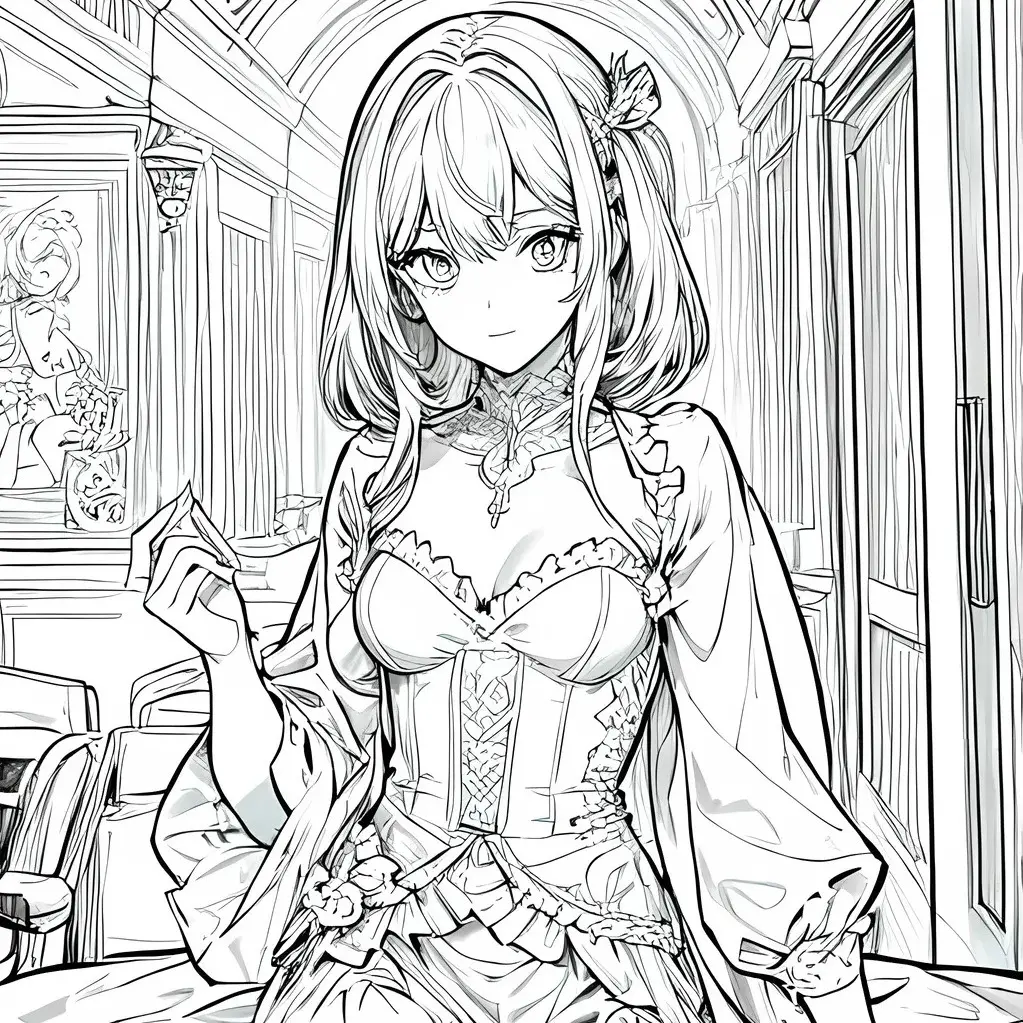
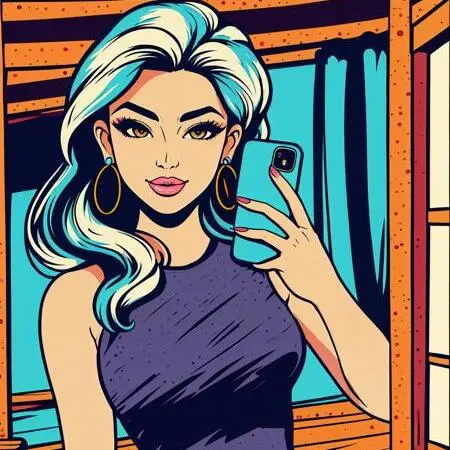


Free AI Video to Anime Converter
Learn how to convert video to anime using AI in three steps: upload a real-life clip, choose anime / Pixar / sketch style, and generate frame-stable animation — free credits, no credit card required.
AI Video to Anime - Transform Reality into Animation in One Click
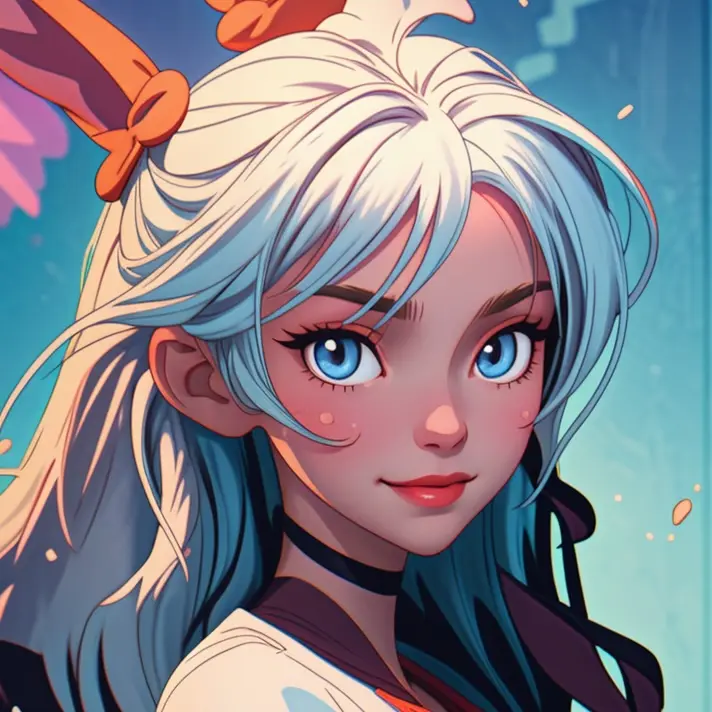
Transform your real-world videos into Pixar animations, classic anime, pixel art, or ink paintings in an instant! WeryAI's powerful video stylization engine offers dozens of artistic styles, making your Vlogs, ads, and MVs stand out from the crowd.
Video to anime details before you start
- Input
- Upload a video file and choose an anime, cartoon, Pixar, or sketch style. The uploader accepts browser-supported video formats.
- Output
- Generate a restyled video with frame-by-frame motion consistency for short-form content such as Shorts, Reels, and TikTok clips.
- Steps
- Upload a video, choose a style, click Create, then preview and download the anime video.
- Limits
- Videos longer than 30 seconds are rejected. Flicker, fast motion, low resolution, and heavy compression can reduce style consistency and detail.
Key Features
Massive Art Style Library
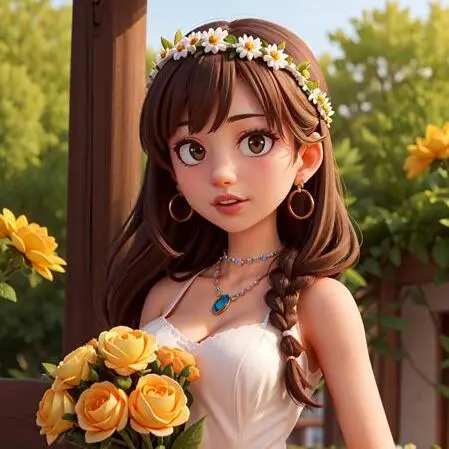
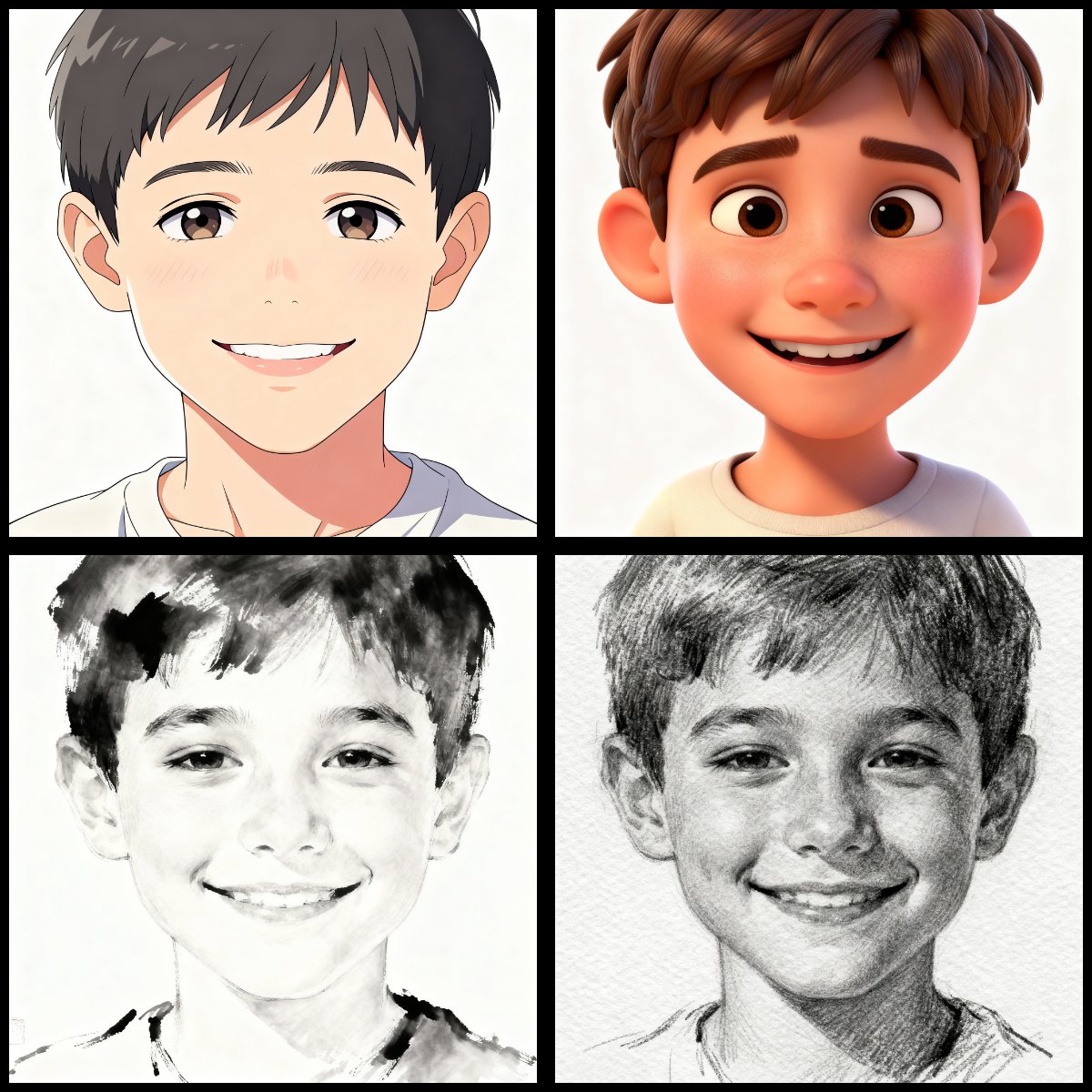
Pixar & 3D: Create cute, Disney-style animated clips perfect for family videos.
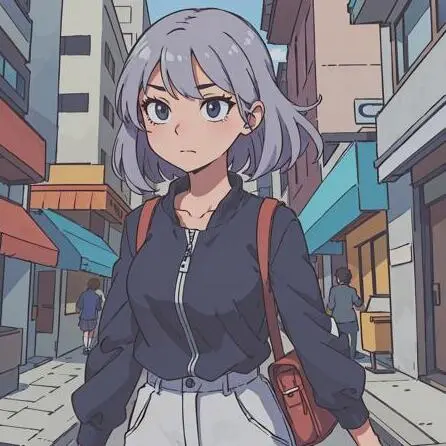
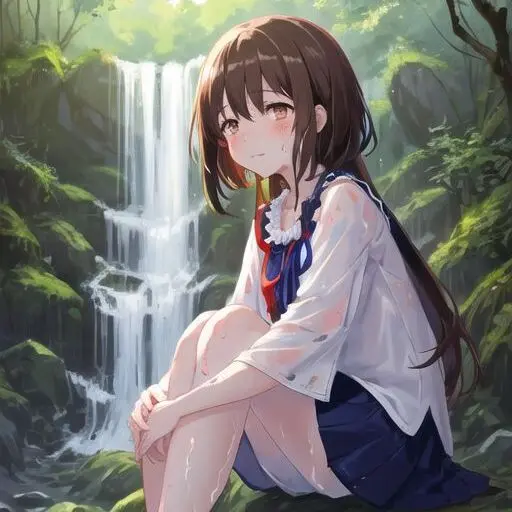
Classic Anime: Get that authentic Japanese animation look (Ghibli/Shinkai style).
Sketch & Ink: Turn videos into artistic hand-drawn pencil animations.
Frame-by-Frame Stability
No Experience Needed - Everyone is an Animator
Viral Content Creator
How to Use
Complete video anime conversion in three steps, easily create your exclusive animated masterpiece Support MP4, MOV, AVI, WMV, WEBM formats Maximum video duration: 30s
Upload Video
Click or drag a real-world video clip you want to stylize.
Select Art Style
In our rich style library, click to select your favorite one (e.g., Cute Anime V3).
Generate and Download Animation
AI will process frame by frame in the cloud. Once completed, you can preview and download your exclusive animated masterpiece!