AI Image Background Remover
Click to upload image
Supports JPEG, PNG, WEBP and more. Max size 15MB. Max resolution 4096×4096 pixels.
0Credits
Log in to Create for FreeTry Now

History
Img2Img
Img2Vid
Remove Video Watermark
Video Face Swap
Video Lip Sync

The create result will be displayed here
Img2Img
Img2Vid
Remove Video Watermark

No inspiration data
Remove Image Background Instantly
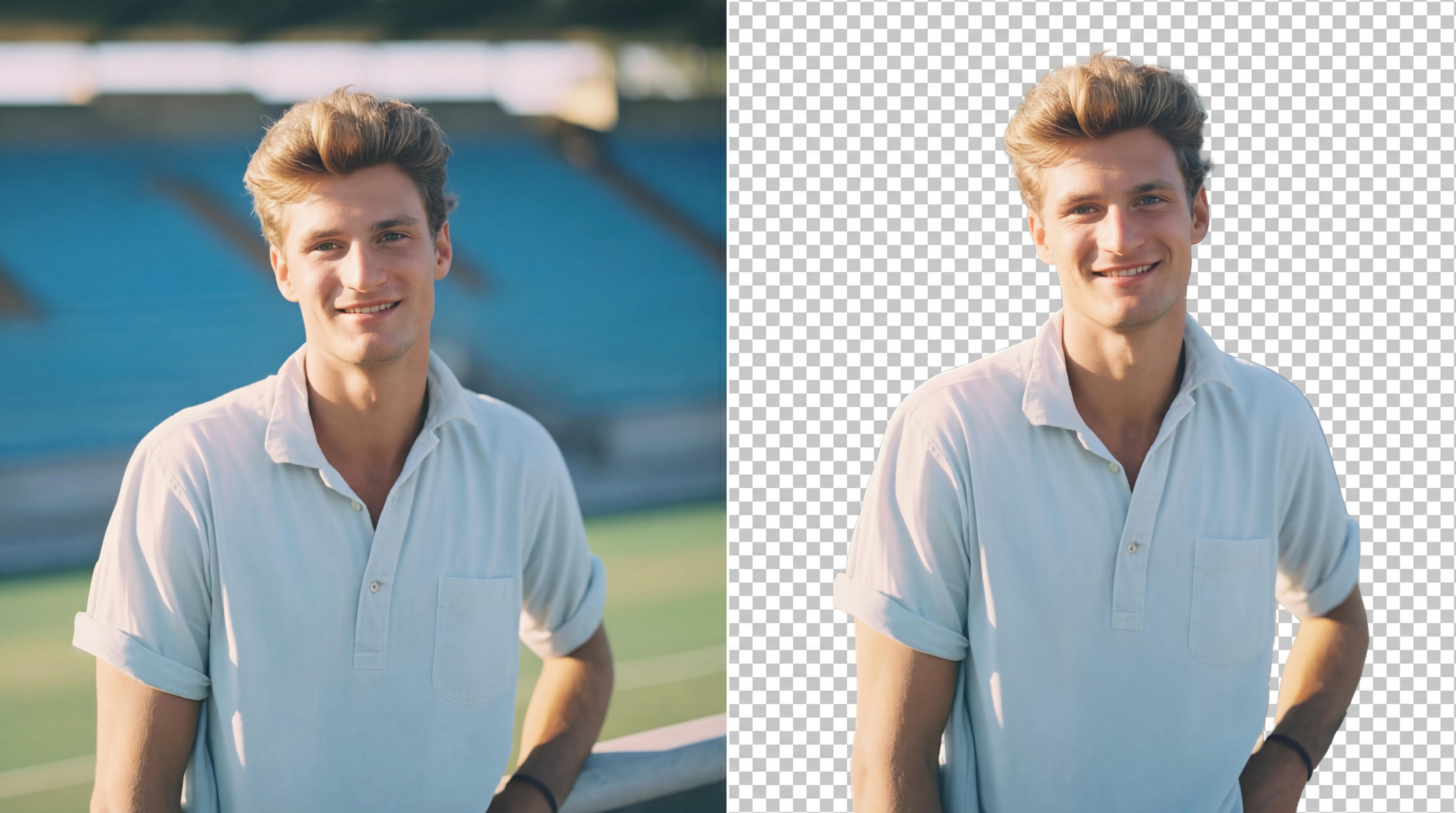
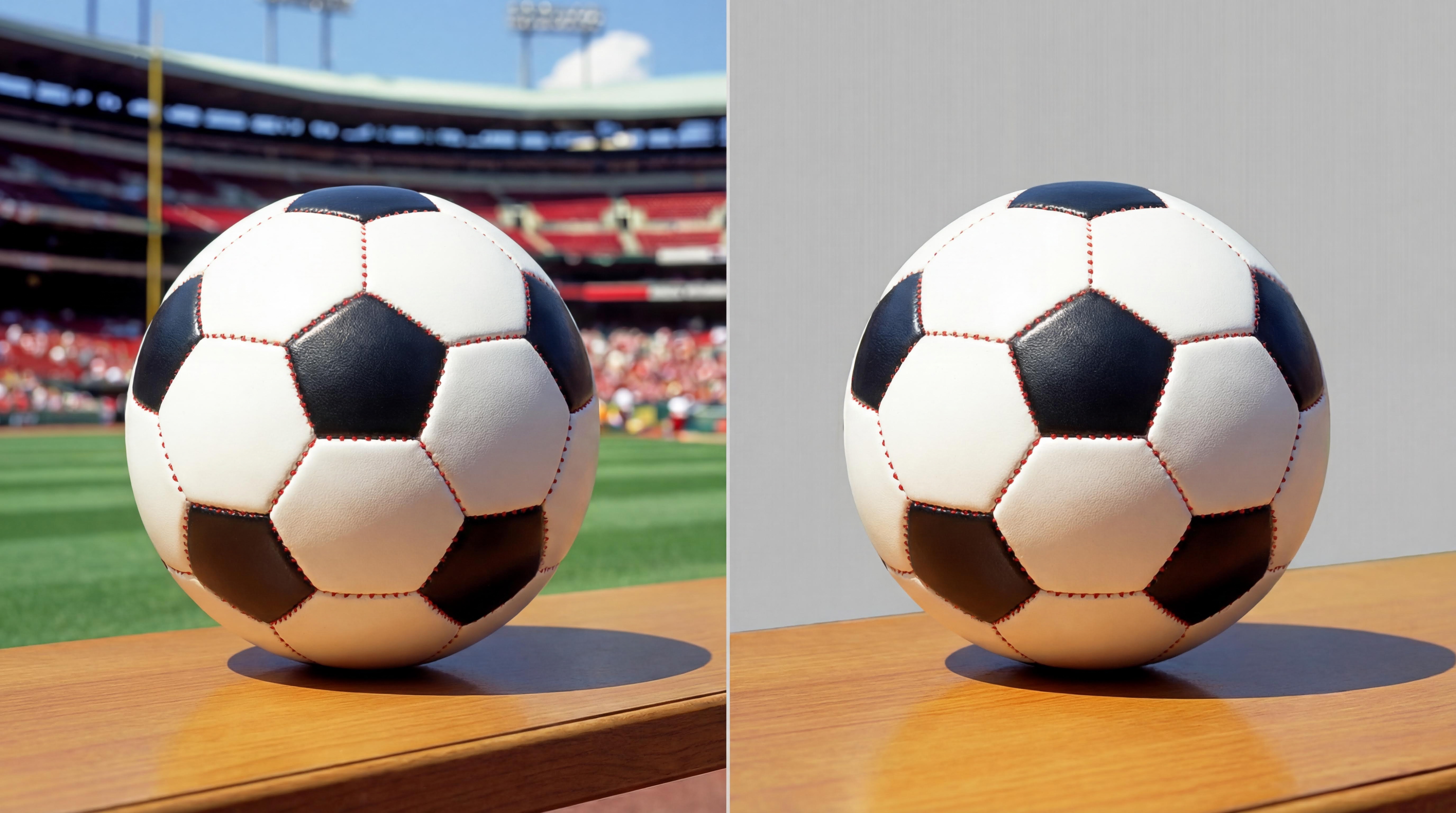
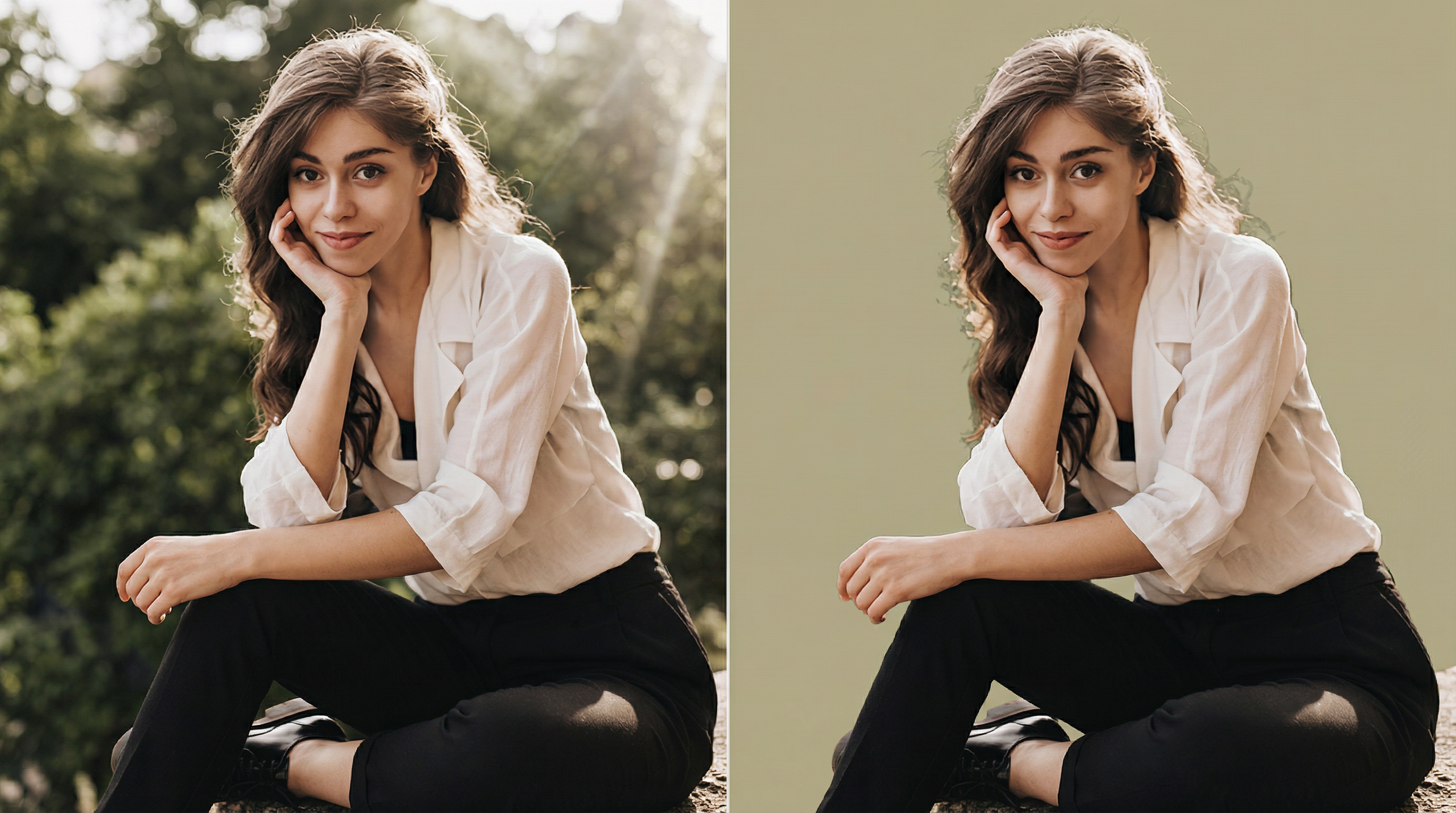
Our AI background remover clears scenes and clutter in one click with precise subject detection for clean, professional results. Perfect for portraits and e-commerce product photos, and supports batch processing for fast editing of multiple images.

Key Features
Boost E-commerce Product Appeal
Remove distracting backgrounds to create clean, professional product photos that grab attention, build trust, and improve conversions.

Create Polished Professional Portraits
Remove the background from a photo to instantly generate an elegant portrait suitable for resumes, portfolios, and professional settings.

Make Eye-catching Social Media Content
Isolate the subject to simplify post and ad creation, blending seamlessly with custom backgrounds or creative designs to increase engagement.

Save Time on Design Projects
Remove backgrounds effortlessly to focus on ideas, speed up workflows, and deliver high-quality results for collages, posters, and marketing assets.

How to Use
Three steps to turn your imagination into a new background
1
Click to upload an image
2
Wait for the tool to detect and remove the background
3
Download a high-quality image with a transparent background in seconds
Explore More AI Visual Technology from WeryAI
Replace photo backgrounds with any scene you want
AI Image Upscaler
AI Image Resizer
Photo Face Swap
Frequently Asked Questions
What is an AI background remover?
An AI background remover instantly clears the background from photos and other images. It uses AI to distinguish the subject from the background, removing the background without damaging the subject.
Why use our background remover?
WeryAI is one of the most powerful image background removal tools available. With advanced AI, it precisely separates subjects from backgrounds and removes backgrounds with fine detail—so you can add any new background you want.
What is the best AI background remover?
WeryAI is a top choice thanks to its leading technology. It reliably separates subjects from backgrounds across different sizes and image qualities, delivering fast and consistent results.
How do I remove a background with AI?
Simply open the WeryAI background remover page and upload the image you want to edit. AI will automatically detect the background and remove it in seconds.
Can I try this AI background remover for free?
Yes. WeryAI provides free trial credits, so you can test the background remover without paying—just like our other AI image tools.
Which image formats are supported?
This background remover supports popular formats such as JPEG and PNG. Upload your image and remove the background instantly.
How fast is the free background remover?
It is very fast and usually finishes in just a few seconds. Speed may vary slightly depending on network conditions.
Are my uploaded images private and secure?
Yes. We take privacy and security seriously. All user data is encrypted and stored on secure servers, and other users cannot view or access your files.
Can it handle old images?
Yes. It works with any image, regardless of age, size, or quality. For best results, make sure there is clear contrast between the subject and the background.