Free AI Video Subtitle Remover


Click to upload video
- 1.Upload a video or paste its link
- 2.Click "Generate" to run the AI cleaner
- 3.Wait for processing then download the subtitle-free video


Free AI Video Subtitle Remover
Struggling with burned-in captions? WeryAI's intelligent algorithm automatically detects and erases hardcoded subtitles, lyrics, and on-screen text from your videos. Paste a link or upload a file to restore a clean, text-free video instantly.
Free AI Video Subtitle Remover
Struggling with burned-in captions? WeryAI's intelligent algorithm automatically detects and erases hardcoded subtitles, lyrics, and on-screen text from your videos. Paste a link or upload a file to restore a clean, text-free video instantly.
Subtitle remover details before you start
- Input
- Upload MP4, MOV, AVI, WMV, FLV, WEBM, M4V, or MKV files up to 500MB, or paste a supported video link.
- Steps
- Upload a file or paste a link, choose one-click removal or precision selection, let AI detect and inpaint the text, then preview and download the result.
- What it removes
- The tool targets hardcoded subtitles, captions, lyrics, logos, timestamps, and other on-screen text. It cannot switch off a separate subtitle track.
- Limits
- Use 720p or higher for better results. Dense motion, large overlays, and heavily covered backgrounds can leave visible reconstruction artifacts.
Key Features
Intelligent Text Detection

Seamless In-painting

One-click cleanup for every overlay
Link & File Support

Three steps to a subtitle-free video
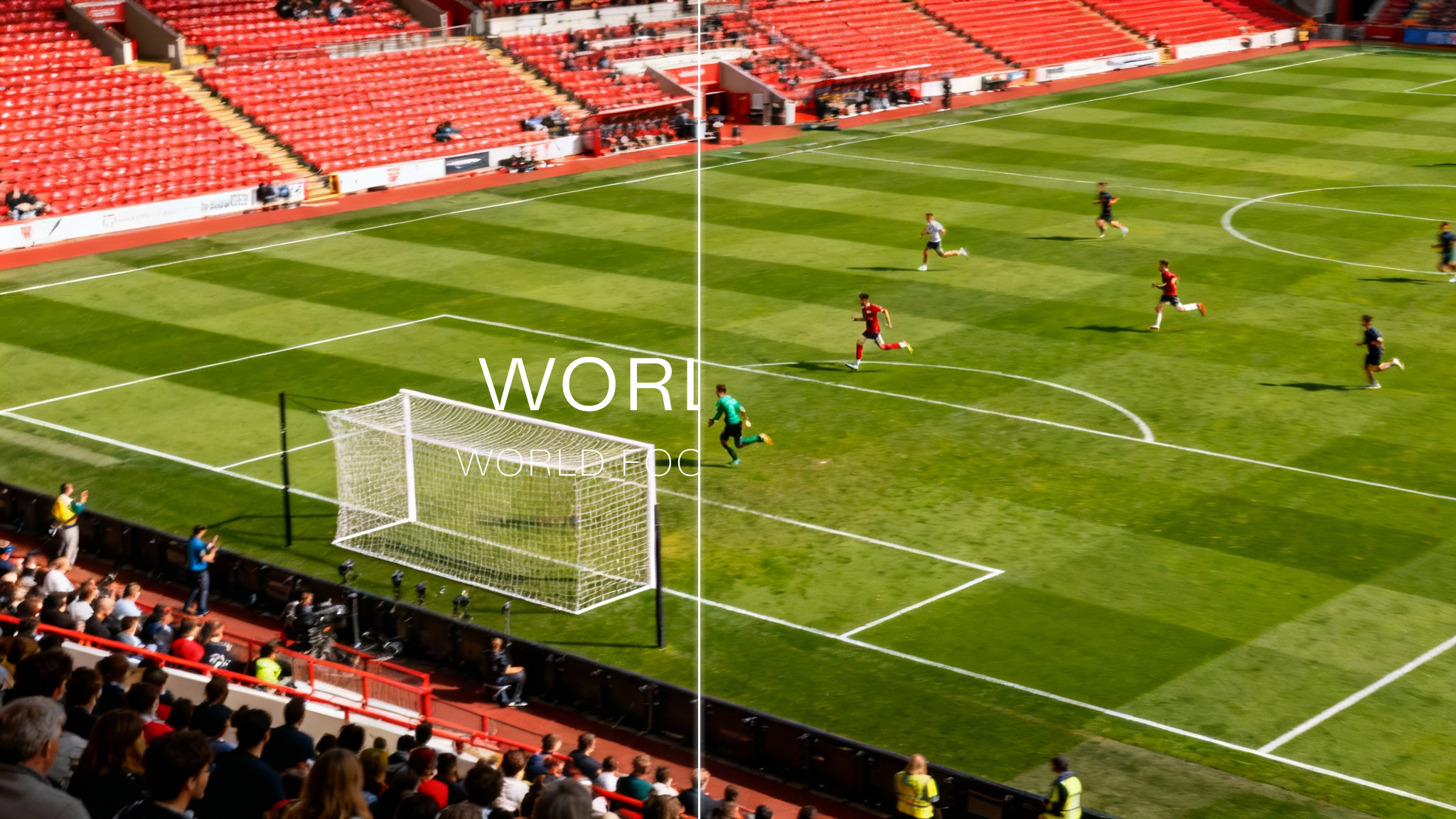
Supports MP4, MOV, AVI, WMV, FLV, WEBM, M4V, MKV formats up to 500MB For best results, use videos in 720p or higher quality Yes. This tool is specifically designed for hardcoded subtitles that are part of the video image and cannot be turned off. It erases them visually. Say goodbye to blurry boxes. WeryAI fills the erased text area by analyzing surrounding pixels, reconstructing textures like grass, sand, or crowds naturally.
1. Upload the video
Drag and drop or select a video file from any device Supports MP4, MOV, AVI, WMV, FLV, WEBM, M4V, MKV formats up to 500MB
2. AI subtitle removal
Our AI automatically detects all on-screen text and removes it in the cloud Yes. This tool is specifically designed for hardcoded subtitles that are part of the video image and cannot be turned off. It erases them visually. Say goodbye to blurry boxes. WeryAI fills the erased text area by analyzing surrounding pixels, reconstructing textures like grass, sand, or crowds naturally.
3. Download the clean video
Preview the refreshed result and download it within seconds For best results, use videos in 720p or higher quality