Free AI Image Translator & Text Replacer
Click to upload image


Free AI Image Translator & Text Replacer
Translate posters, menus, comics, and screenshots in seconds. Unlike standard translators that just overlay text, WeryAI uses Generative AI to erase the original text and redraw the background, making the translated text look like it was part of the original design.
AI Image Translation - Translate and Redraw Text in Images with One Click
Still manually copying and pasting text from images? WeryAI revolutionizes this by directly recognizing and translating any text in images, seamlessly replacing it with the target language while perfectly preserving the original image's style and layout.
Image text translator details before you start
- Input
- Upload a clear image such as JPG, PNG, or WEBP, then choose the target language for the text replacement workflow.
- Output
- Receive a translated image with the original composition and background redrawn around the replaced text.
- Steps
- Upload the image, choose a target language, click Create, then preview and download the translated image.
- Limits
- Clear, printed text usually works best. Results can vary with handwritten text, very small text, blur, complex backgrounds, or low-resolution images.
Why Choose WeryAI for Image Translation?
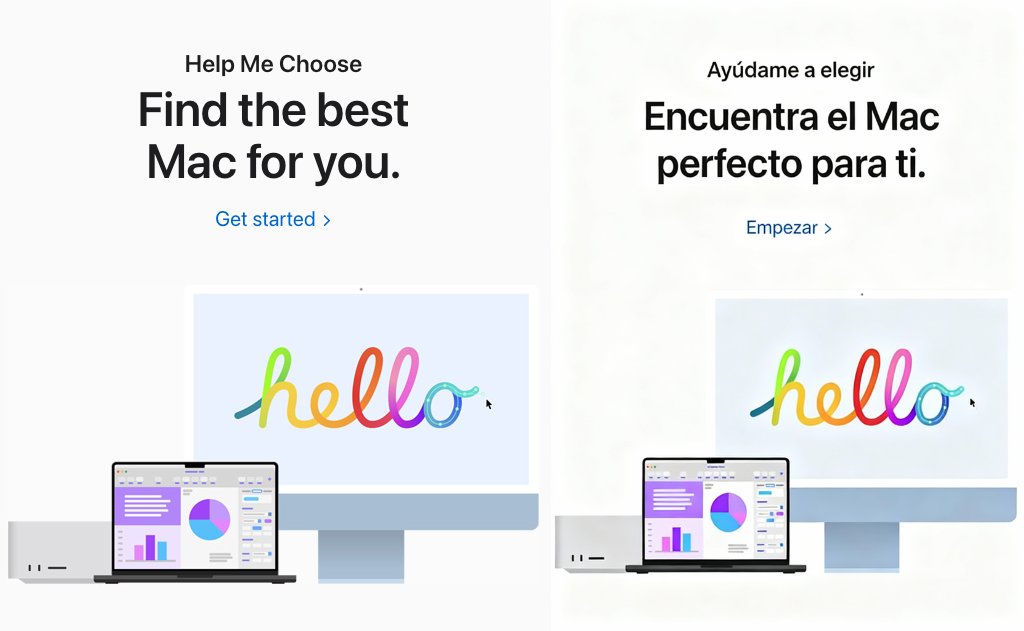
Smart Inpainting & Redrawing
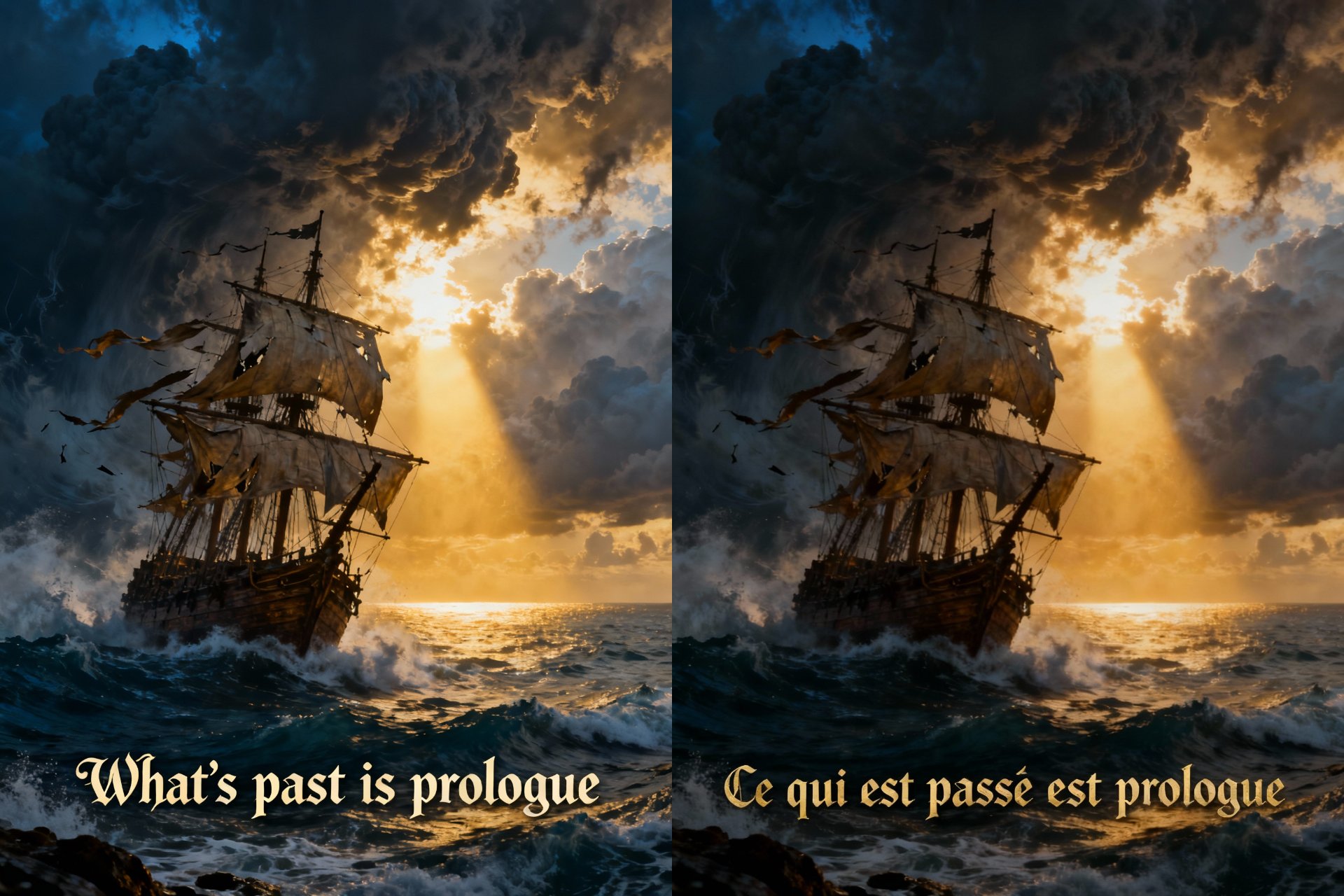
Accurate AI Translation Engine
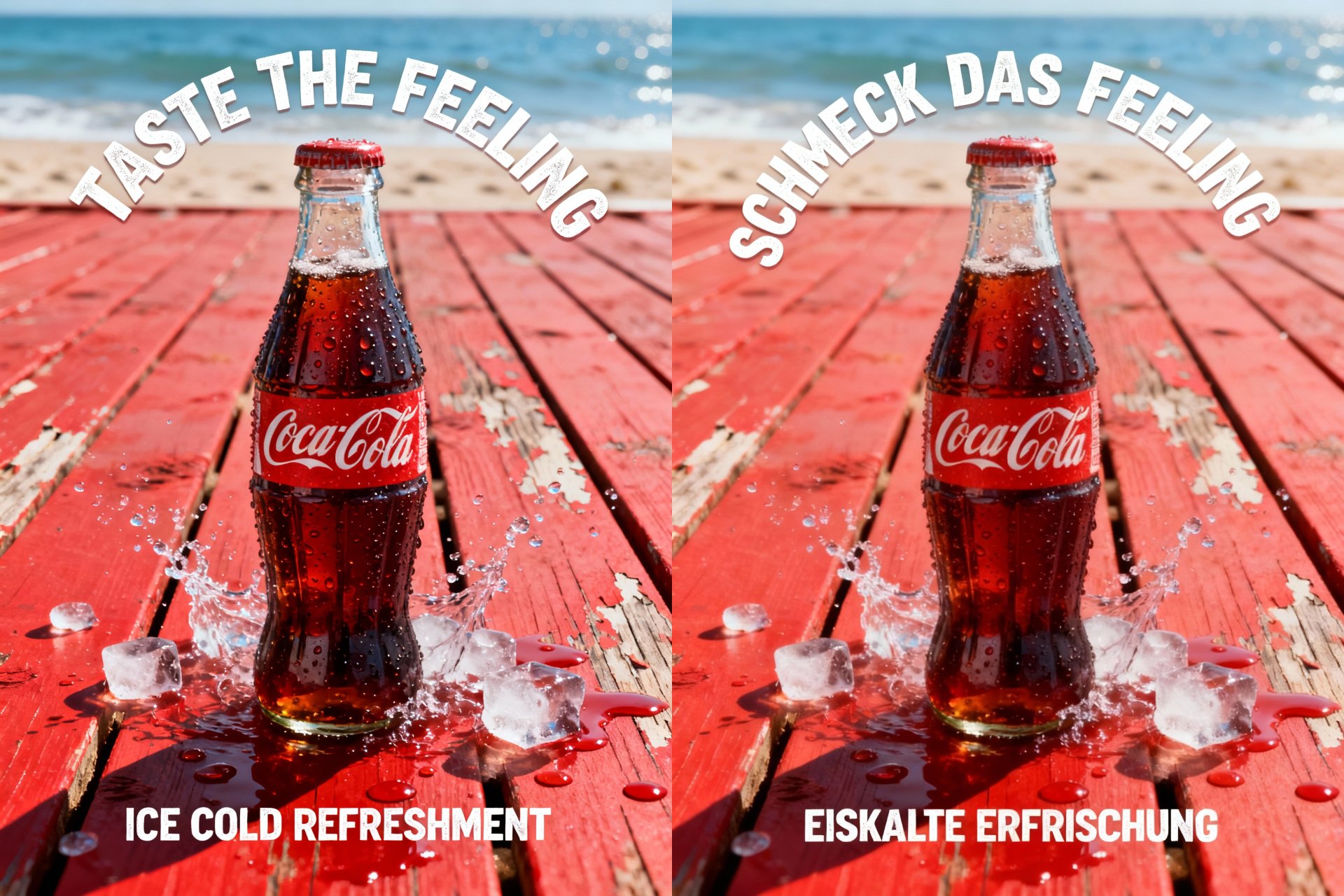
Global Marketing Localization
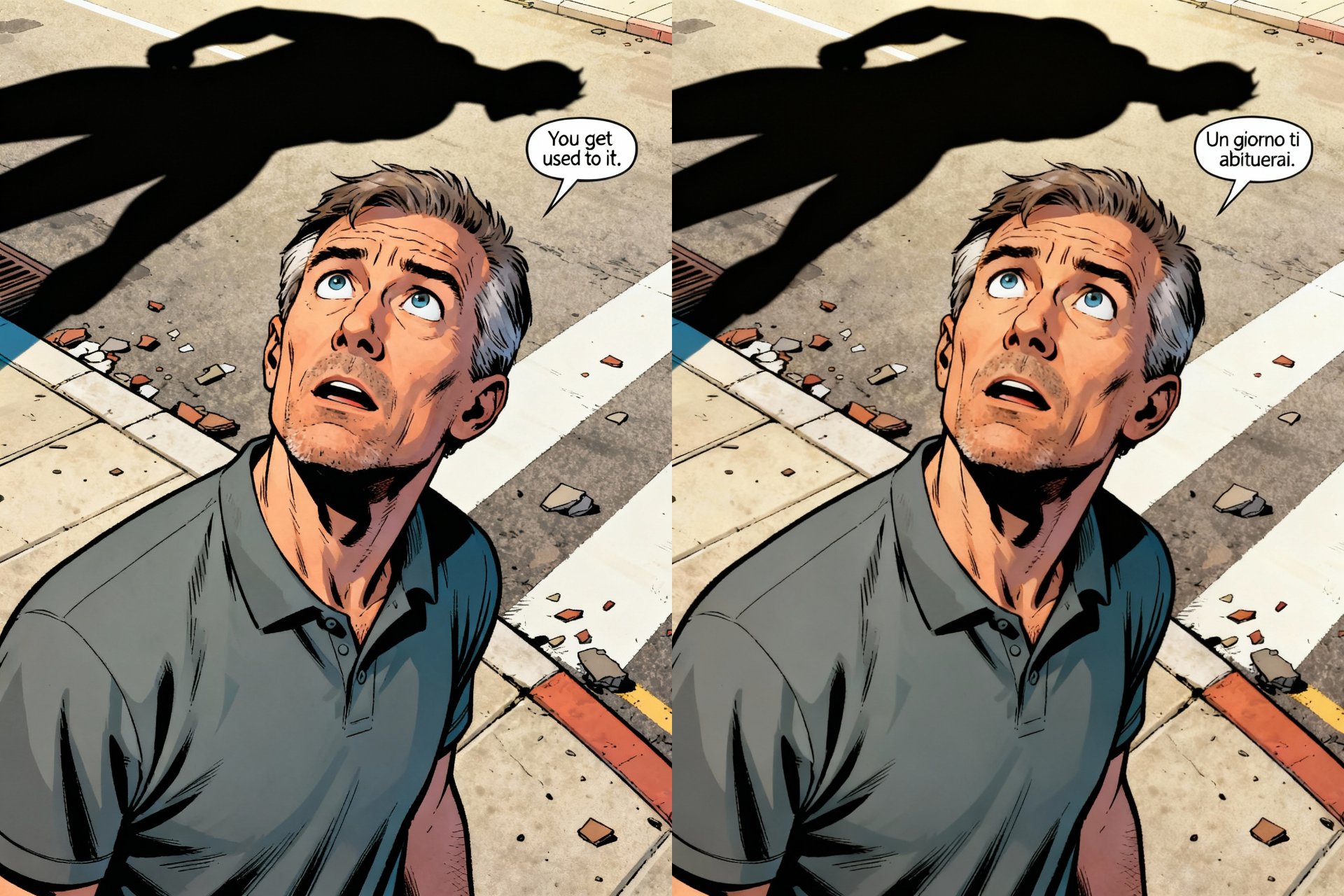
Manga & Comic Translation
Just Two Steps, Easily Translate Images
Translate posters, menus, comics, and screenshots in seconds. Unlike standard translators that just overlay text, WeryAI uses Generative AI to erase the original text and redraw the background, making the translated text look like it was part of the original design. Clear images work better Processing time depends on image size
Upload Image (Original)
Click or directly drag and drop your image file here (supports JPG, PNG, WEBP formats). For best results, use clear images.
Select Target Language (Translate to)
Select the language you want to translate to from the dropdown menu, then click generate. Our AI will handle everything automatically.
Download New Image
Wait a moment, then preview and download the fully translated new image with replaced text!