Free Online AI Image to Video Generator
Click to upload image

Let Vlo complete your story and shot description


Free Online AI Image to Video Generator
Meet Our All-in-One Image to Video AI
WeryAI is a perfect, all-in-one image to video AI platform. We provide access to all the industry-leading video models, all in one single place. Try them seamlessly and create stunning visuals without juggling multiple platforms!
Image to video details before you start
- Input
- Upload a still image such as JPG, PNG, or WEBP and describe the motion. Models with reference mode may also accept supported extra image, video, or audio references.
- Output
- Generate an MP4 video. Available duration, resolution, aspect ratio, audio, and reference options depend on the selected model.
- Steps
- Upload an image, choose a model, describe the motion, select the available options, then generate and download the video.
- Limits
- Results depend on source image quality and model support. Exact motion, identity consistency, and audio availability are not guaranteed for every model.
Use WeryAI Image to Video Generator to animate your images
Use WeryAI to turn any image into a lively story! Use our AI image to video generator to generate creative videos (with audio) from your uploaded photos. Whether you want to generate realistic scenes or animations, we can quickly create them according to your needs.
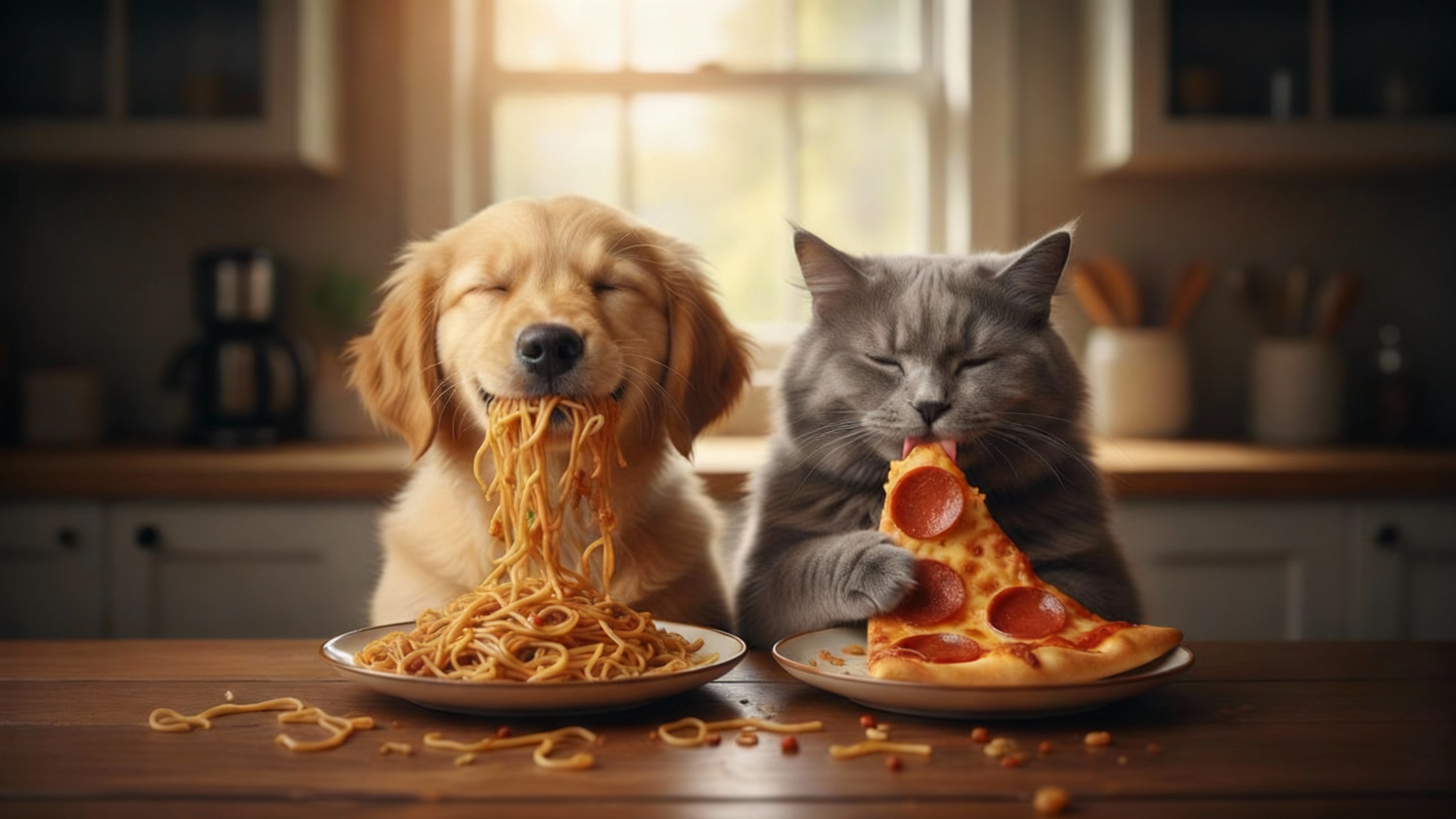
Prompt
A golden retriever puppy, eyes closed in bliss, enjoys a mouthful of Pad Thai noodles from his plate. Beside him, a fluffy gray cat licks a slice of pizza with the same dreamy satisfaction. They sit side by side at a wooden table, each completely absorbed in their delicious dinner. Their content expressions and synchronized enjoyment make the moment hilariously heartwarming — a perfect picture of furry foodie friendship!
Use WeryAI Image to Video Generator, start your infinite possibilities
Experience infinite creative styles—from neon-lit cyberpunk cityscapes to breathtaking natural landscapes. Use our text to video AI to create cinematic immersive videos that align with your unique vision.
Powerful Image to Video AI, Empowering Creators and Businesses
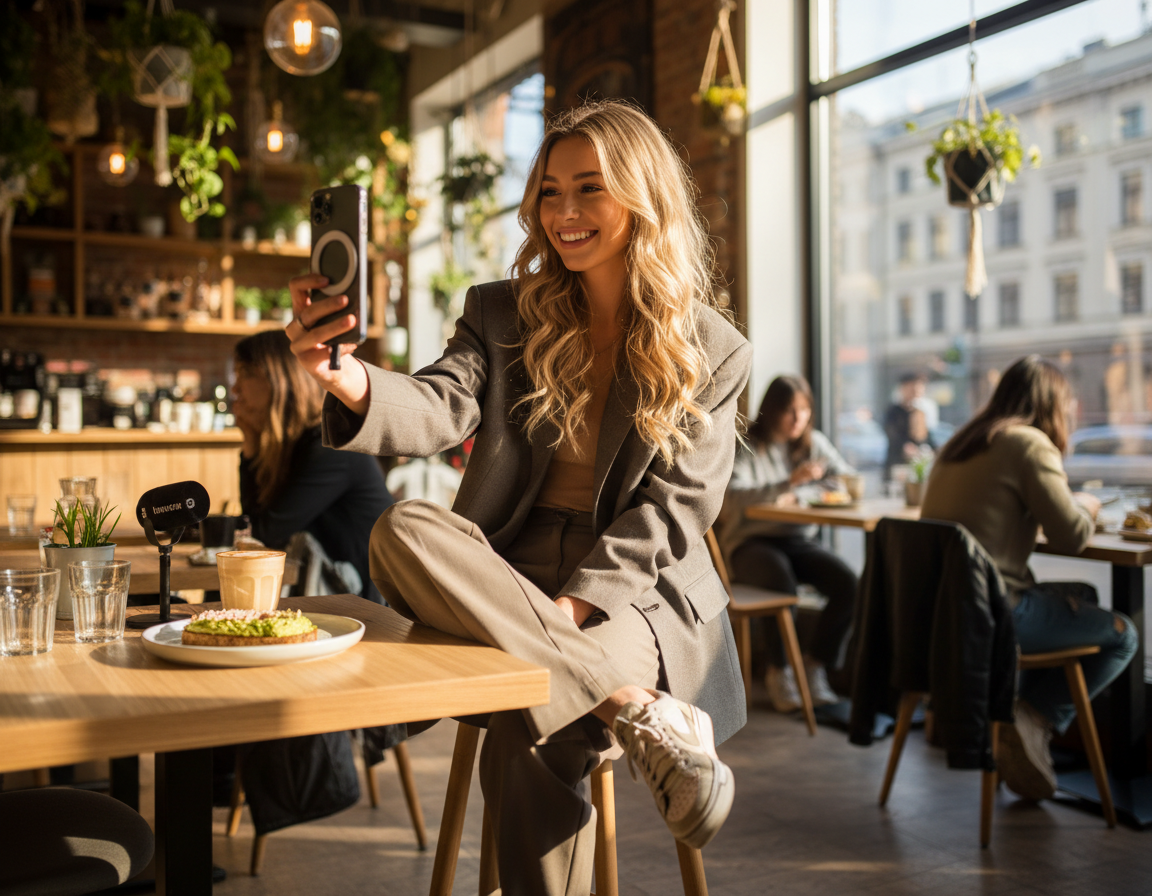
Bring your brand to life and create unforgettable brand stories
Attract audience attention and enhance brand awareness through storytelling brand content.
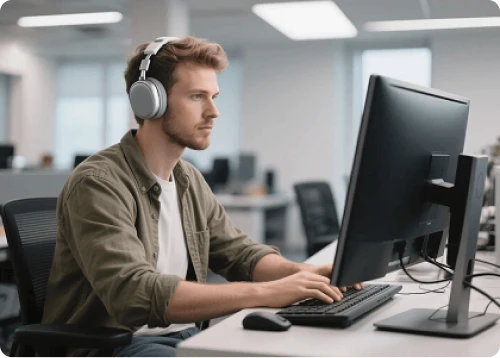
Reduce video production costs by at least 60%
Create brand content without paying high production costs. Generate unique and stunning visual effects at extremely low costs to professionally showcase your products/services.
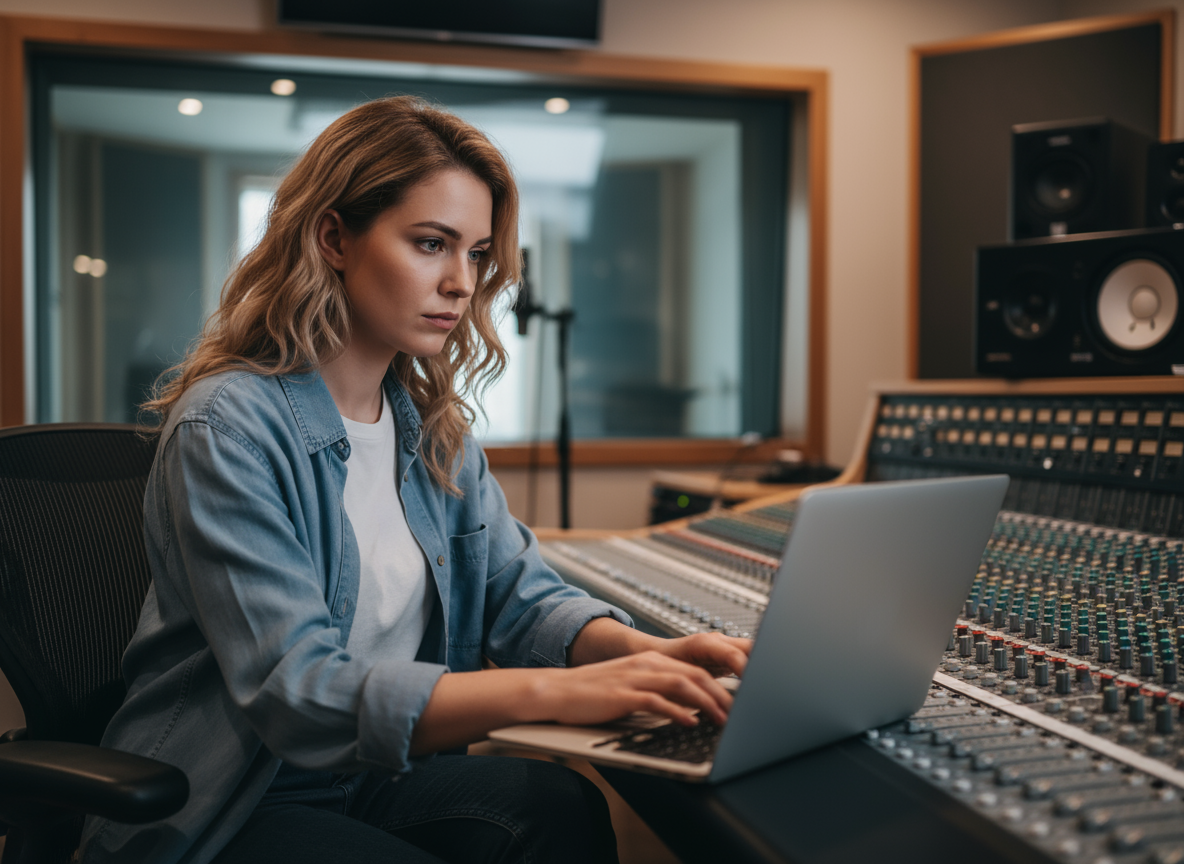
Easily generate stunning cinematic videos
Quickly transform creative concepts into high-quality videos without complex post-production processes. Leverage AI technology to significantly shorten production cycles and bring your creative ideas to life quickly.
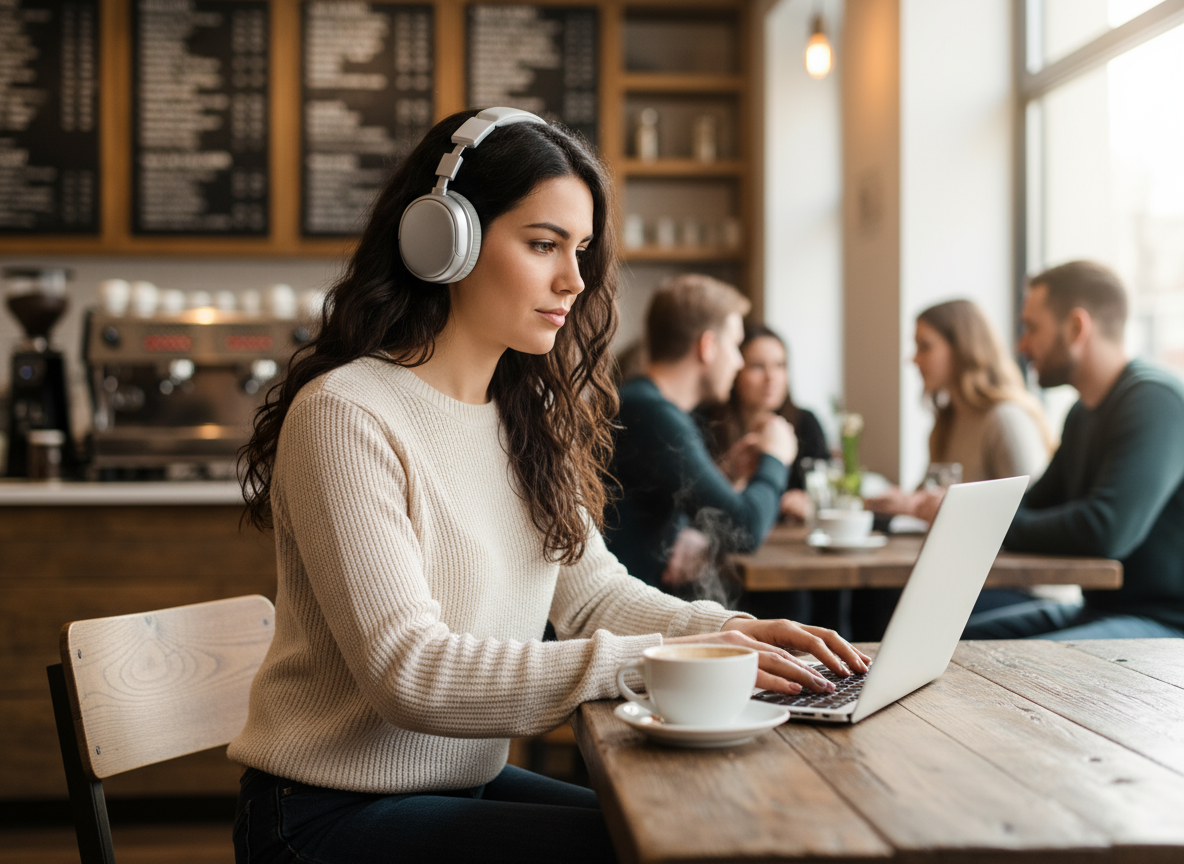
Create eye-catching short videos
Quickly produce high-quality content to maintain account activity. Create professional-grade short video content alone without professional equipment or teams, boosting fan engagement.
How to Use WeryAI Image to Video Generator
Our image to video generator is designed to be very simple. Create videos easily in just three steps.
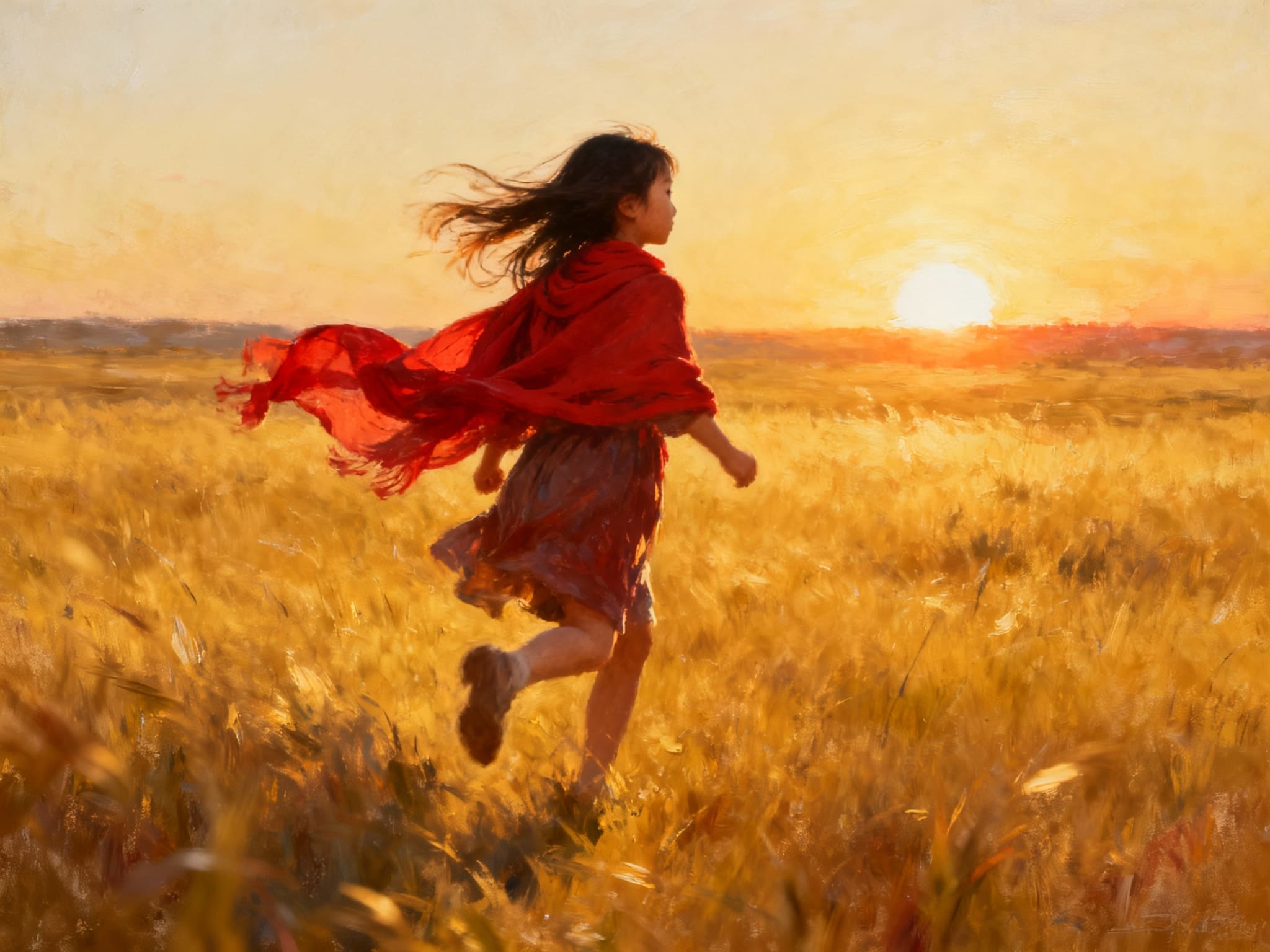

Upload an image, enter content and configure custom options.
Upload a still image, choose an available model, describe the motion, and generate a video. The selected model controls available duration, resolution, audio, and reference-image options.

Launch our image to video generator.
Kling AI is renowned for its realistic motion and longer duration, while Google Veo excels at high-definition details. WeryAI lets you switch between them to find the best fit.

View and download the generated video.
Yes, videos generated under our paid plans come with a commercial license, perfect for YouTube, TikTok, and marketing ads.
Unlock the full potential of other AI video generators
Explore Our Advanced AI Video Tools
homepage.imageToImageAI
homepage.imageToImageAIDesc
Image Text Translation
Translate text in images
Image Aspect Ratio Converter
Adjust image aspect ratios
AI Image Background Changer
Replace image backgrounds with a solid color or a new scene
Image Upscaler
Upgrade image quality and enhance clarity
AI Video Extender
Make your short clips longer automatically
Remove Video Watermark
Intelligently remove watermarks from videos
Video Lip Sync
Sync video lips with audio
Video Face Swap
Replace faces in videos
AI Video Subtitle Translation
Translate video subtitles to specified language
AI Video to Anime Converter
Transform real-world videos into various anime styles
AI Subtitle Eraser
Intelligently remove subtitles from videos
Video Upscaler
Adjust the upscaling factor to enhance video quality
Video Background Remover
Automatically remove backgrounds from videos
Join 10+ million users and create and inspire inspiration with WeryAI
Frequently Asked Questions
Upload a still image, choose an available model, describe the motion, and generate a video. The selected model controls available duration, resolution, audio, and reference-image options.
Yes! New users get free credits on signup -- no credit card required. You can also earn more free credits every day through daily check-in, completing tasks, and inviting friends. This means you can keep turning photos into AI videos for free.
Kling AI is renowned for its realistic motion and longer duration, while Google Veo excels at high-definition details. WeryAI lets you switch between them to find the best fit.
Yes, videos generated under our paid plans come with a commercial license, perfect for YouTube, TikTok, and marketing ads.
WeryAI provides high-quality outputs. For watermark-free videos, please verify your plan details or use our dedicated AI Watermark Remover tool.

Ready to Start Creating?
Experience the power of Veo 3.1 and turn your creative ideas into professional video content.
No credit card required