Wan 2.7 Image Generator

Upload
 Log in to Create for Free
Community Featured Works
Stunning creations generated by AI models
Loading...
Wan 2.7 Image Core Features

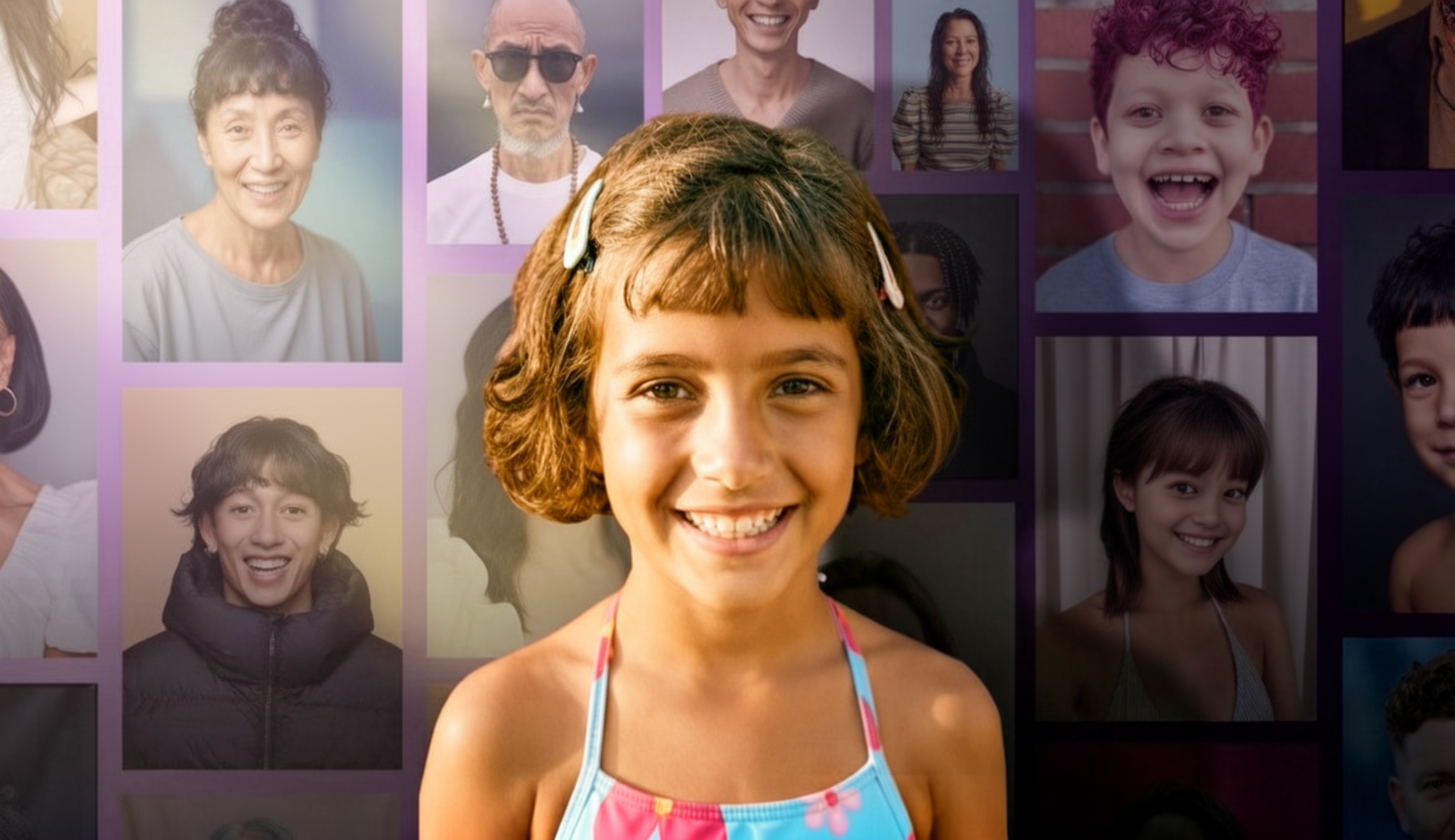
Built-In Thinking Mode and 4K Ultra HD Quality
Wan 2.7 introduces a revolutionary Thinking mode that analyzes spatial relationships and composition logic before image generation, greatly reducing common flaws such as anatomy errors or distorted proportions. Its Pro capability also supports up to 4K output, preserving texture and fine detail with exceptional clarity.
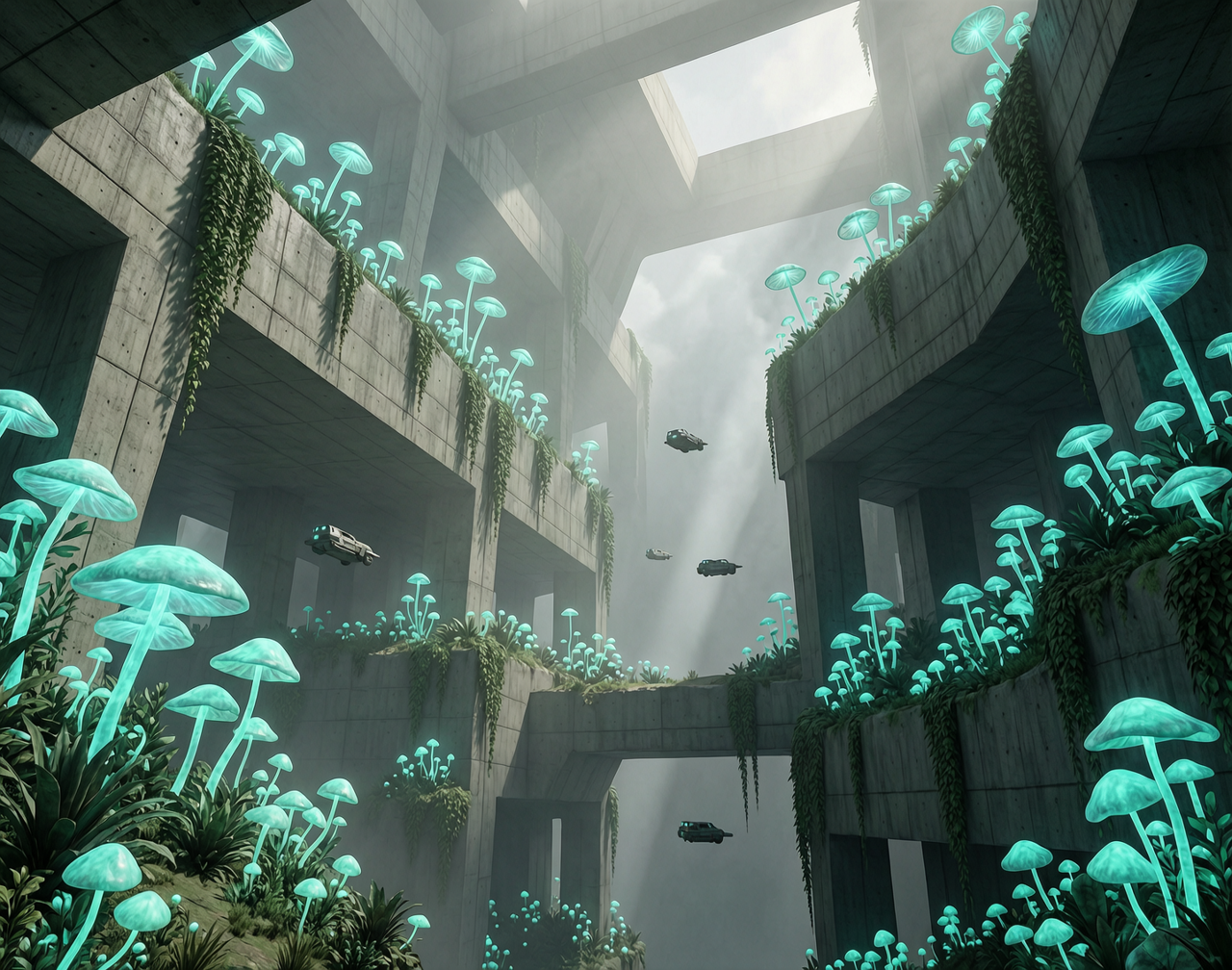
Precise color control and pixel-level editing
The new palette workflow lets you enter precise HEX color codes and define color ratios directly in the prompt, making it easy to lock brand visuals or reproduce complex artistic tones. It also supports Click Edit for seamless pixel-level editing, so you can select a region to add, remove, or align elements without starting over.
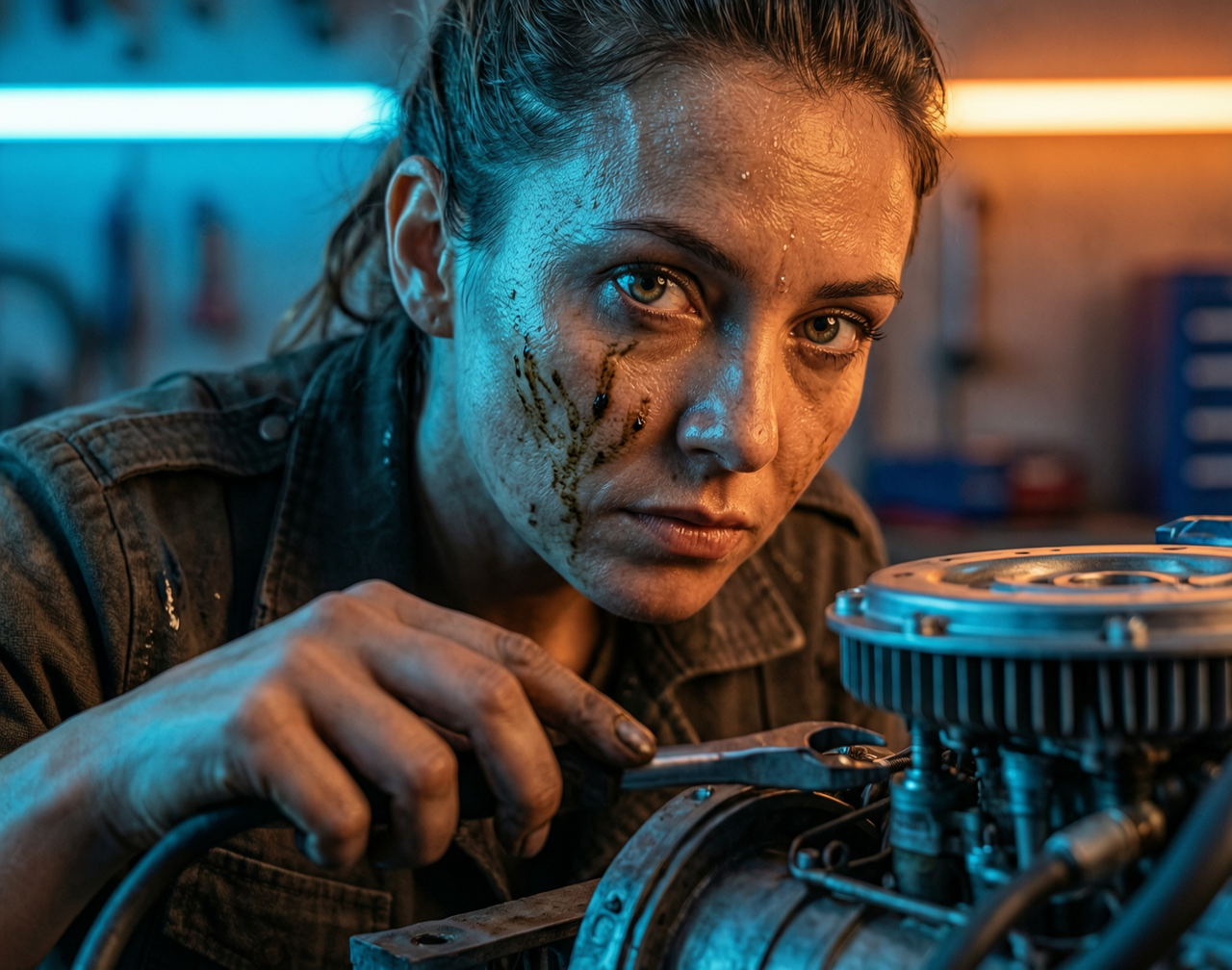
Consistency Across 9 Reference Images
By uploading up to 9 reference images at once, Wan 2.7 can lock in character structure, facial details, composition logic, and visual atmosphere during generation. This makes it especially effective for IP character development and multi-scene content that requires strong consistency.
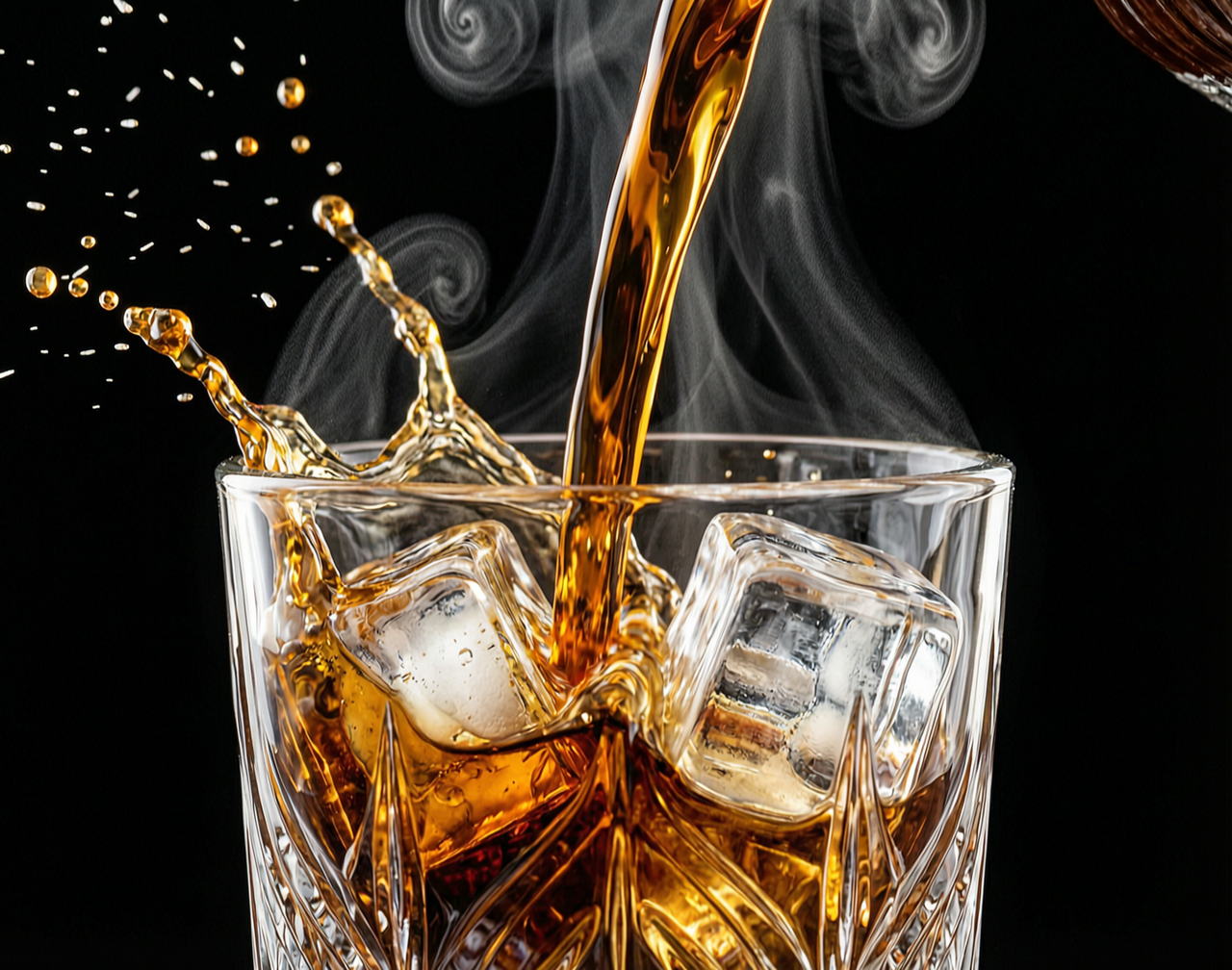
Structured Long-Text Rendering in 12 Languages
Wan 2.7 can handle text inputs of up to 3,000 characters and supports complex text generation and layout in 12 languages. It is suitable for business posters, academic charts, and even print-grade illustrations with formulas, greatly reducing the garbled text issues common in traditional AI models.
How to use Wan 2.7 Image on WeryAI
Using Wan 2.7 Image on WeryAI is simple. Just follow these steps to access its professional creation workflow.

Choose the Model
Log in to WeryAI and choose Wan 2.7 Image (Standard or Pro) from the image model library in the left sidebar.
Choose a Mode and Enter Input
Select standard text-to-image, Thinking mode, color code control, multi-image reference, or Click Edit image editing based on your needs, then enter a detailed prompt or upload reference images and color codes.
Adjust parameters and generate
Set the aspect ratio, resolution, and generation count as needed, then click generate and wait for cloud rendering. When finished, you can download the result in high quality or continue refining specific regions with follow-up text edits.
Wan 2.7 Image is a frontier AI image generation model that represents the cutting edge of visual creation. As a major evolution of Alibaba's Wan series, it breaks past the limits of generic AI faces and unpredictable color output, bringing visual creation into an era of industrial-grade precision control. The model natively supports up to 4K print-quality output and introduces powerful features such as Thinking mode, HEX color control, consistency across up to 9 reference images, and multilingual long-text rendering. Whether you are producing commercial ad layouts, rebuilding e-commerce product scenes, or creating sequential illustration and concept design projects that require perfectly consistent characters, it delivers highly controllable visual productivity. Try Wan 2.7 Image on WeryAI.
You may also be interested in



Frequently Asked Questions
Wan 2.7 Image is Alibaba's latest commercial-grade unified AI model for image generation and editing. It moves beyond purely random generation by introducing industrial-grade control tools such as Thinking-based error reduction, 4K output, exact color-code locking, 9-image multi-reference consistency, and advanced text rendering.
Its biggest strength is controllability. You can use it to create commercial visuals that match exact brand colors, generate posters with complex typography, keep the same model or character consistent across multiple outfits and scenes, and even edit flawed regions in an existing image at the pixel level.
WeryAI offers free starter credits for new users, so you can try Wan 2.7 at no cost. If you need frequent batch generation or professional 4K commercial production, there are also subscription plans available.
Wan 2.7 Image Pro supports native 4K output with excellent image quality. Combined with its updated architecture, it generates efficiently and reduces failed generations compared with traditional image models thanks to Thinking mode.
Thanks to its strong binding and logic, it is ideal for projects that have strict requirements for picture coherence and accuracy, such as IP character series picture books, e-commerce product scene restoration, visual communication designs with clear text and typography, and UI design materials that cross styles but require consistent color matching.
Wan 2.7 stands out with deeper reasoning and stronger end-to-end control. Instead of focusing only on broad artistic variation, it offers built-in reasoning, multi-reference consistency, and HEX color control, making it a practical production tool for designers, illustrators, and e-commerce teams.

Experience Wan 2.7 Image on WeryAI
Use Wan 2.7 Image to create high-quality AI images with Thinking mode, 4K image quality, 9 image reference consistency, and Click Edit capabilities.