Seedream 4.0 AI Image Generator

Upload
Try these prompts
Supports JPEG, PNG, GIF, WEBP, JPG formats Max 10MB, resolution max 4096 x 4096 pixels
Upload
 Log in to Create for Free
Try these prompts
Seedream 4.0 Core Features
Explore the core features of Seedream 4.0 AI image generator and embark on a revolutionary AI image creation journey
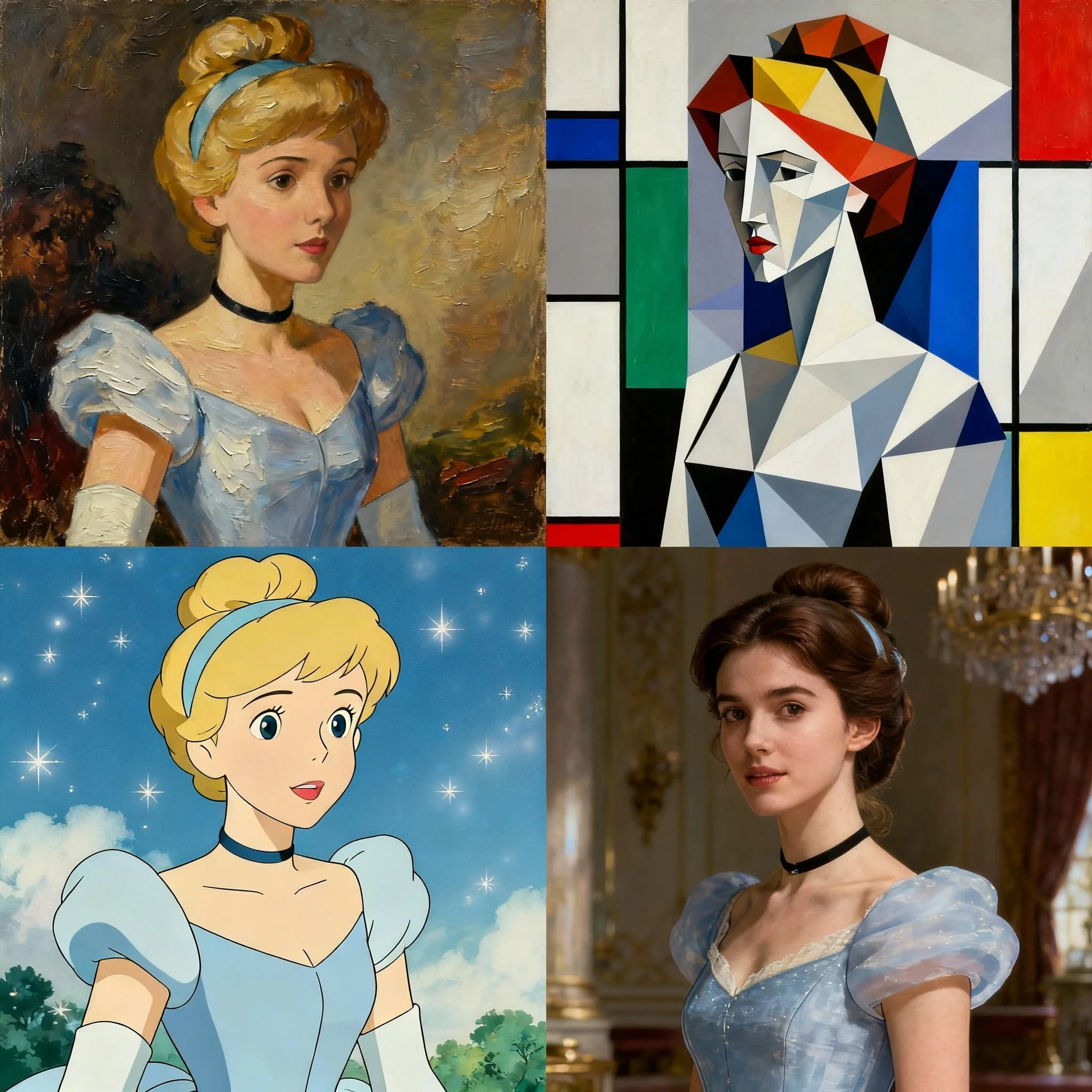
Unlimited Artistic Styles
Instantly apply aesthetic styles ranging from watercolor to cyberpunk.

Efficient Batch Processing
Upload multiple images and generate variations at once.
Precise Prompt Editing
Refine details, change lighting, or replace elements through simple text commands.


Unified Visual Identity
Maintain consistent character traits, styles, and brand identity across all creations.
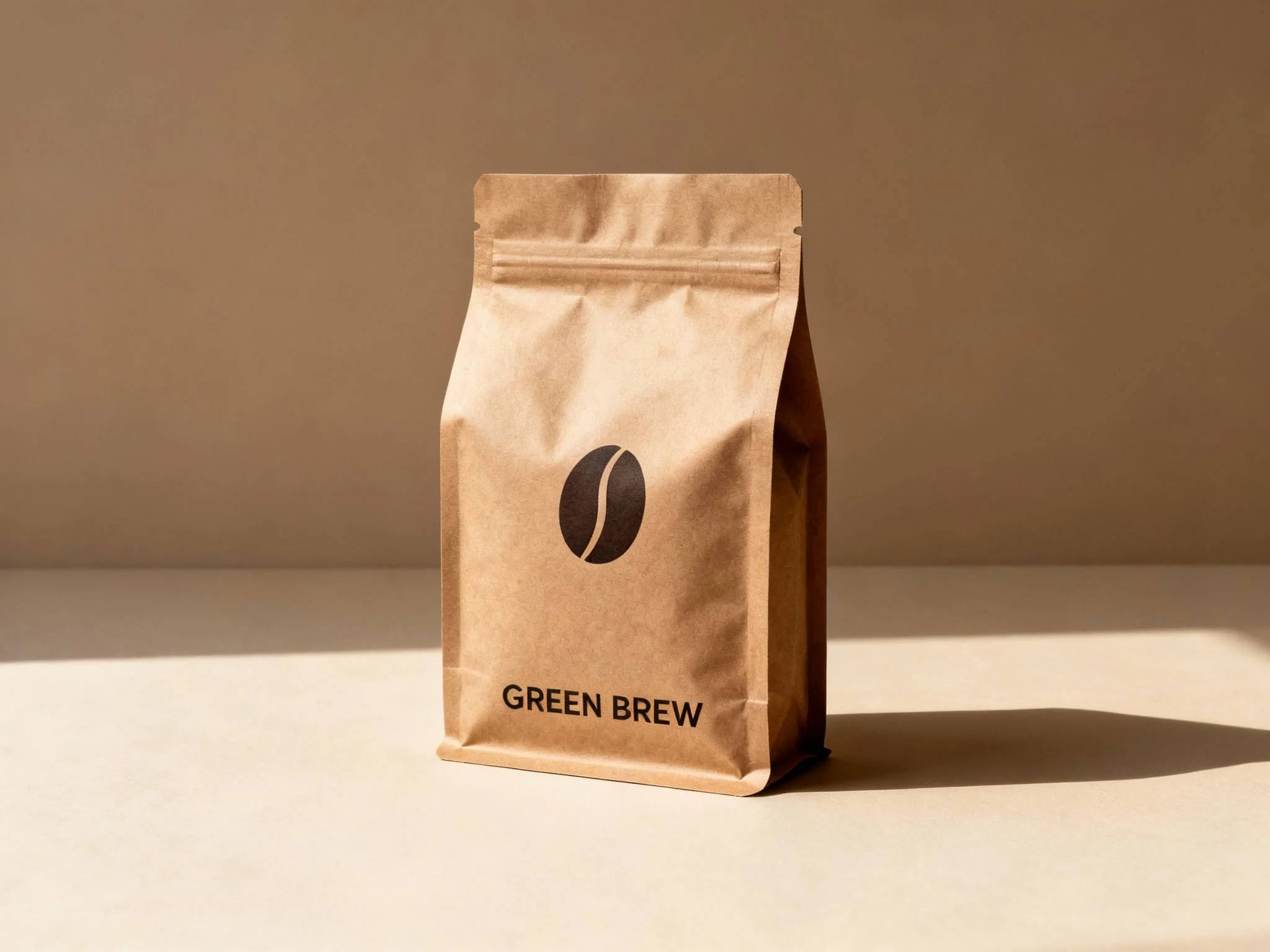
Accurate In-Image Text
Render clear, correct text supporting multiple languages including English and Chinese.

Ultra-Fast 4K Output
Generate professional-grade, high-resolution images in seconds for any purpose.
How to Use
Three simple steps to start creating
- 1
Select Model
Choose Seedream model in AI image tools
- 2
Input Content
Enter prompts or upload reference images
- 3
Generate Image
Click generate button, wait and download your image
WeryAI now deeply integrates the Seedream 4.0 model, Seedream 4.0 is ByteDance's AI image generation model with batch processing support, unmatched in style diversity, consistency, and speed. Try Seedream for free on WeryAI!
YouTube Videos About Seedream 4.0 Image Model
X Posts About Seedream 4.0 Image Model
Explore Other AI Image Models on WeryAI


Frequently Asked Questions
Seedream 4.0 is an AI image model launched by ByteDance. On WeryAI you can use Seedream 4.0 to create stunning images from text prompts or reference images in seconds.
Yes. New users get free credits on signup — no credit card required. You can also earn more free credits through daily check-in, completing tasks, and inviting friends, so you can keep using Seedream 4.0 without upfront payment.
It's easy: 1) Go to WeryAI's Text to Image tool; 2) Select Seedream 4.0 from the model list; 3) Enter your prompt and click Generate; 4) Download or share the result.
Seedream 4.0 stands out because of its batch processing capability, native 4K output, and versatility across diverse artistic styles. This makes it a unique choice among the dozens of AI image models available on WeryAI.
Seedream 4.0 excels at batch content creation, 4K poster design, and projects requiring multiple artistic style variations. Try it side-by-side with other models on WeryAI to see if it fits your specific creative needs.
Yes! On WeryAI's Text to Image tool, you can select up to 4 models and compare them side by side with the same prompt. This makes it easy to find the best model for your needs.
Disclaimer: WeryAI is an independently operated product/platform and has no affiliation with ByteDance or Seedream 4.0, nor has it received any endorsement, authorization, or sponsorship from them. We simply provide users with a convenient way to access and use the Seedream 4.0 model through a customized interface and API technology.

Ready to Start Creating?
Experience Seedream 4.0 now and transform your ideas into amazing images
No credit card required