FLUX.1 Kontext Image Generator


Click or drag to upload images
Supports JPEG, PNG, GIF, WEBP, JPG formats Max 10MB, resolution max 4096 x 4096 pixels


FLUX Kontext Core Features
Explore the core features of FLUX.1 Kontext image generator and embark on a revolutionary AI image creation journey
High-End Image Synthesis
Utilizes more computational resources to enhance prompt adherence and image quality performance without increasing latency.
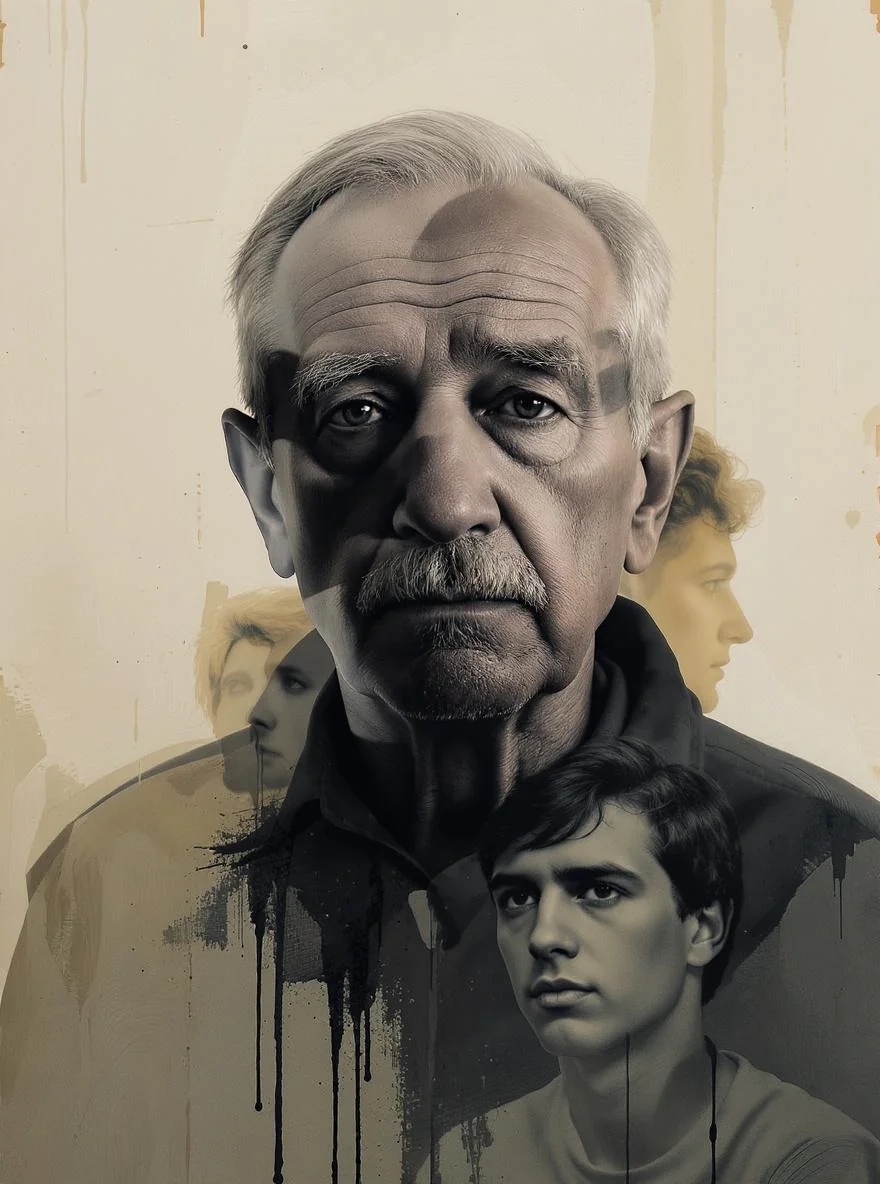
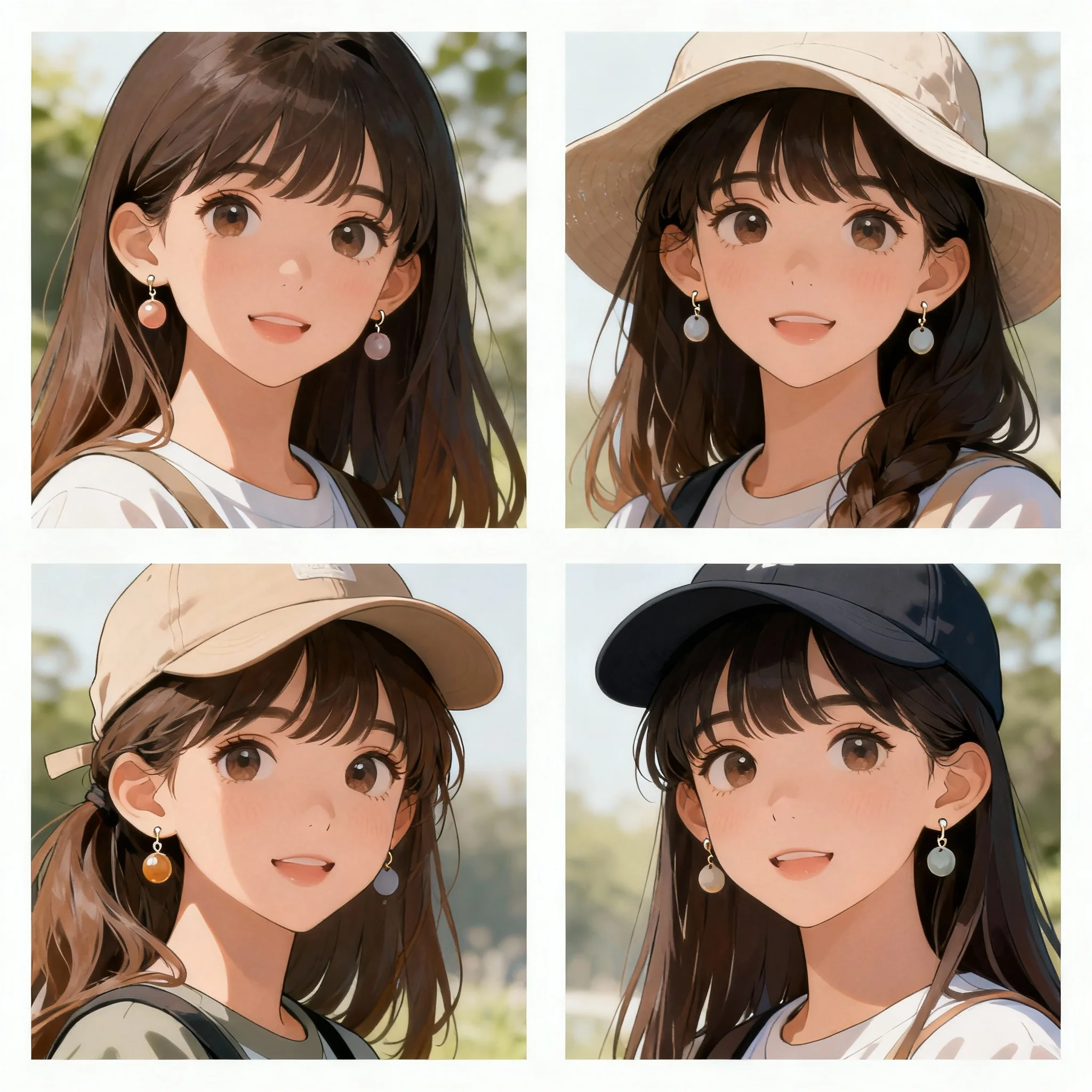
Excellent Character Consistency
Recognizes and preserves character features across multiple edits and different settings.
Precise Image Editing
Improves image integrity preservation during local edits and modifications of various elements.
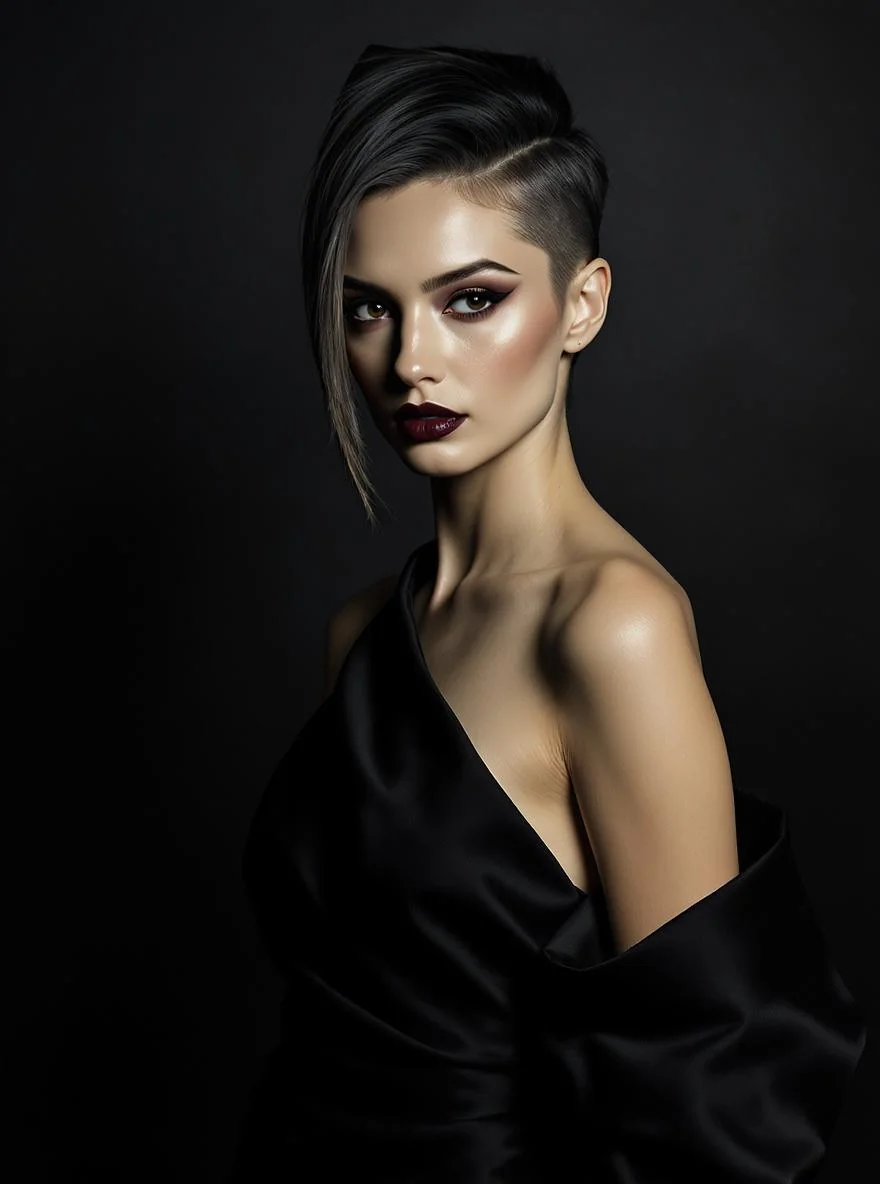

Advanced Typography Processing
Enhanced text generation and editing control with excellent style retention capabilities.
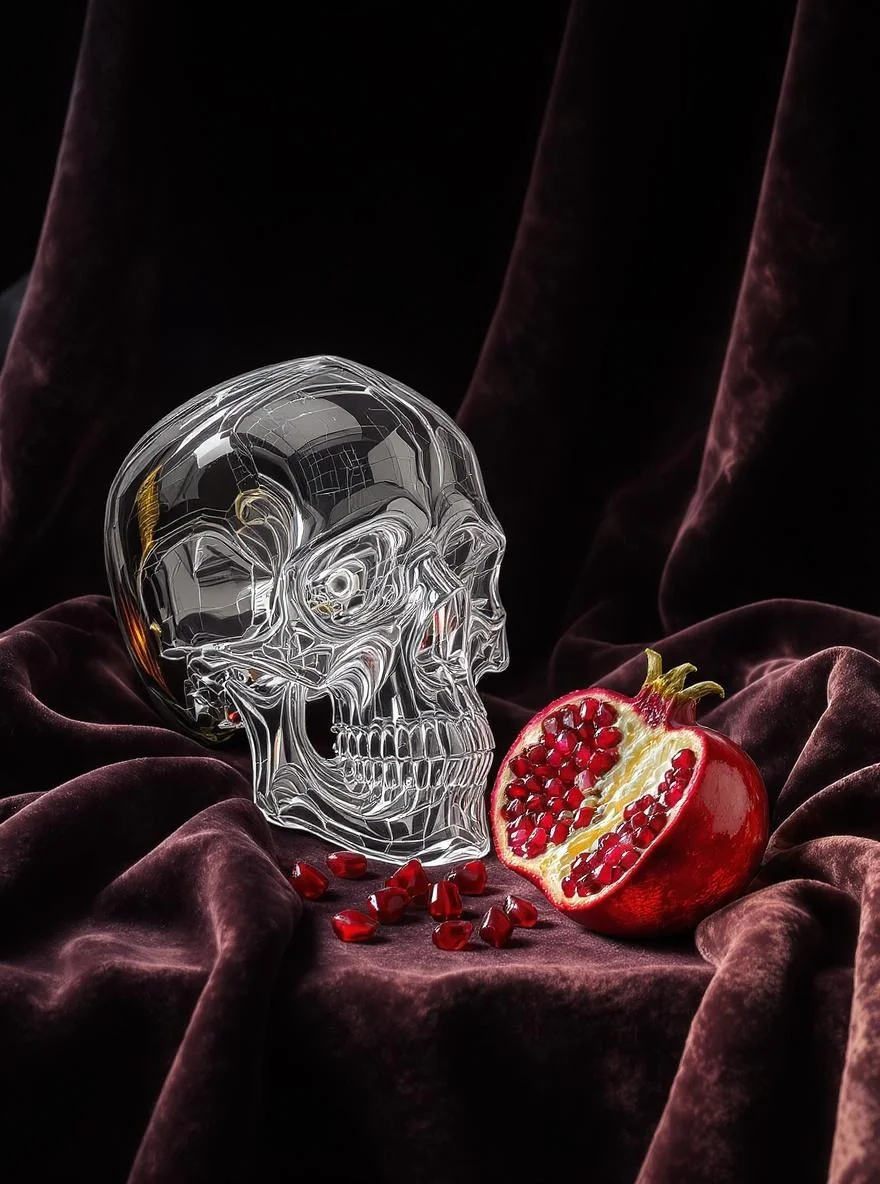
Enhanced Multi-Step Refinement
Supports multi-iterative progressive editing with minimal image degradation.
How to Use
Three simple steps to get started
- 1
Select Model
Choose Flux Kontext model in AI image tools
- 2
Input Content
Enter prompts or upload reference images
- 3
Generate Image
Click generate button, wait and download your image
WeryAI now deeply integrates the FLUX.1 Kontext model, FLUX.1 Kontext is a high-end AI image model by Black Forest Labs, featuring [Pro] and [Max] variants. [Pro] is designed for iterative and efficient editing, while [Max] represents the ultimate performance for complex, detail-oriented tasks. Try it free on WeryAI image generator now!
YouTube Reviews on FLUX Kontext
X Posts About FLUX Kontext
Explore Other AI Image Models on WeryAI


Frequently Asked Questions
FLUX Kontext is an AI image model launched by Black Forest Labs. On WeryAI you can use FLUX Kontext to create stunning images from text prompts or reference images in seconds.
Yes. New users get free credits on signup — no credit card required. You can also earn more free credits through daily check-in, completing tasks, and inviting friends, so you can keep using FLUX Kontext without upfront payment.
It's easy: 1) Go to WeryAI's Text to Image tool; 2) Select FLUX Kontext from the model list; 3) Enter your prompt and click Generate; 4) Download or share the result.
FLUX Kontext stands out because of its Pro/Max tiered variants, best-in-class typography rendering, and multi-step iterative editing pipeline. This makes it a unique choice among the dozens of AI image models available on WeryAI.
FLUX Kontext excels at designs requiring accurate text overlays, logos, and iterative prompt refinement. Try it side-by-side with other models on WeryAI to see if it fits your specific creative needs.
Yes! On WeryAI's Text to Image tool, you can select up to 4 models and compare them side by side with the same prompt. This makes it easy to find the best model for your needs.
Disclaimer: WeryAI is an independently operated product/platform and has no affiliation with Black Forest Labs or FLUX Kontext, nor has it received any endorsement, authorization, or sponsorship from them. We simply provide users with a convenient way to access and use the FLUX Kontext model through a customized interface and API technology.

Ready to Start Creating?
Experience Flux Kontext now and transform your creativity into amazing images
No credit card required