How to Fix Lip-Sync Mismatch and Frame Flicker in AI Video
If you keep regenerating without diagnosis, costs rise quickly. This workflow helps isolate and fix root causes.
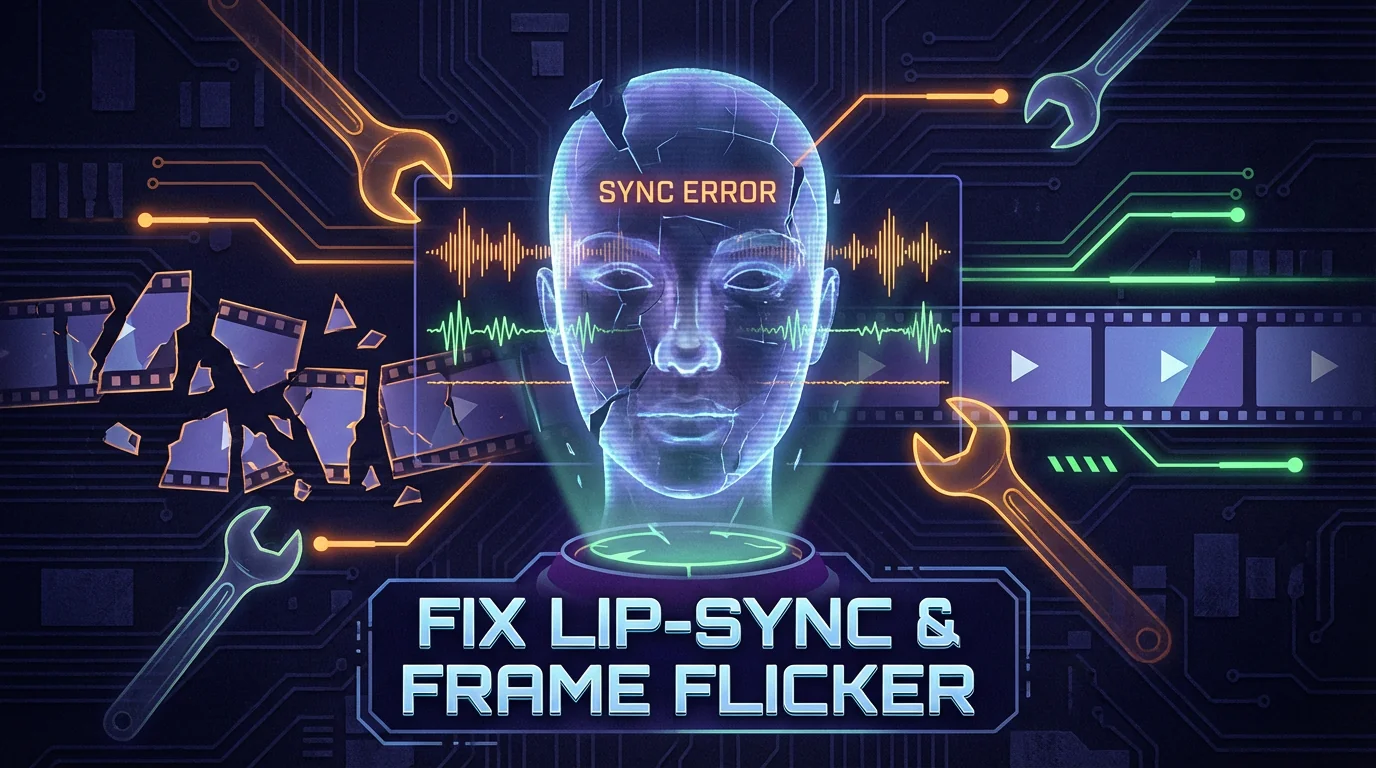
Identify the root cause first
Lip-sync mismatch often comes from tempo mismatch between audio and motion. Flicker often comes from unstable motion and over-detailed scenes.
Repair order that works
Reduce complexity first, constrain camera behavior second, and apply concise negative prompts third.
Post-production fallback
For mild defects, local regeneration plus rhythm-aware editing is often enough.
Related Posts
 Prompt Guides
Feb 4, 2026 · 8 min read
Seedance 2.0 Prompt Guide: Stable Characters and Camera Control
A practical framework for writing Seedance 2.0 prompts with consistent characters, clean motion, and reusable shot templates.
Read More Prompt Guides
Jan 23, 2026 · 6 min read
Image-to-Video QA Checklist: 12 Checks Before Publishing
Use a standardized review checklist to catch flicker, identity drift, and pacing issues before release.
Read More Model Reviews
Feb 2, 2026 · 7 min read
Kling 3.0 Cinematic Workflow: From Script to Final Cut
A practical Kling 3.0 workflow for cinematic lighting, emotional pacing, and clean multi-shot assembly.
Read More