Seedance 2.0 Prompt Guide: Stable Characters and Camera Control
This guide shows how to structure Seedance 2.0 prompts for better consistency, camera behavior, and production-ready outputs.
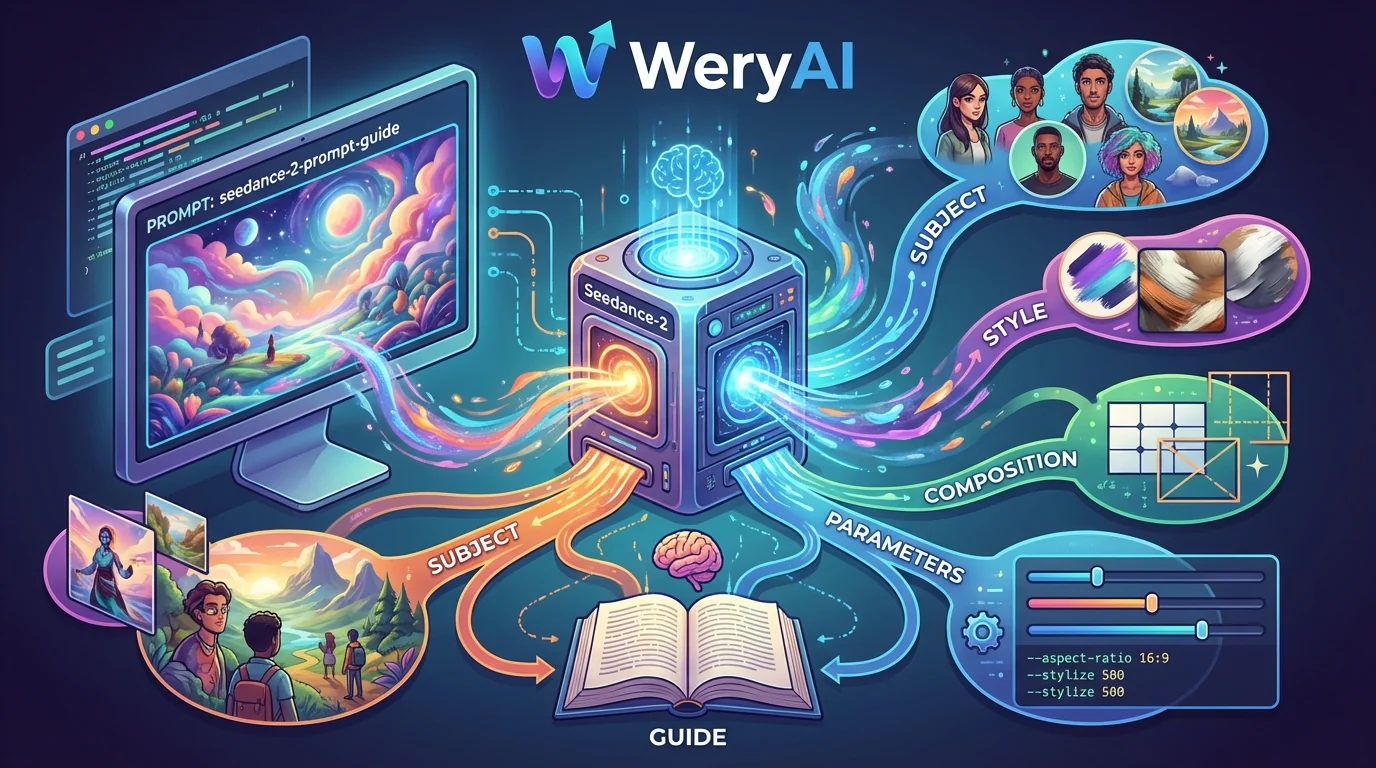
Start with generation boundaries
Do not overload one prompt with every detail. Define subject, action, scene, and camera first, then enrich each layer.
A reliable opening format is: subject + action + scene. Add camera and style in later clauses.
- Subject: age, outfit, and immutable traits
- Action: one clear action block per clip
- Scene: lighting, time of day, material cues
- Camera: focal length, shot size, movement
Three-part consistency pattern
For episodic content, isolate immutable character traits and reuse them across prompts.
If identity drifts, tighten descriptors instead of adding more style modifiers.
Camera control template
Describe camera movement as start state -> movement -> end reveal for clearer motion.
Example: close-up opening, slow dolly-out, reveal full environment at the end.
Negative prompts and quick fixes
For flicker or limb artifacts, begin with concise negative prompts and simplify scene complexity.
- negative: frame flicker, extra fingers, warped face
- Split complex actions into two clips and edit together
FAQ
What clip length works best with Seedance 2.0?
Start with 5-8 second clips, then expand once consistency is stable.
Should I write prompts in English?
Both work, but advanced cinematography terms are usually more stable in English.
A practical framework for writing Seedance 2.0 prompts with consistent characters, clean motion, and reusable shot templates.
Open Seedance 2.0Related Posts
 Model Reviews
Feb 2, 2026 · 7 min read
Kling 3.0 Cinematic Workflow: From Script to Final Cut
A practical Kling 3.0 workflow for cinematic lighting, emotional pacing, and clean multi-shot assembly.
Read More Comparisons
Jan 27, 2026 · 9 min read
Kling 3.0 vs Seedance 2.0: Which One Saves More Production Time?
A practical comparison across style output, shot control, stability, and revision cost.
Read More Workflows
Jan 19, 2026 · 8 min read
Build a Multi-Model Social Video Pipeline for Weekly Throughput
Assign different models to different stages to scale output without sacrificing consistency.
Read More