Wan 2.5 AI Image Generator

Prześlij
Obsługuje formaty JPEG, PNG, GIF, WEBP, JPG Maks. 10MB, rozdzielczość maks. 4096 x 4096 pikseli
Prześlij
 Zaloguj się, aby tworzyć za darmo
Wan 2.5 Core Features
Explore the core features of Wan 2.5 AI image generator and embark on a revolutionary AI image creation journey
Precise Prompt Following
Accurately reflects every visual instruction, from lighting and perspective to texture and style.
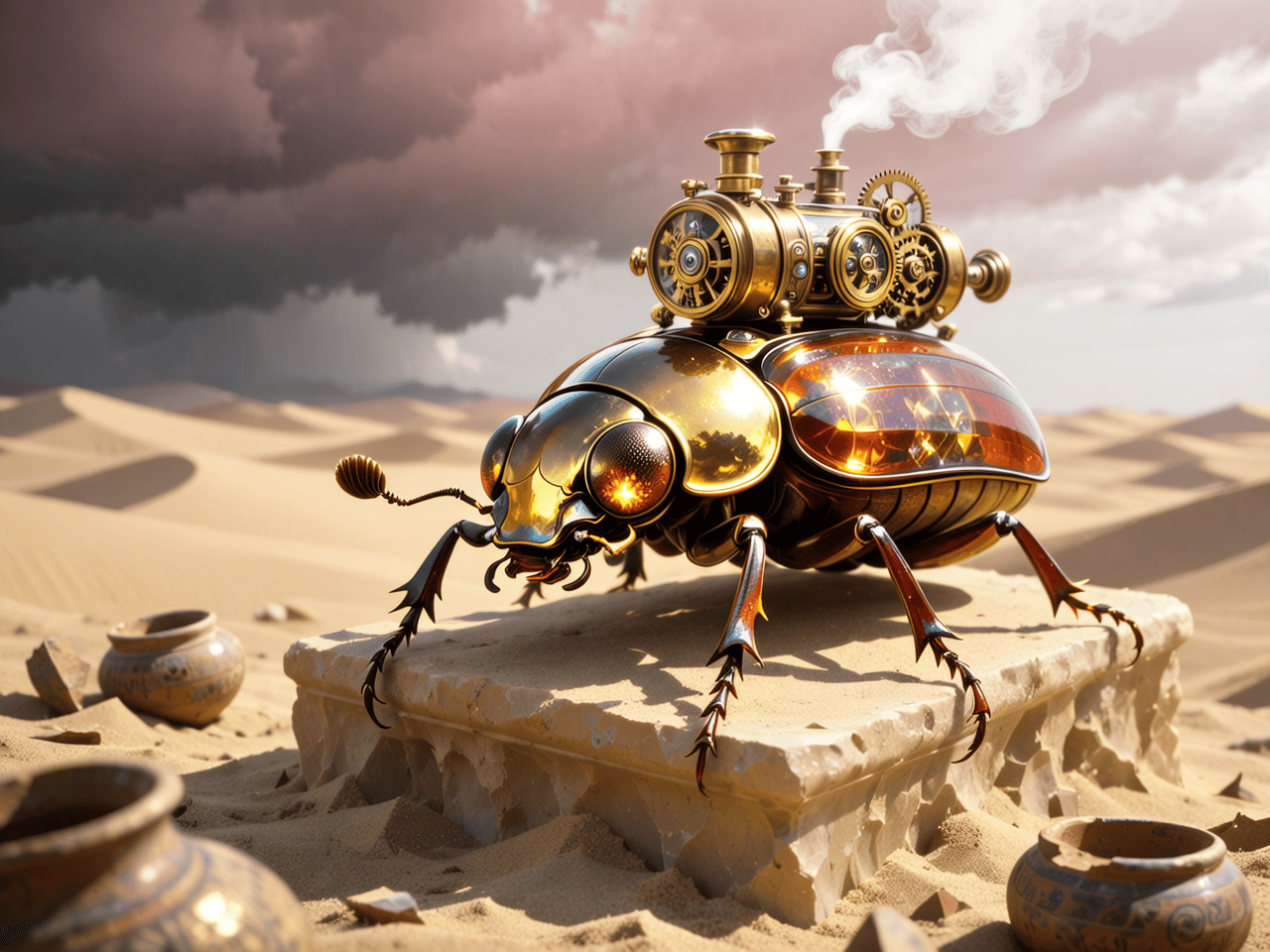
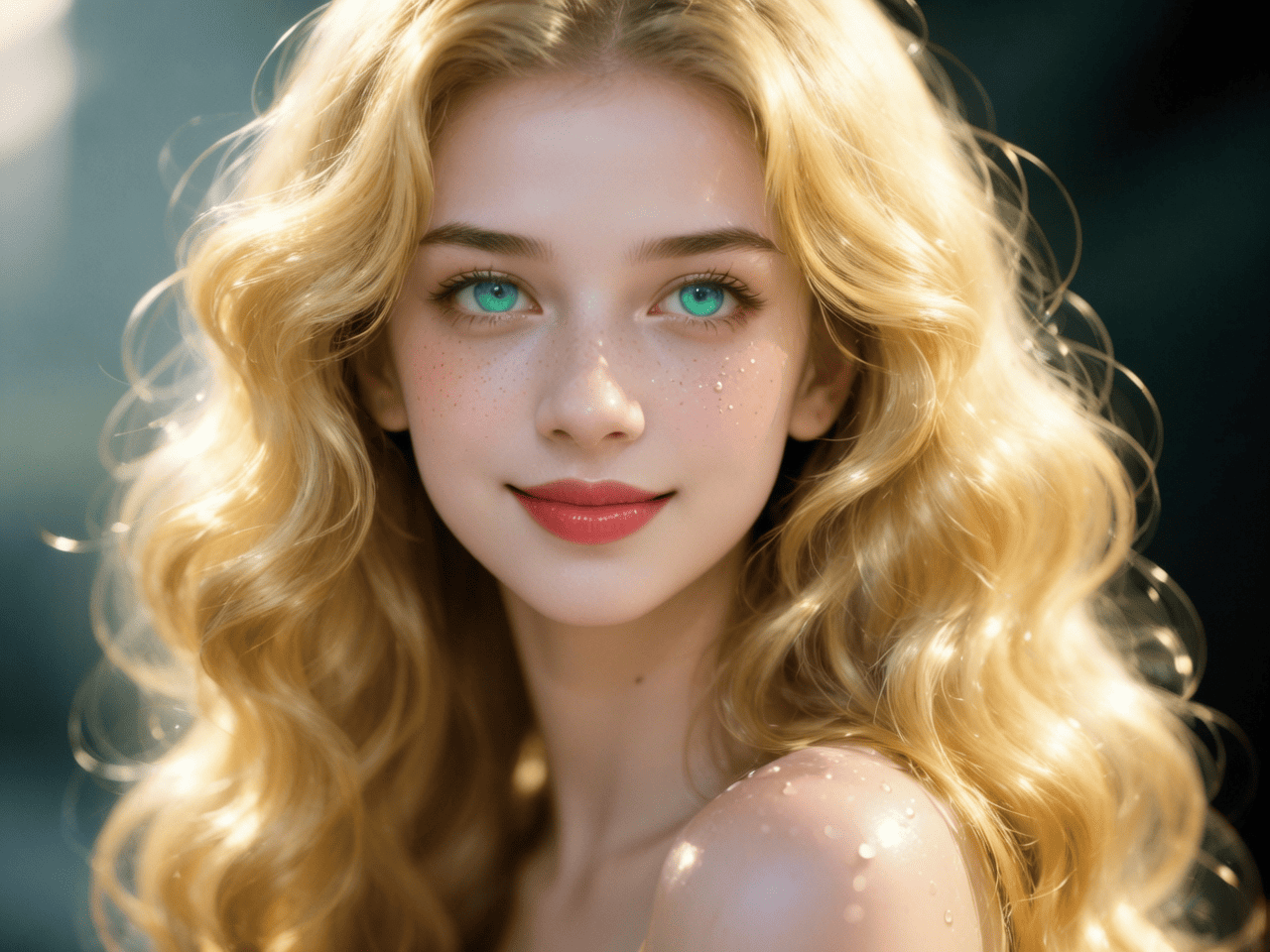
Photo-Realistic Quality
Renders lifelike images with authentic lighting, spatial depth, and fine textures.
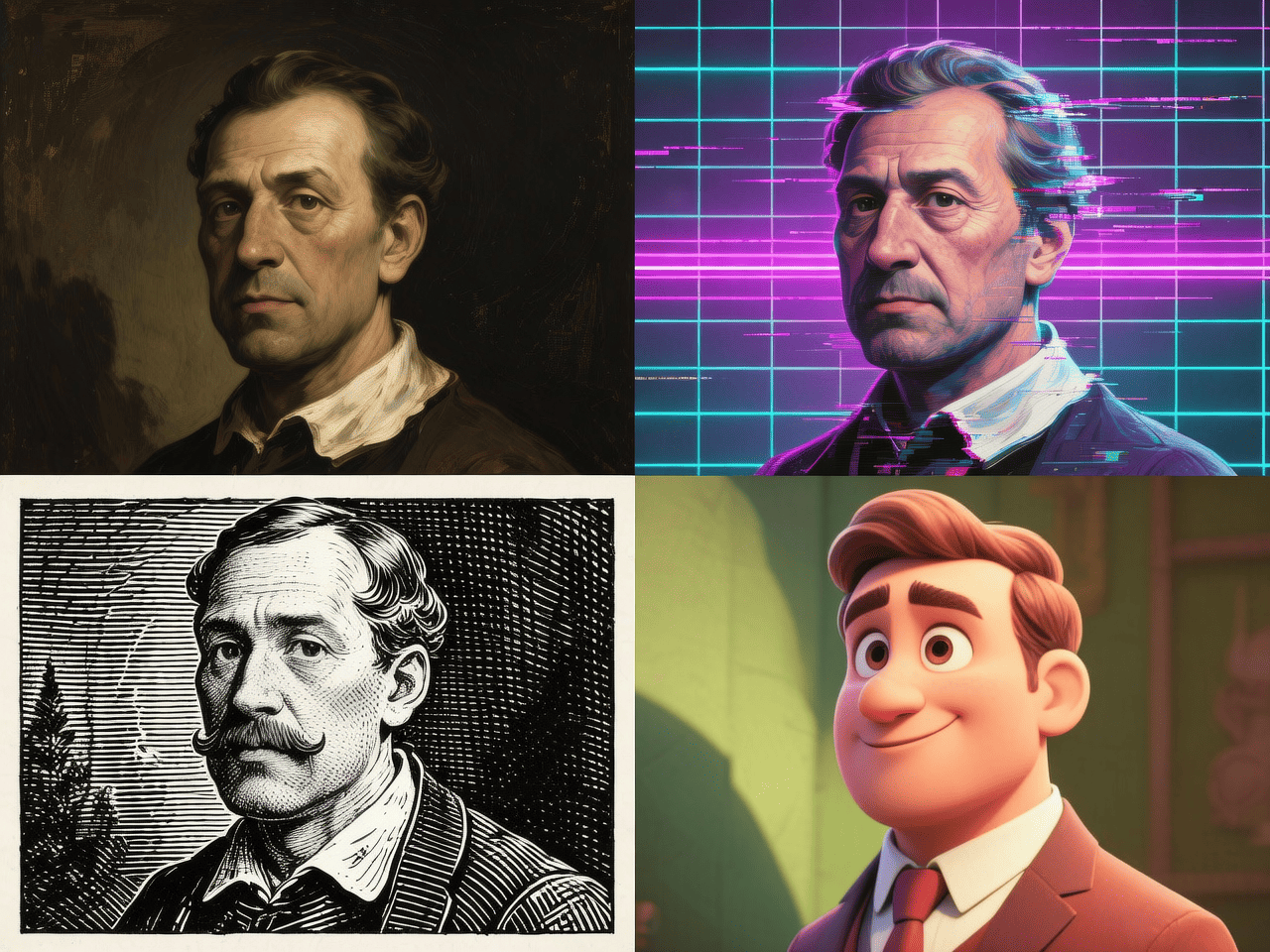
Diverse Artistic Styles
Faithfully reproduces various artistic styles while maintaining brand tone and visual language.
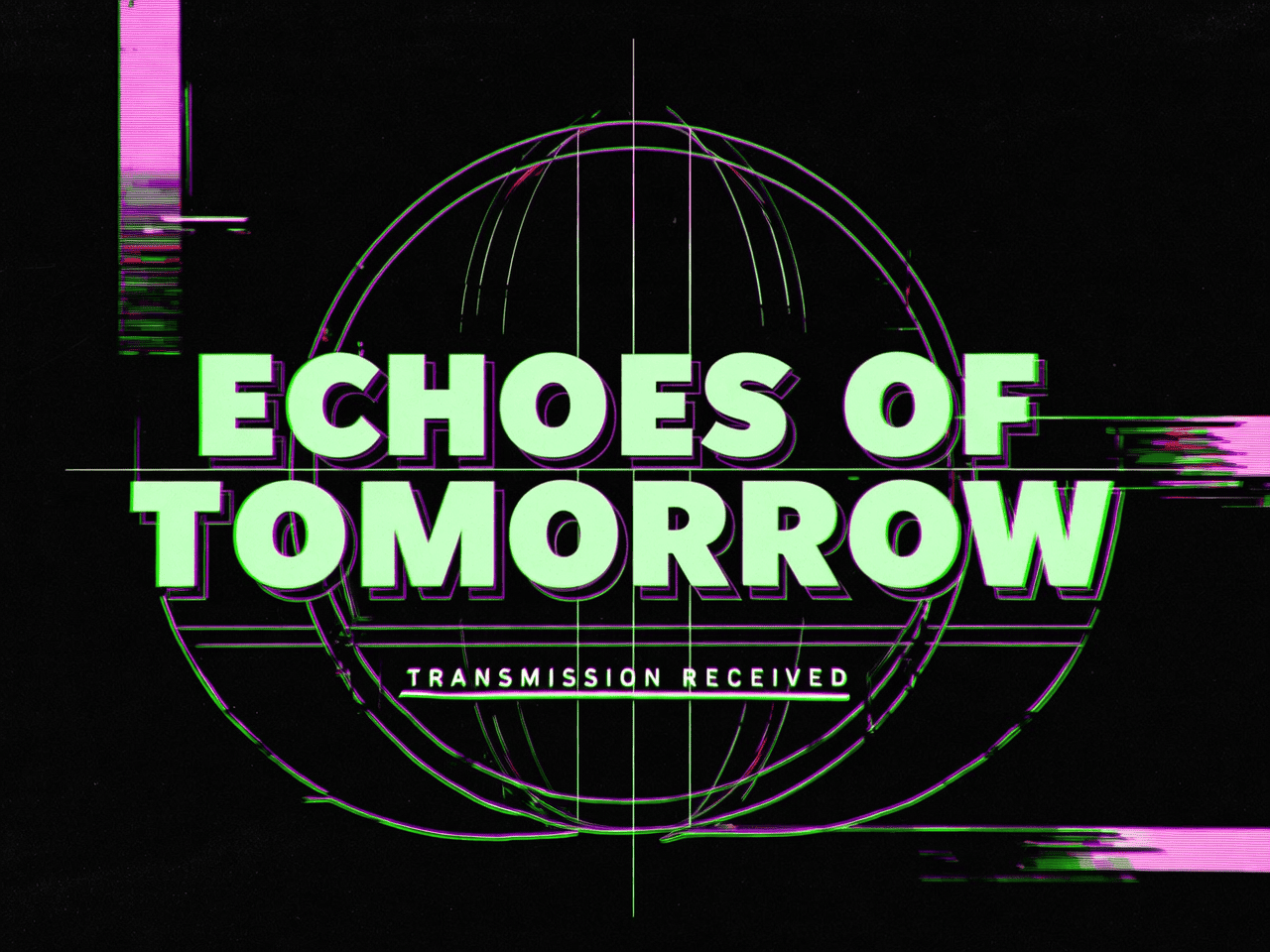
Creative Text Generation
Perfectly designs complex typography, layouts, and poster compositions.
Consistent Elements
Accurately transfers reference elements for unified design and characters.
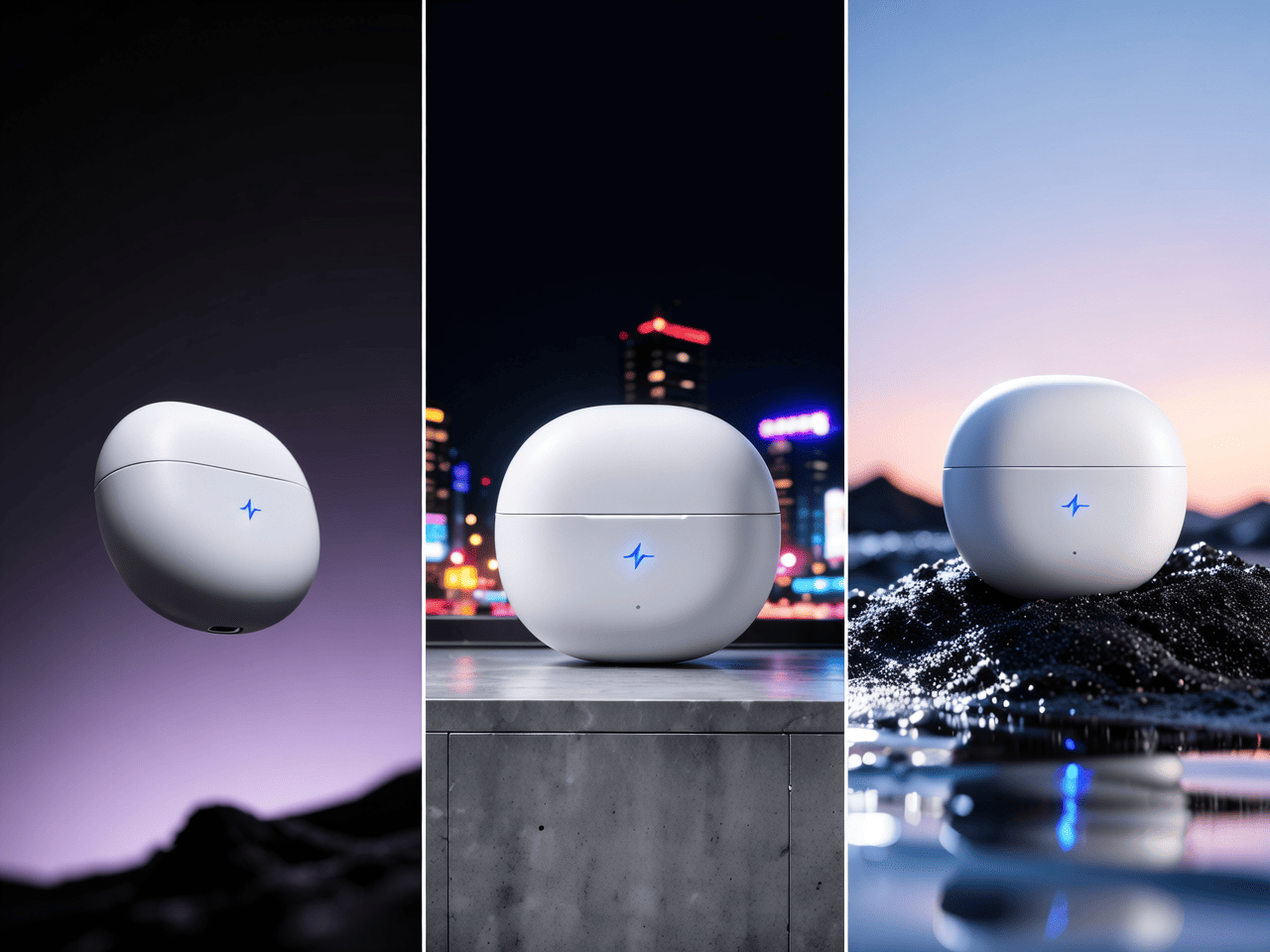
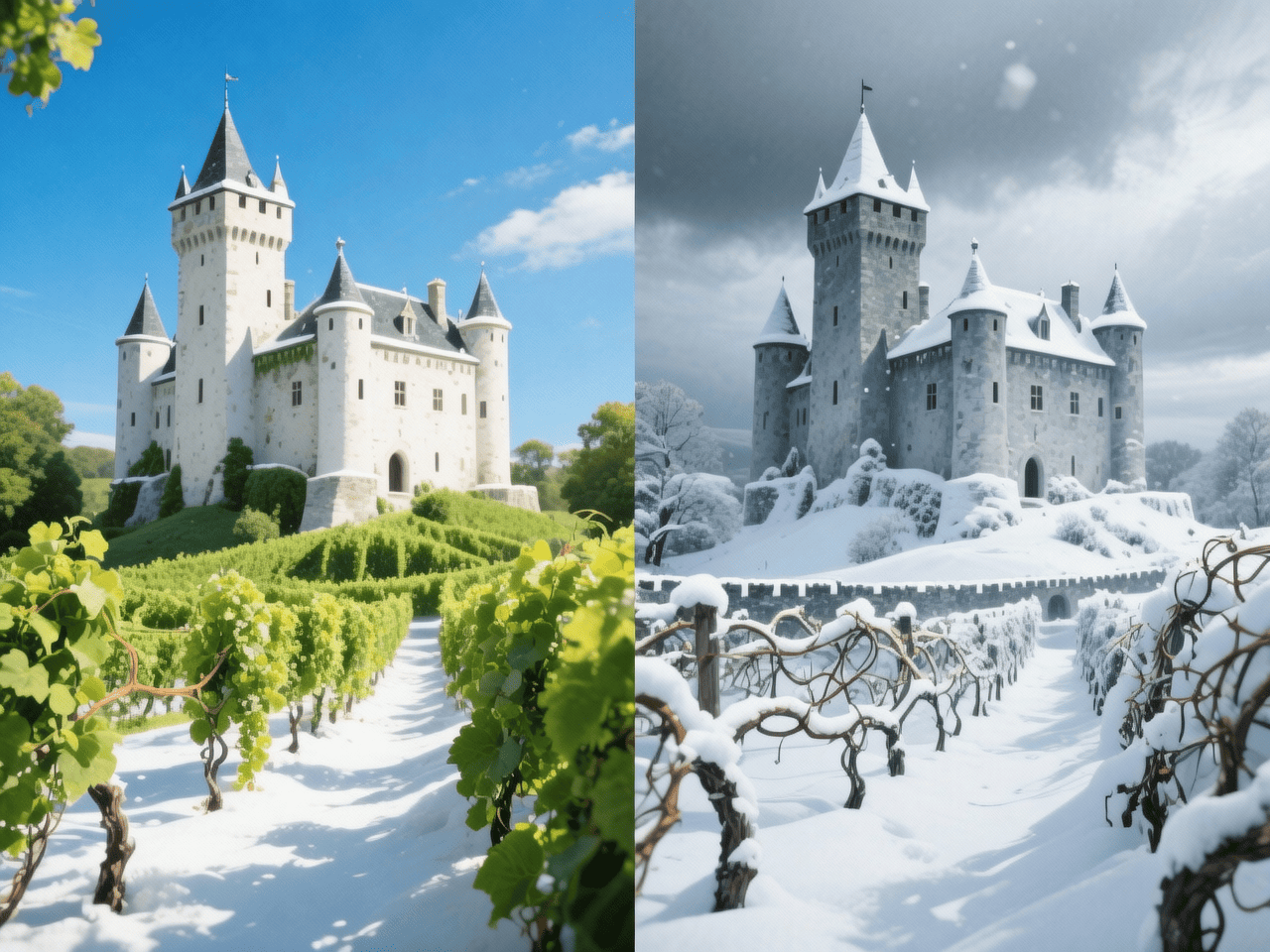
Precise Image Editing
Understands and executes style changes and controlled edits with high precision.
Jak używać
Three simple steps to start creating
- 1
Select Model
Choose Wan AI model in AI image tools
- 2
Input Content
Enter prompts or upload reference images
- 3
Generate Image
Click generate button, wait and download your image
WeryAI jest teraz głęboko zintegrowane z modelem Wan 2.5, Wan 2.5 by Alibaba is an advanced AI image model that excels at transforming detailed ideas into precise, high-quality visuals with superior control over style, texture, and editing. Try Wan 2.5 for free on WeryAI image generator!
YouTube Videos About Wan 2.5 Image Model
X Posts About Wan 2.5 Image Model
Explore Other AI Image Models on WeryAI


Frequently Asked Questions
Wan AI to model AI do obrazów, wprowadzony przez Alibaba. Na WeryAI możesz użyć Wan AI do tworzenia niesamowitych obrazów z tekstu lub obrazów referencyjnych w kilka sekund.
Tak. Nowi użytkownicy otrzymują darmowe kredyty przy rejestracji — bez karty kredytowej. Możesz też zdobywać więcej darmowych kredytów przez codzienne logowanie, wykonywanie zadań i zapraszanie znajomych, aby korzystać z Wan AI za darmo.
To proste: 1) Przejdź do narzędzia Tekst na Obraz na WeryAI; 2) Wybierz Wan AI z listy modeli; 3) Wpisz prompt i kliknij Generuj; 4) Pobierz lub udostępnij wynik.
Wan AI wyróżnia się dzięki wyjątkowe zachowanie detali i fotorealistyczny rendering z wielkoskalowego pipeline'u treningowego Alibaba. To sprawia, że jest unikalnym wyborem wśród dziesiątek modeli AI do obrazów dostępnych na WeryAI.
Wan AI doskonale sprawdza się w fotorealistycznych portretów, fotografii produktowej i szczegółowych obrazów krajobrazowych. Wypróbuj go obok innych modeli na WeryAI, aby sprawdzić, czy spełnia Twoje potrzeby twórcze.
Oczywiście! W narzędziu Tekst na Obraz na WeryAI możesz wybrać do 4 modeli i porównać je obok siebie z tym samym promptem. Łatwo znajdziesz idealny model.
Zastrzeżenie: WeryAI jest niezależnie prowadzonym produktem/platformą i nie ma żadnych powiązań z Alibaba ani Wan 2.5, ani nie otrzymało od nich aprobaty, autoryzacji czy sponsoringu. Zapewniamy jedynie użytkownikom wygodny sposób dostępu do modelu Wan 2.5 i korzystania z niego za pośrednictwem niestandardowego interfejsu oraz technologii API.

Ready to Start Creating?
Experience Wan 2.5 now and transform your creativity into amazing images
No credit card required