GPT Image 1.5 Image Generator

Prześlij
Wypróbuj te prompty
Obsługuje formaty JPEG, PNG, GIF, WEBP, JPG Maks. 10MB, rozdzielczość maks. 4096 x 4096 pikseli
Prześlij
 Zaloguj się, aby tworzyć za darmo
Wypróbuj te prompty
GPT Image 1.5 Core Features
Explore the core capabilities of the GPT Image 1.5 AI image generator and start a revolutionary creative journey
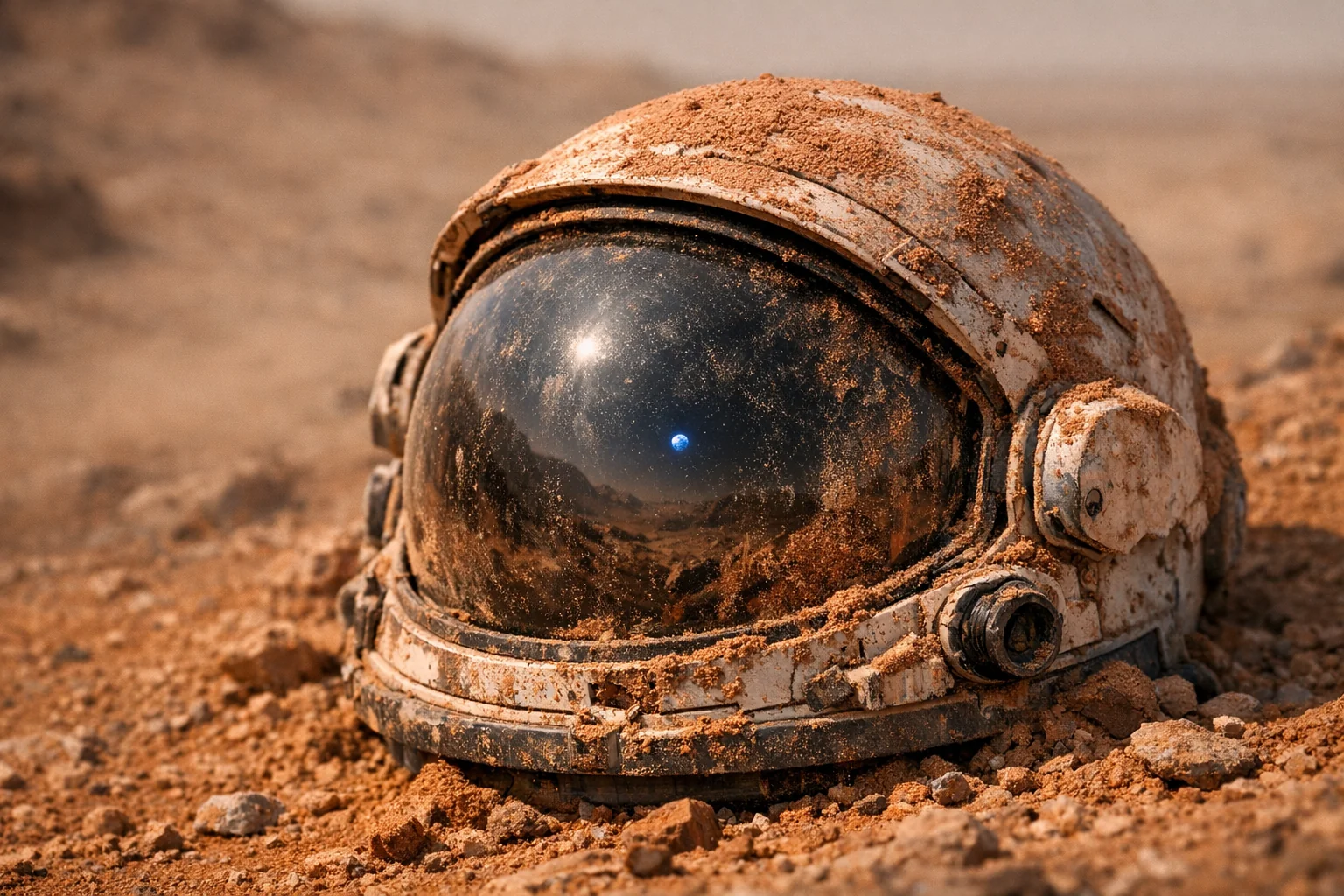
World-Logic Reasoning
Unlike traditional models that stitch scenes together from keywords, GPT Image 1.5 understands real-world physics and logic. From short prompts, it can infer correct lighting and reflections, gravity and object states, and historically accurate details (e.g., “a 1969 music festival” will match period outfits and atmosphere).
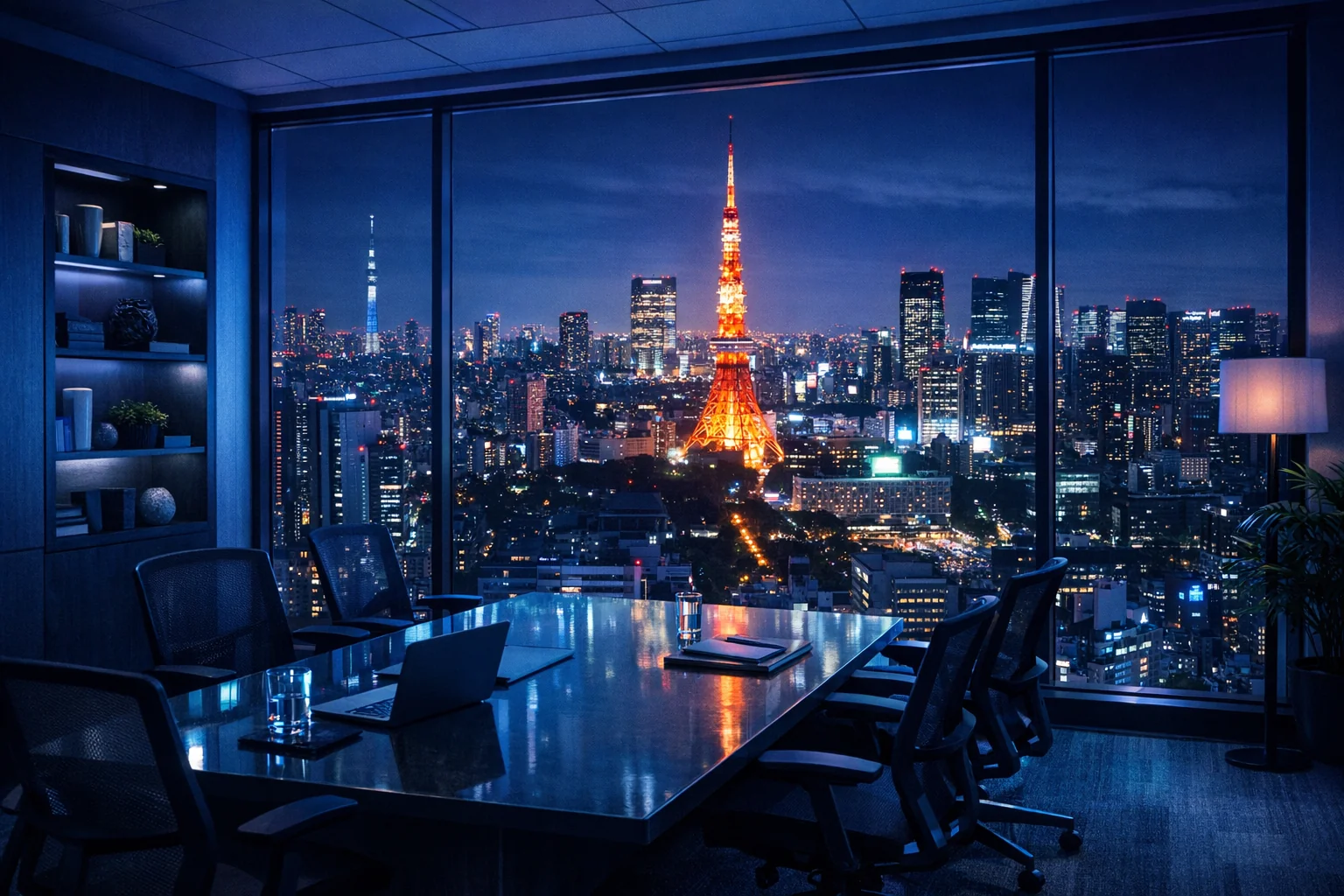
Precise Natural-Language Editing
Edit parts of an existing image with simple instructions—no complex masking required. Say “replace the coffee on the table with a steaming cup of green tea”, and the model will swap the object and automatically adjust surrounding light and reflections while keeping everything else unchanged.
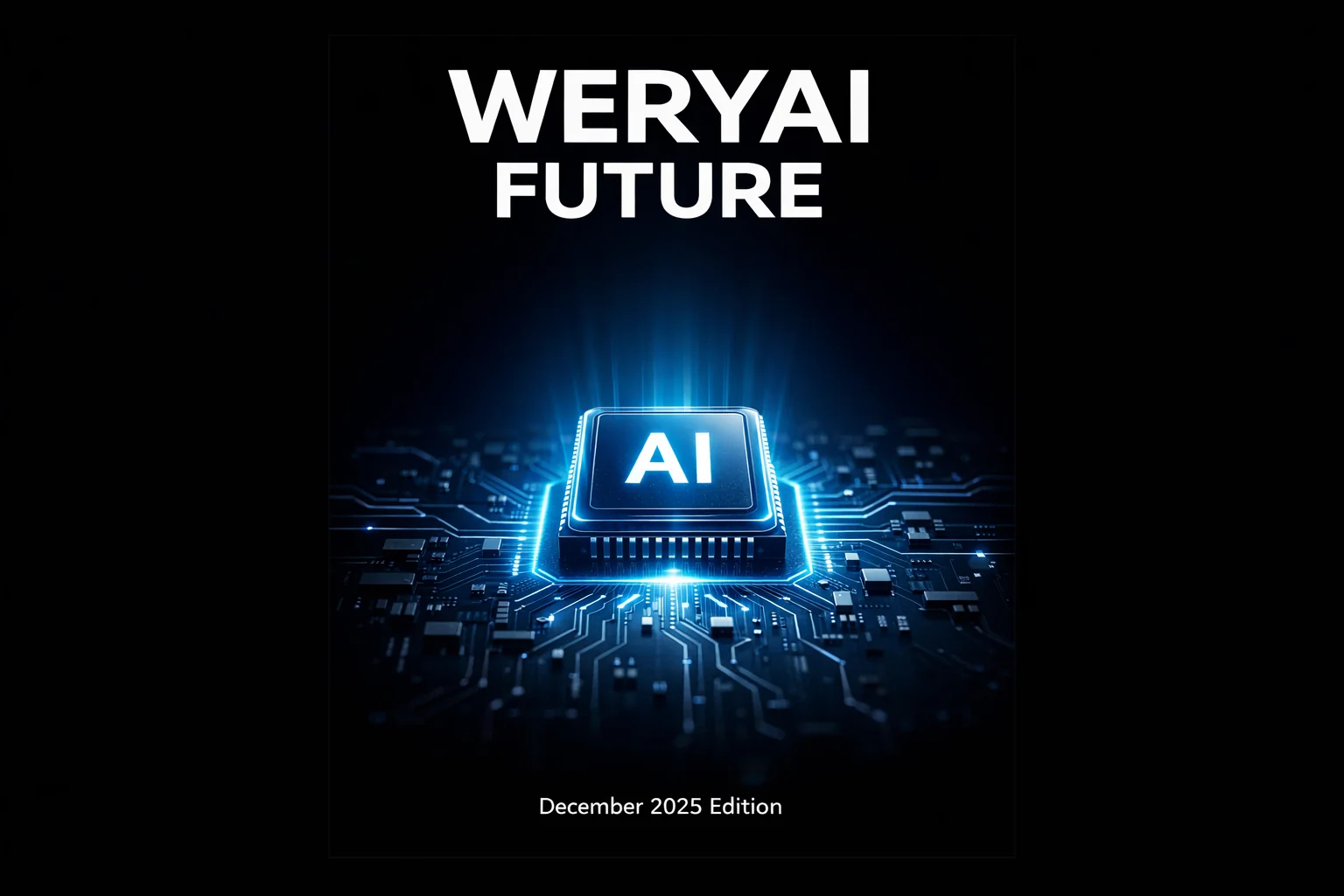
Perfect Layout & Text Rendering
Say goodbye to misspellings and garbled text in AI images. GPT Image 1.5 can render long text clearly, in varied styles, with accurate spelling—ideal for posters, book covers, UI mockups, and infographic-style visuals with charts.
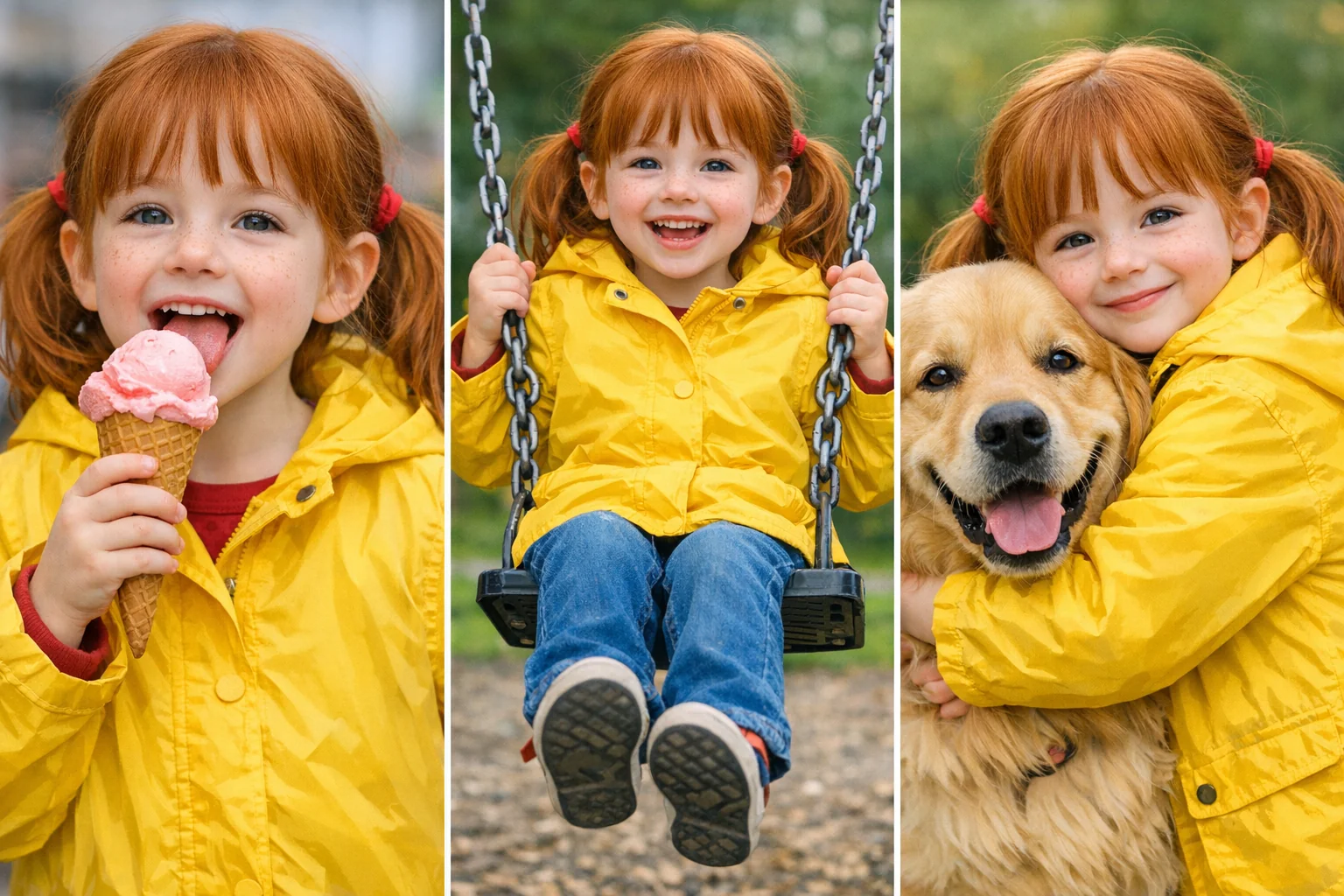
Character & Style Consistency
When generating a series of images, the model can “remember” specific character traits (hair, outfits, facial features) or a particular art style. This makes it easy to create comics, storyboards, or brand-consistent marketing assets.
How to Use GPT Image 1.5 on WeryAI
Start creating in three simple steps
- 1
Choose the model
Select the GPT Image 1.5 model in AI image models
- 2
Enter content
Type a prompt or upload a reference image
- 3
Generate images
Click the generate button, then wait and download your images
WeryAI jest teraz głęboko zintegrowane z modelem GPT Image 1.5, GPT Image 1.5 is OpenAI’s newest flagship image generation model and the first vision model branded with “GPT”, marking a definitive step beyond the DALL·E era. Released in December 2025, it moves past simple “text-to-pixel” matching and instead leverages GPT-5-level reasoning to understand physics, causality, and nuanced cultural context. GPT Image 1.5 is up to 4× faster than the previous generation and introduces revolutionary “conversational editing”, letting you refine image details like editing a document—while finally solving the long-standing problem of garbled AI-generated text. Try GPT Image 1.5 on WeryAI for free and experience an AI creator that doesn’t just draw—it understands you.
YouTube videos about the GPT Image 1.5 image model
X posts about the GPT Image 1.5 image model
Explore other AI image models on WeryAI



Frequently Asked Questions
GPT Image 1.5 to model AI do obrazów, wprowadzony przez OpenAI. Na WeryAI możesz użyć GPT Image 1.5 do tworzenia niesamowitych obrazów z tekstu lub obrazów referencyjnych w kilka sekund.
Tak. Nowi użytkownicy otrzymują darmowe kredyty przy rejestracji — bez karty kredytowej. Możesz też zdobywać więcej darmowych kredytów przez codzienne logowanie, wykonywanie zadań i zapraszanie znajomych, aby korzystać z GPT Image 1.5 za darmo.
To proste: 1) Przejdź do narzędzia Tekst na Obraz na WeryAI; 2) Wybierz GPT Image 1.5 z listy modeli; 3) Wpisz prompt i kliknij Generuj; 4) Pobierz lub udostępnij wynik.
GPT Image 1.5 wyróżnia się dzięki ulepszoną fotorealistyczność, dokładniejszą kontrolę detali i silniejsze przestrzeganie promptów niż wcześniejsze modele OpenAI. To sprawia, że jest unikalnym wyborem wśród dziesiątek modeli AI do obrazów dostępnych na WeryAI.
GPT Image 1.5 doskonale sprawdza się w wiernych makiet produktów, realistycznych portretów i szczegółowego generowania scen. Wypróbuj go obok innych modeli na WeryAI, aby sprawdzić, czy spełnia Twoje potrzeby twórcze.
Oczywiście! W narzędziu Tekst na Obraz na WeryAI możesz wybrać do 4 modeli i porównać je obok siebie z tym samym promptem. Łatwo znajdziesz idealny model.
Zastrzeżenie: WeryAI jest niezależnie prowadzonym produktem/platformą i nie ma żadnych powiązań z OpenAI ani GPT Image 1.5, ani nie otrzymało od nich aprobaty, autoryzacji czy sponsoringu. Zapewniamy jedynie użytkownikom wygodny sposób dostępu do modelu GPT Image 1.5 i korzystania z niego za pośrednictwem niestandardowego interfejsu oraz technologii API.

Ready to start creating?
Try GPT Image 1.5 now and turn your ideas into stunning images
No credit card required — sign up to get started