Windows 98 Style Pixel Icon Generator

Click to upload image
File size cannot exceed 10MB

0Credits
Log in to Create for Free

Try Now

Windows 98 Style Pixel Icon Generator
Simply upload a photo, and AI will transform it into a classic Windows 98 era 32x32 pixel style icon, taking you back to the retro digital aesthetics of the millennium.



Why Choose WeryAI's Windows 98 Pixel Icon Generator
Authentic Y2K Pixel Aesthetics
Nostalgic for the millennium computer desktop? Our AI tool accurately captures the classic late-90s 32x32 pixel art style and 256-color palette, instantly turning your photos into nostalgic retro icons that perfectly replicate the classic visuals of shell32.dll.
Windows 98 Pixel Icon

Highly Personalized & Fun
Whether you are making personalized retro social media avatars, designing unique sticker packs, or adding nostalgic elements to your UI projects, this generator can easily meet your needs. Simplify complex faces into highly recognizable pixel blocks with one click—it’s pure fun.
Windows 98 Pixel Icon

How to Create a Windows 98 Style Pixel Icon on WeryAI?
Relive classic digital aesthetics in just three easy steps.
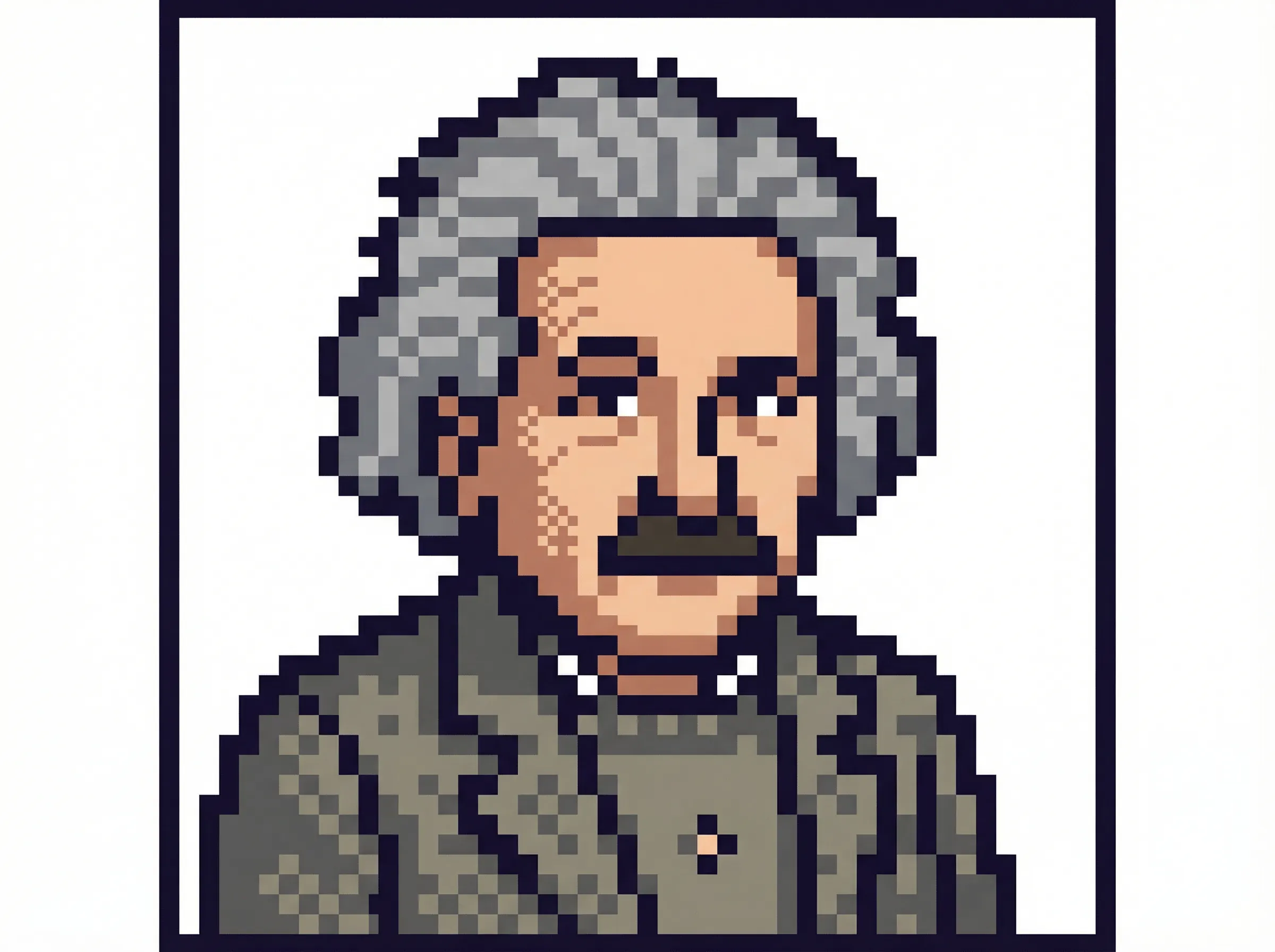
1. Upload Photo
Upload the photo you want to convert; portraits with clear facial features work best.
2. One-Click Generate
Click the generate button. WeryAI will analyze your photo in seconds, extracting core features and applying the 1998-era pixel style.
3. Download & Share
Preview and download your exclusive Windows 98 style pixel icon. Share it with friends or use it as a retro avatar!
Windows 98 Pixel Icon
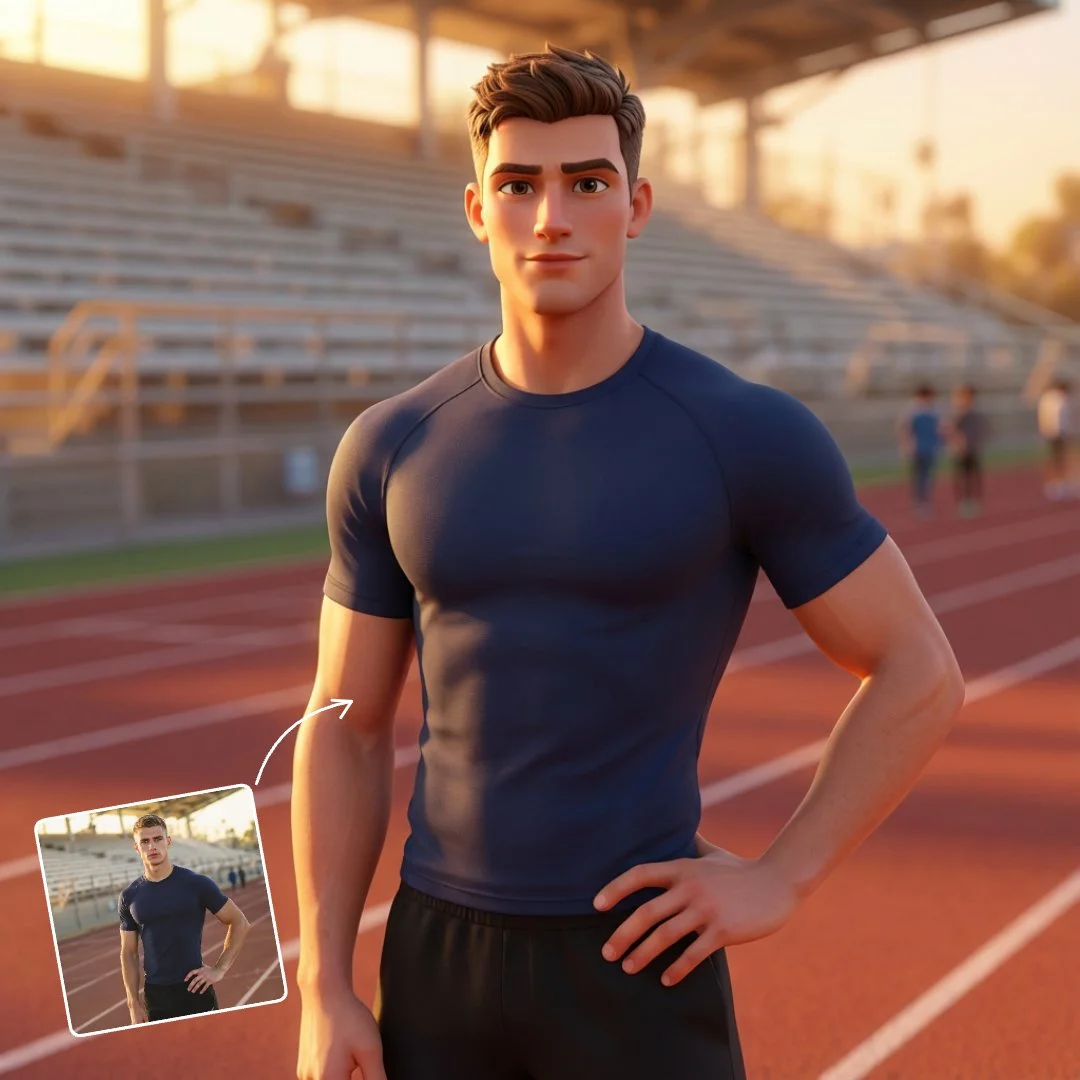
Explore Other Trending Photo Effects



Frequently Asked Questions
What is the Windows 98 Style Pixel Icon Generator?
Can I use this pixel icon generator for free?
How long does it take to generate these pixel icons?
Is it safe to upload my photos?
Can I perform further edits after the icon is generated?