SoulGen AI Image Generator

Upload
Try these prompts
Supports JPEG, PNG, GIF, WEBP, JPG formats Max 10MB, resolution max 4096 x 4096 pixels
Click or drag to upload images
Supports JPEG, PNG, GIF, WEBP, JPG formats (Max 10MB)
 Log in to Create for Free
Try these prompts
Give a Character Concept a Visual Voice
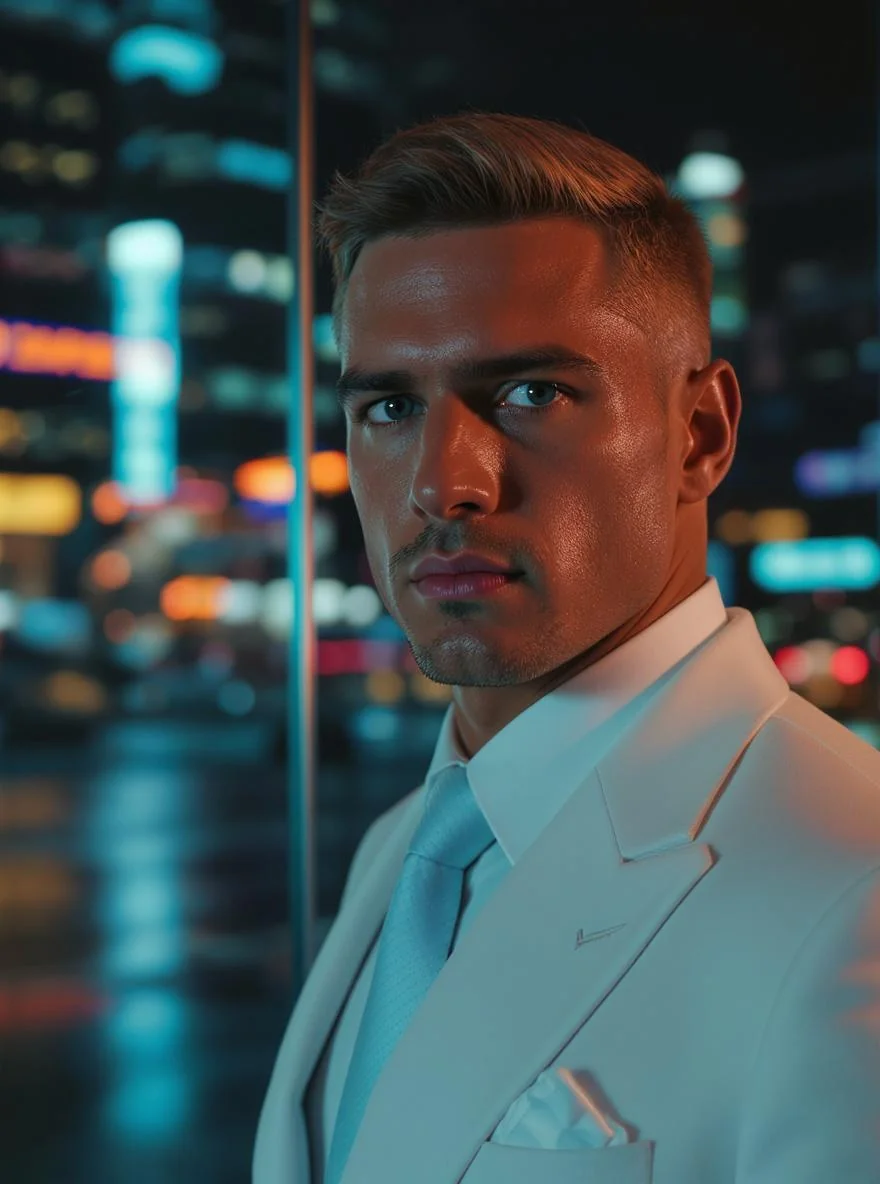
Start with Personality
Use role, attitude and presence to make the character more than a list of visual traits.
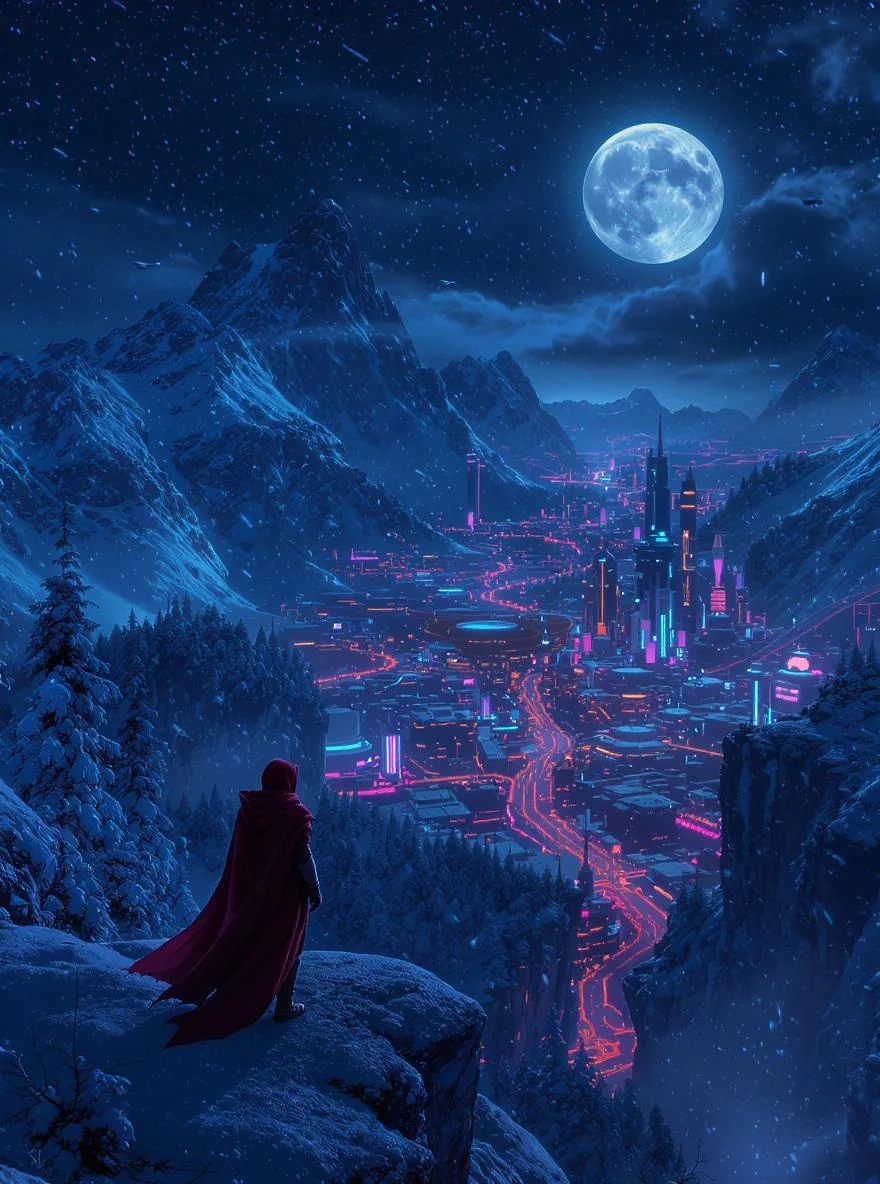
Direct the Mood
Set the light, colour, setting and visual style that makes the character feel at home in the scene.
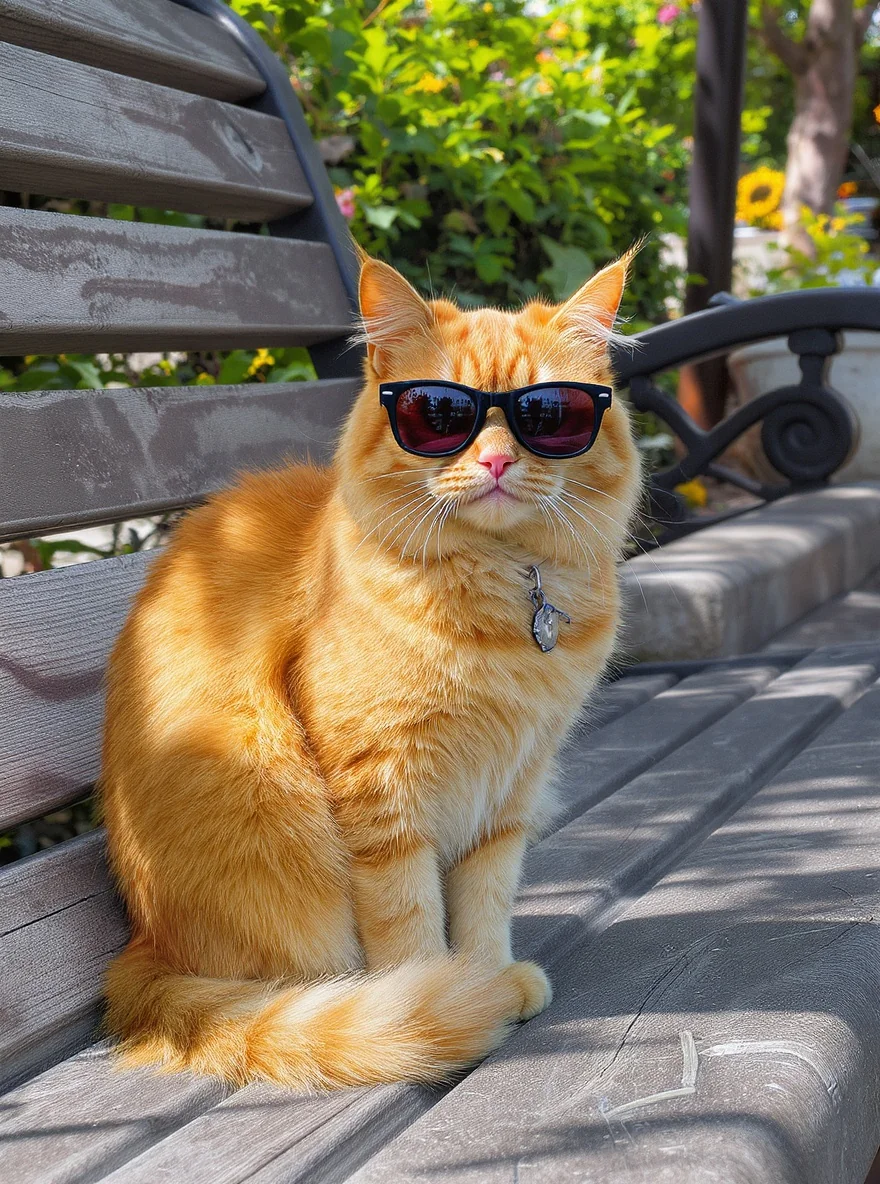
Develop the Details
Use variations to improve the silhouette, expression, wardrobe and small storytelling cues.
Creative Variations
Quickly generate multiple variations of the same character to explore different expressions and styles.
How to Use
Select SoulGen AI
Go to the "AI Image Generation" page and select "SoulGen AI" from the model dropdown.
Write the Character Note
Describe the personality, features, role and the world the character belongs to.
Refine the Identity
Review variations and keep improving the visual details that tell the story.
SoulGen AI Video Tutorials
SoulGen AI Community Updates
Explore More AI Image Models


FAQ
SoulGen AI is an AI image model available on WeryAI for turning prompts into creative results.
Open the AI image workspace, select SoulGen AI, add a prompt or reference, then generate and refine the result.

Start with the Character's Point of View
Turn a character note into an expressive visual concept with room to refine
No credit card required, start creating now