
Seedream 5.0 Image Generator

Upload
Try these prompts
Supports JPEG, PNG, GIF, WEBP, JPG formats Max 10MB, resolution max 4096 x 4096 pixels
Upload
 Log in to Create for Free
Try these prompts
Seedream 5.0 Core Features
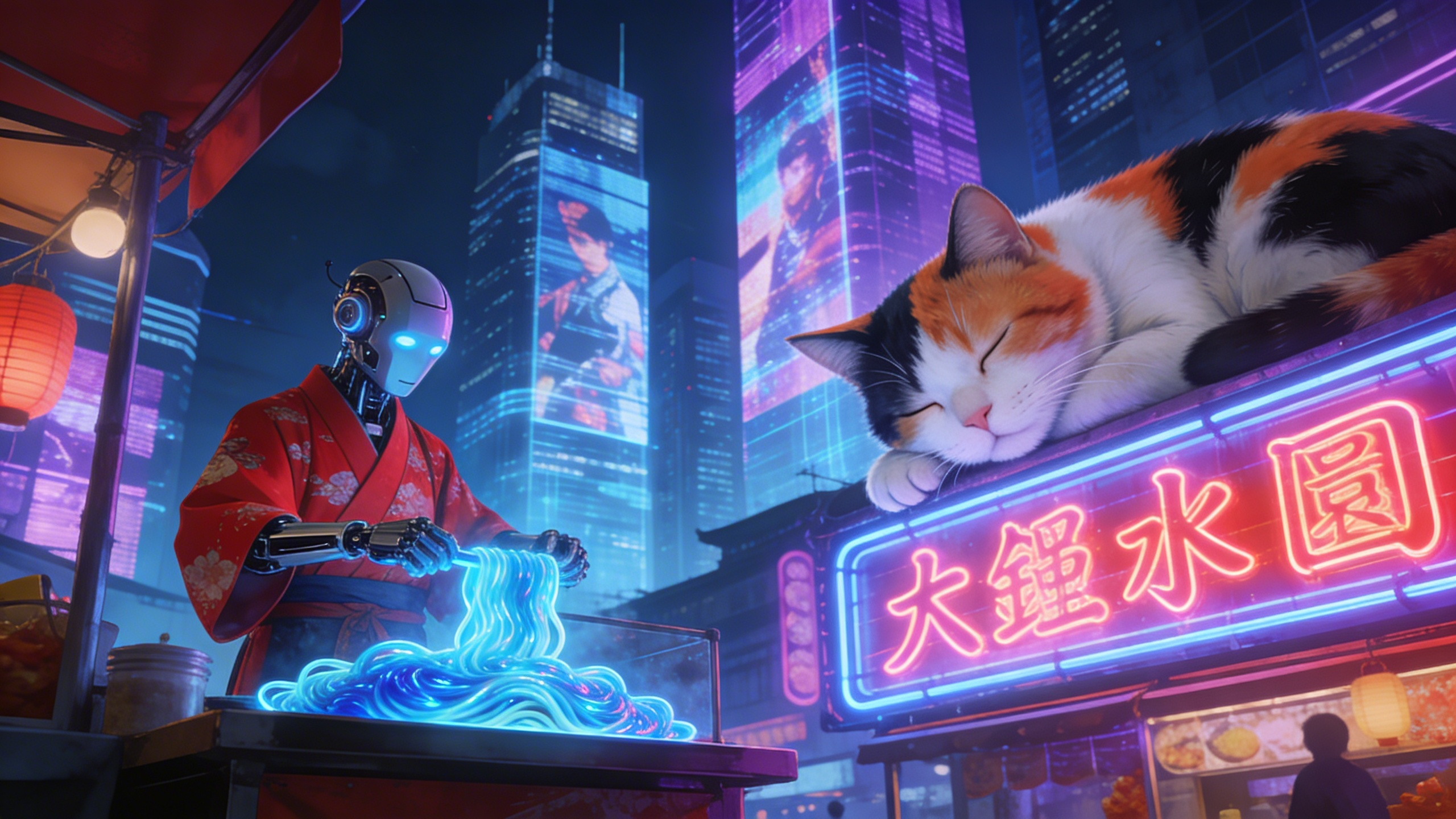
Ultimate Semantic Understanding & Multi-Subject Composition
Seedream 5.0 completely solves the problem of AI "missing elements" or "concept confusion" when facing complex long sentences. It can precisely understand the positional relationships of different objects in a scene (such as left, right, foreground, background) and ensure each subject has independent characteristics without interference. Perfect for generating story illustrations with multiple characters and complex backgrounds.
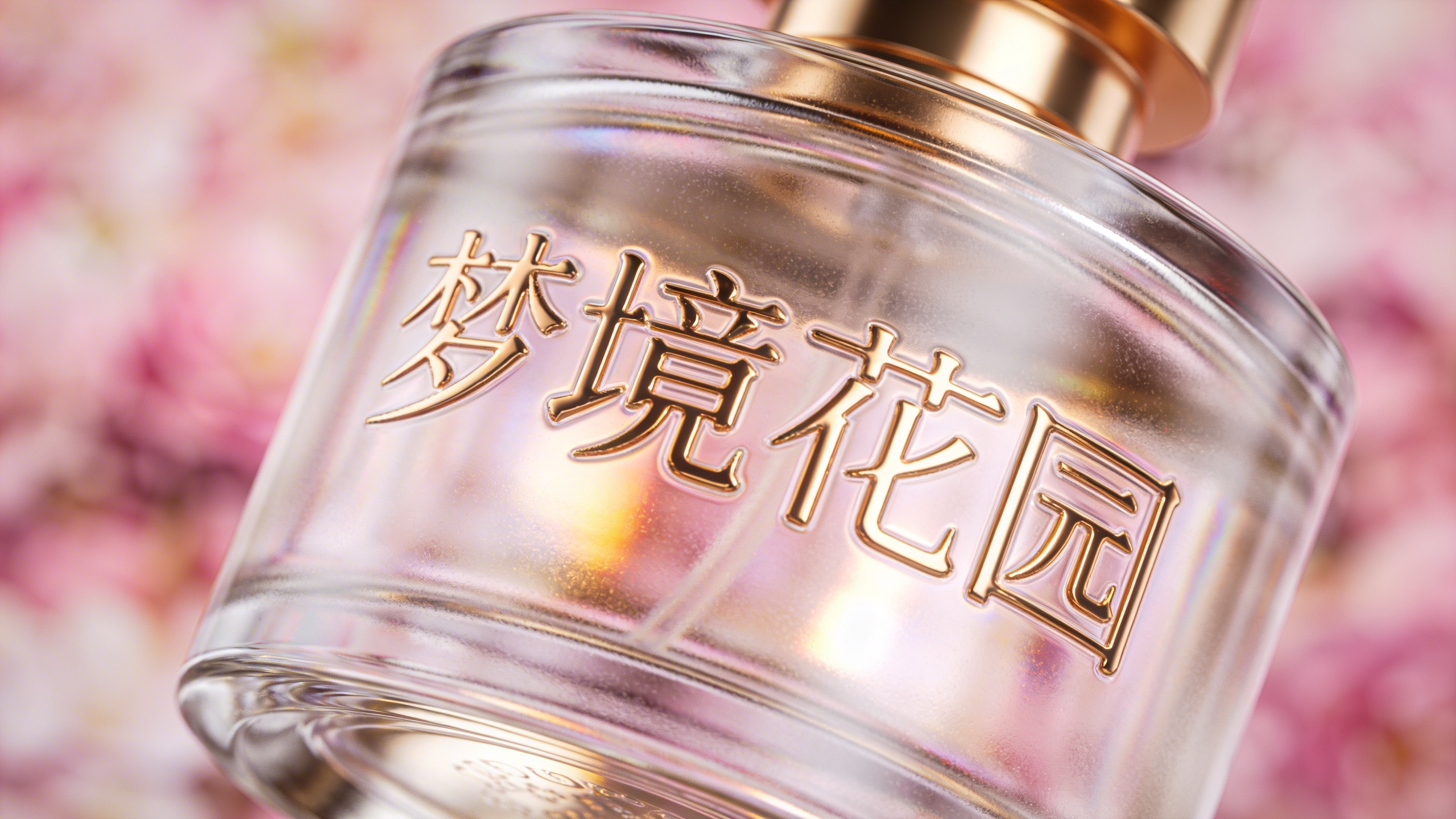
Vector-Level Text Rendering 2.0 (Chinese & English)
Further enhanced from version 4.5, Seedream 5.0 now supports more complex typography and longer text generation, with first-ever perfect support for precise Chinese character rendering. Text is not only spelled correctly but can also automatically deform based on object materials (such as carved on wood, printed on wrinkled fabric), blending perfectly with environmental lighting.
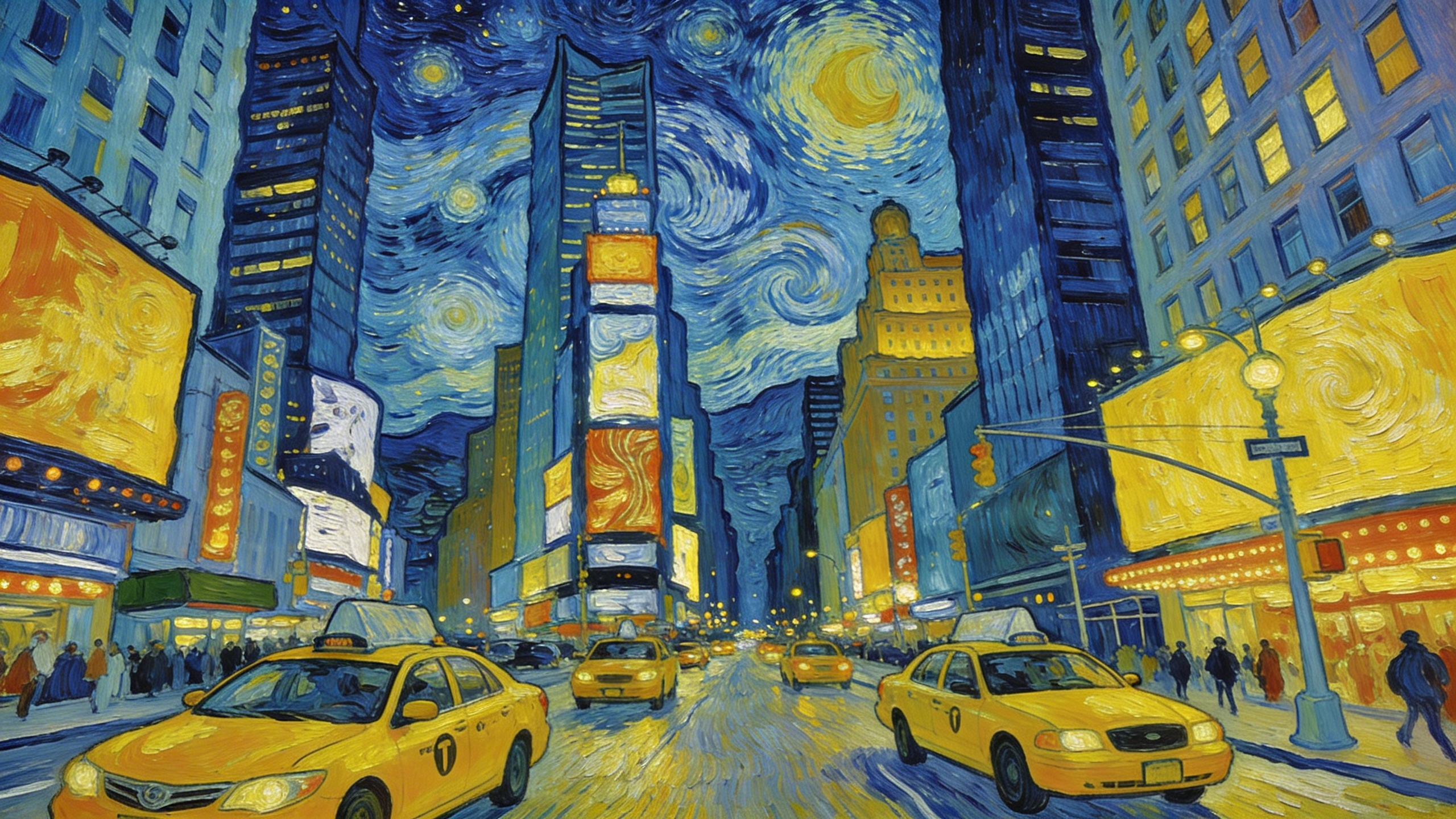
Universal Style Transfer & Reference Control
Introduces the all-new "Style-All" reference mechanism. Users only need to upload a reference image, and the model can intelligently decompose its "composition," "color tone," "lighting," or "art style" and transfer it to any newly generated image. Master-level artistic styles can be instantly replicated without complex parameter adjustments.
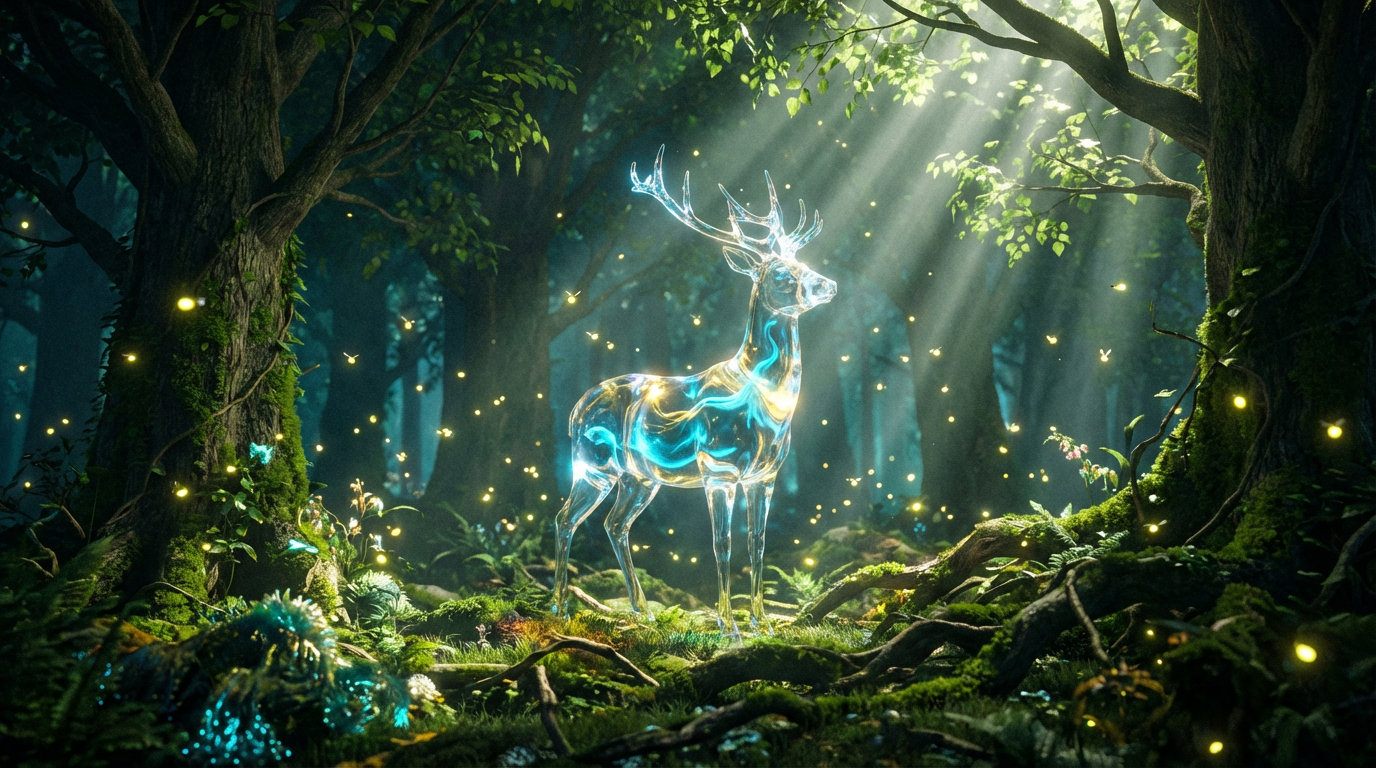
Native 8K Ultra-Fine Image Quality
Breaking resolution limits, Seedream 5.0 supports directly generating images with 8K-level detail richness. Its enhanced physical lighting engine can simulate extremely complex light reflections (Caustics) and volumetric lighting effects, with skin textures and individual hair strands clearly visible, directly meeting large-format printing requirements.
How to Use Seedream 5.0 on WeryAI
Start in 3 Steps
Select Model
Find and select the Seedream 5.0 tag in the "Image Model" library on WeryAI's creative workbench.
Input Content
Enter detailed prompts (supports Chinese/English), or upload style/composition reference images to enable advanced control features.
Generate & Download
Click the generate button, wait a moment to get ultra-high-definition images with online upscaling and retouching support.
WeryAI now deeply integrates the Seedream 5.0 model, Seedream 5.0 Image Generator is ByteDance's pinnacle achievement in the AI visual field. As a groundbreaking upgrade to the Seedream series, version 5.0 not only inherits the outstanding consistency control of its predecessors but also achieves a qualitative leap in "semantic logic understanding" and "complex scene composition." It can accurately reproduce every detail in ultra-long prompts, perfectly handle multi-subject spatial relationships, and natively support Chinese and English text embedding. Whether it's commercial advertising, complex concept design, or cinematic storyboarding, Seedream 5.0 delivers results with astonishing speed and precision. Experience the limitless creativity of Seedream 5.0 for free on WeryAI!
Featured YouTube Videos About Seedream 5.0
Trending X Posts About Seedream 5.0
Explore Other Image Models on WeryAI


Frequently Asked Questions
Seedream 5.0 is an AI image model launched by ByteDance. On WeryAI you can use Seedream 5.0 to create stunning images from text prompts or reference images in seconds.
Yes. New users get free credits on signup — no credit card required. You can also earn more free credits through daily check-in, completing tasks, and inviting friends, so you can keep using Seedream 5.0 without upfront payment.
It's easy: 1) Go to WeryAI's Text to Image tool; 2) Select Seedream 5.0 from the model list; 3) Enter your prompt and click Generate; 4) Download or share the result.
Seedream 5.0 stands out because of its 8K-grade output quality, industry-leading clarity, and ByteDance's most advanced generation pipeline. This makes it a unique choice among the dozens of AI image models available on WeryAI.
Seedream 5.0 excels at ultra-high-resolution prints, large-format displays, and premium visual content production. Try it side-by-side with other models on WeryAI to see if it fits your specific creative needs.
Yes! On WeryAI's Text to Image tool, you can select up to 4 models and compare them side by side with the same prompt. This makes it easy to find the best model for your needs.
Disclaimer: WeryAI is an independently operated product/platform and has no affiliation with ByteDance or Seedream 5.0, nor has it received any endorsement, authorization, or sponsorship from them. We simply provide users with a convenient way to access and use the Seedream 5.0 model through a customized interface and API technology.

Ready to Experience Seedream 5.0?
Explore the pinnacle of AI image generation and unleash your limitless creativity.
No credit card required · Free trial for new users