Leonardo AI Image Generator

Upload
Try these prompts
Supports JPEG, PNG, GIF, WEBP, JPG formats Max 10MB, resolution max 4096 x 4096 pixels
Click or drag to upload images
Supports JPEG, PNG, GIF, WEBP, JPG formats (Max 10MB)
 Log in to Create for Free
Try these prompts
Make an Idea Feel Art-Directed
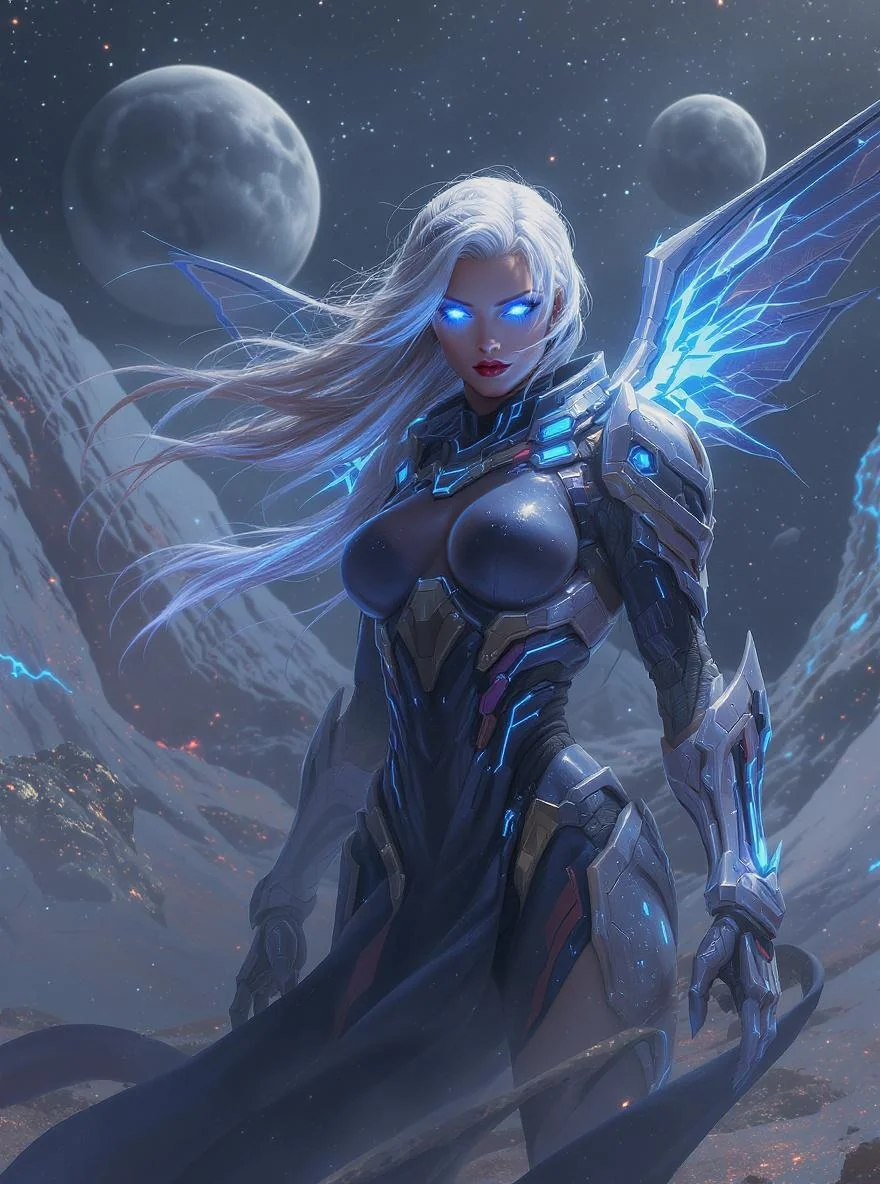
Compose a Concept
Turn a concise creative brief into a strong visual starting point with a clear subject and mood.
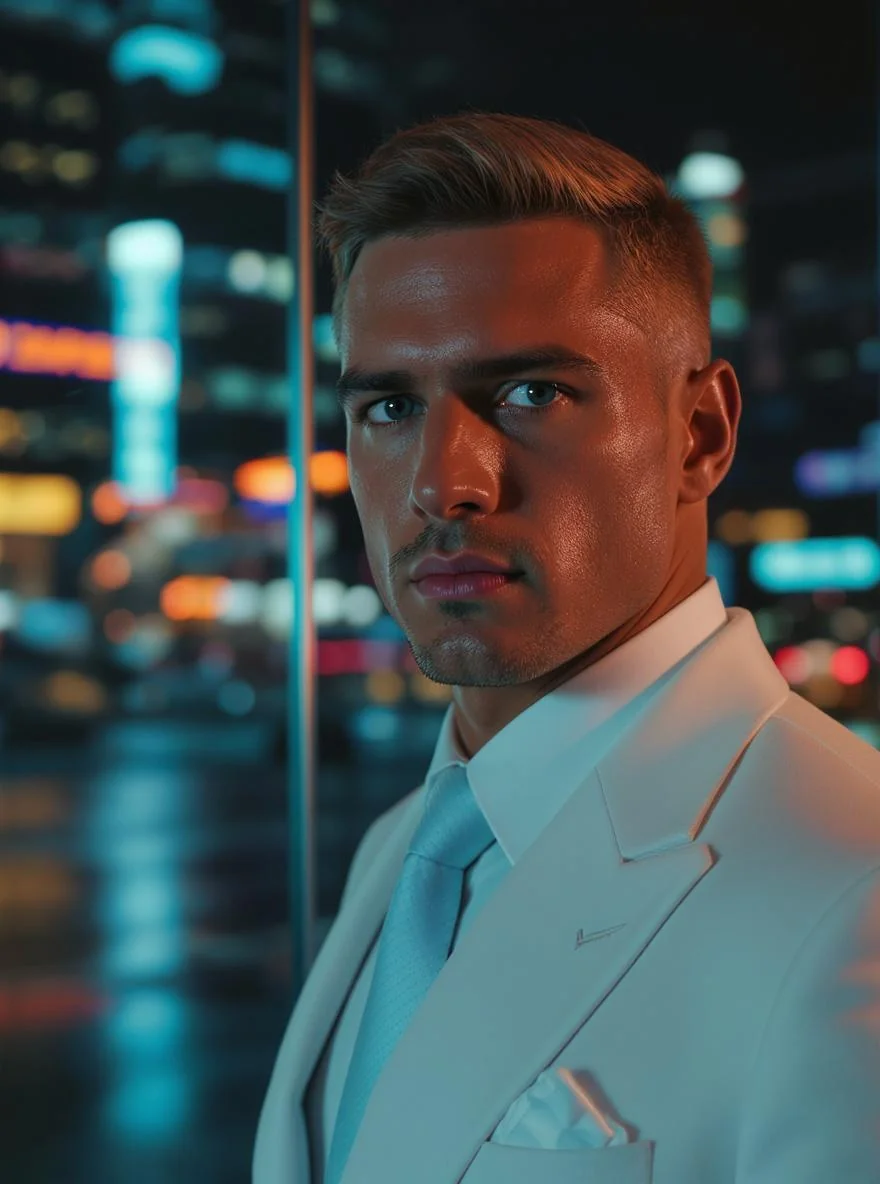
Guide the Details
Use focused adjustments to develop people, products and environments without losing the overall direction.
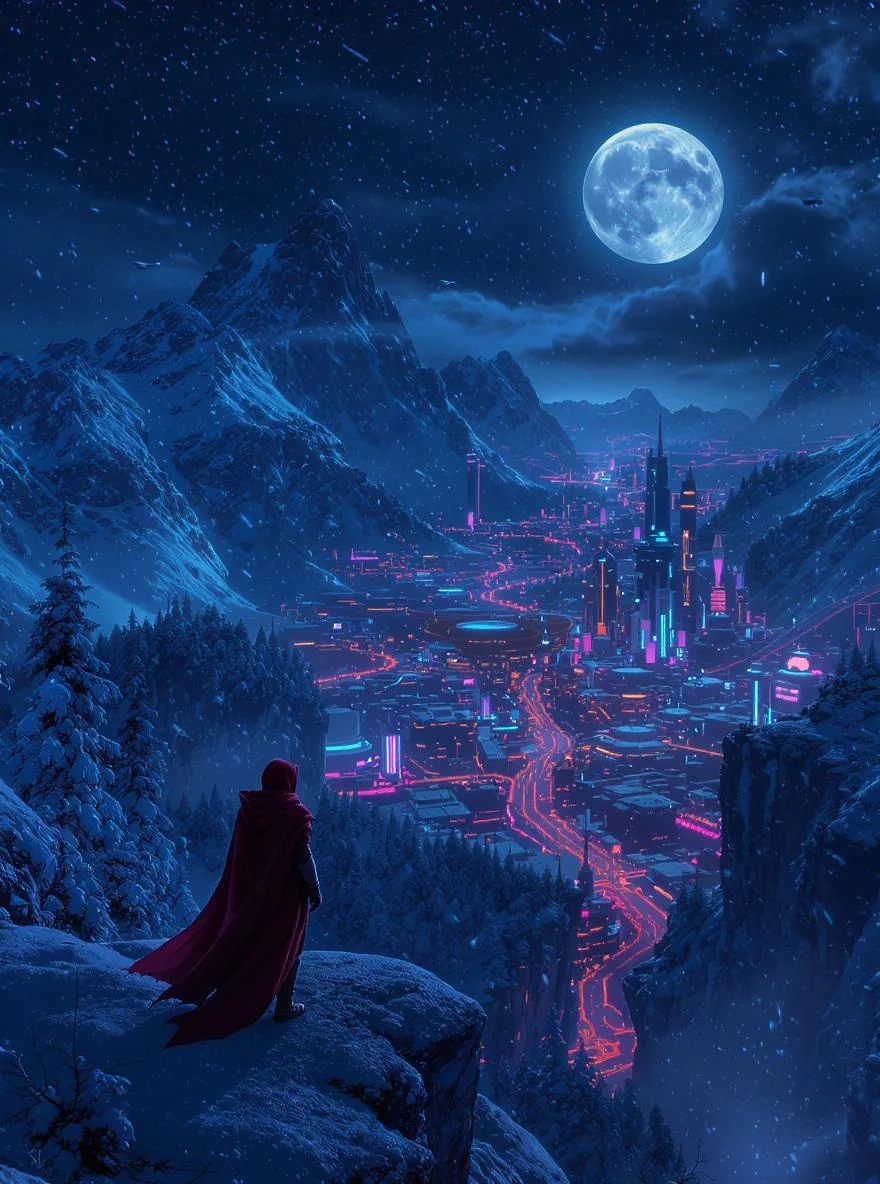
Use References with Purpose
Bring in a visual cue when the composition, material or atmosphere needs a firmer anchor.
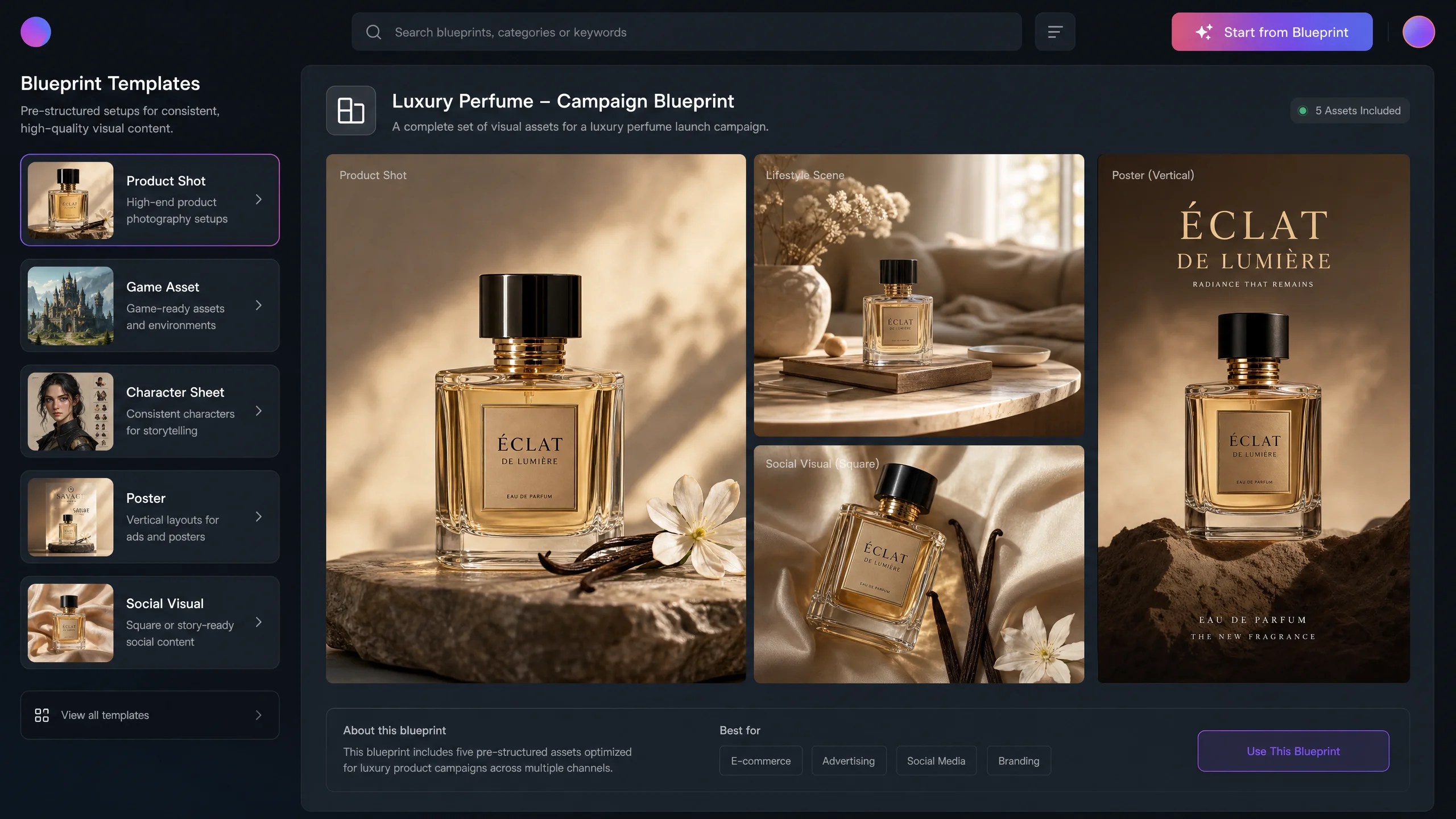
Maintain Style Consistency
Keep unified visual style across multiple images, perfect for brand content and series creation.
How to Use
Select Leonardo AI
Go to the "AI Image Generation" page and select "Leonardo AI" from the model dropdown.
Define the Visual Brief
Describe the subject, mood, use case and the first thing the viewer should notice.
Refine the System
Generate a set, identify the strongest direction and develop the details that make it distinctive.
Leonardo AI Video Tutorials
Leonardo AI Community Updates
Explore More AI Image Models


FAQ
Leonardo AI is an AI image model available on WeryAI for turning prompts into creative results.
Open the AI image workspace, select Leonardo AI, add a prompt or reference, then generate and refine the result.

Give Your Next Concept a Visual Identity
Turn a creative direction into a set of images that belongs together
No credit card required, start creating now