GPT Image 1.5 Image Generator

Upload
Try these prompts
Supports JPEG, PNG, GIF, WEBP, JPG formats Max 10MB, resolution max 4096 x 4096 pixels
Upload
 Log in to Create for Free
Try these prompts
GPT Image 1.5 Core Features
Explore the core capabilities of the GPT Image 1.5 AI image generator and start a revolutionary creative journey
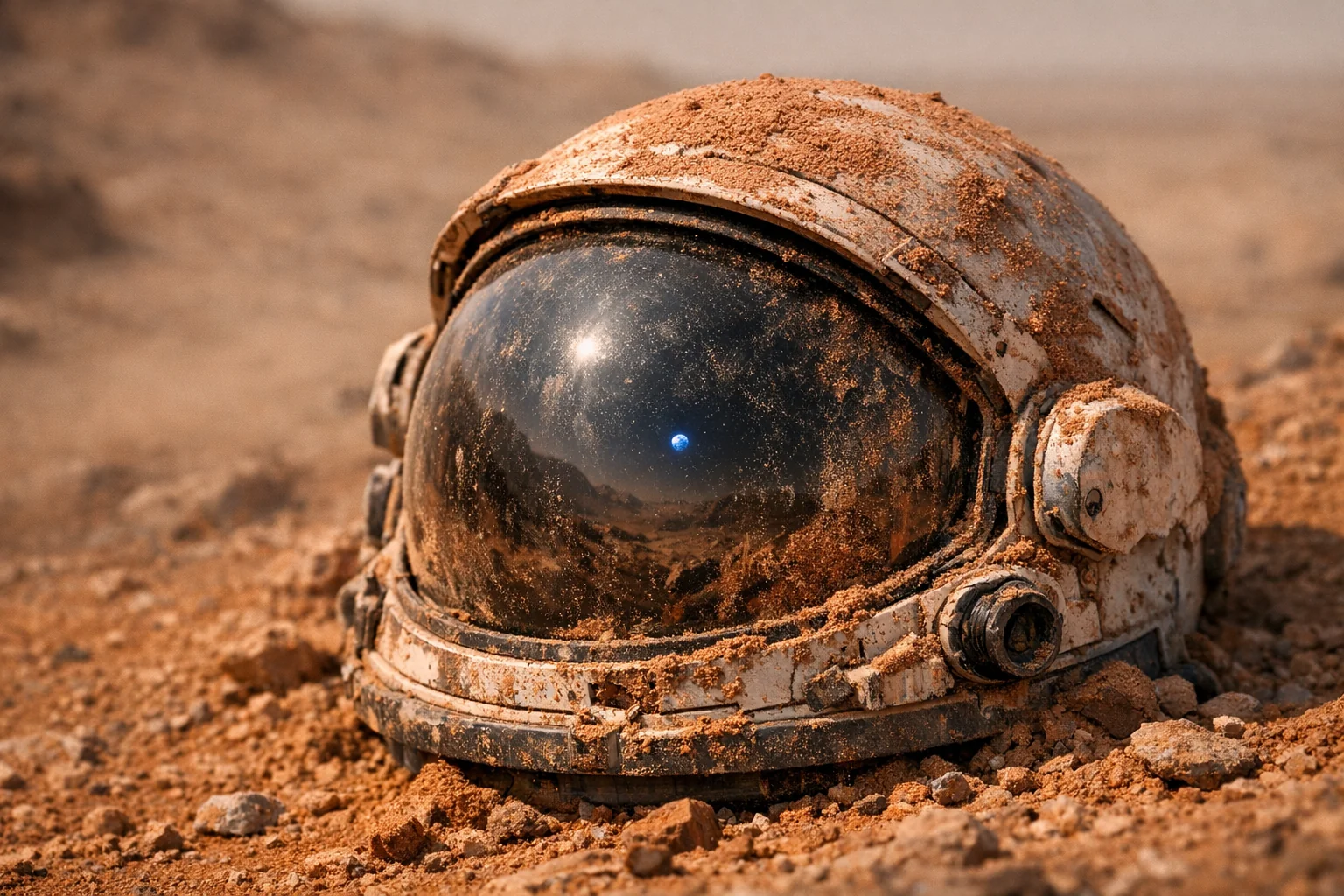
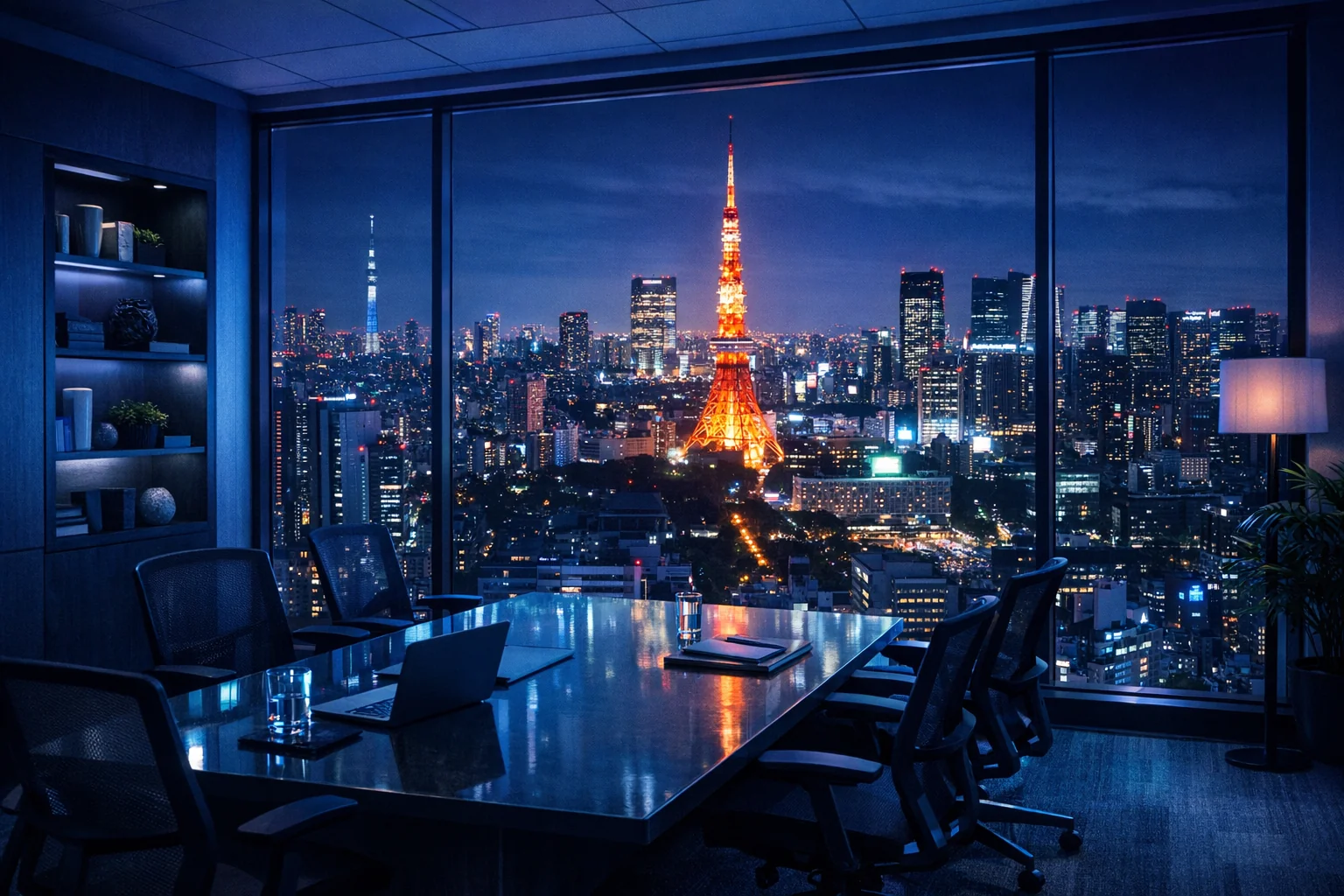
World-Logic Reasoning
Unlike traditional models that stitch scenes together from keywords, GPT Image 1.5 understands real-world physics and logic. From short prompts, it can infer correct lighting and reflections, gravity and object states, and historically accurate details (e.g., “a 1969 music festival” will match period outfits and atmosphere).
Precise Natural-Language Editing
Edit parts of an existing image with simple instructions—no complex masking required. Say “replace the coffee on the table with a steaming cup of green tea”, and the model will swap the object and automatically adjust surrounding light and reflections while keeping everything else unchanged.
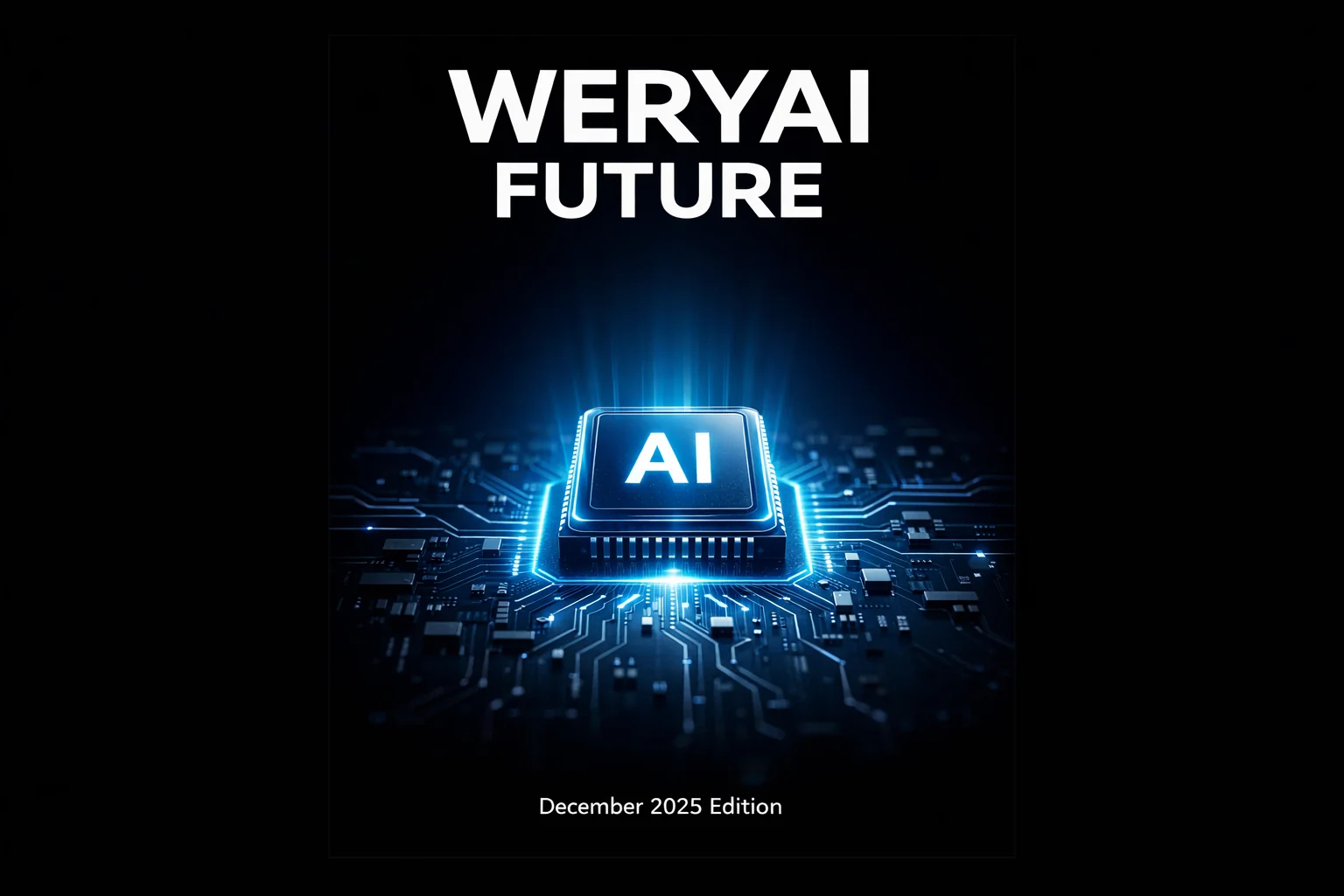
Perfect Layout & Text Rendering
Say goodbye to misspellings and garbled text in AI images. GPT Image 1.5 can render long text clearly, in varied styles, with accurate spelling—ideal for posters, book covers, UI mockups, and infographic-style visuals with charts.
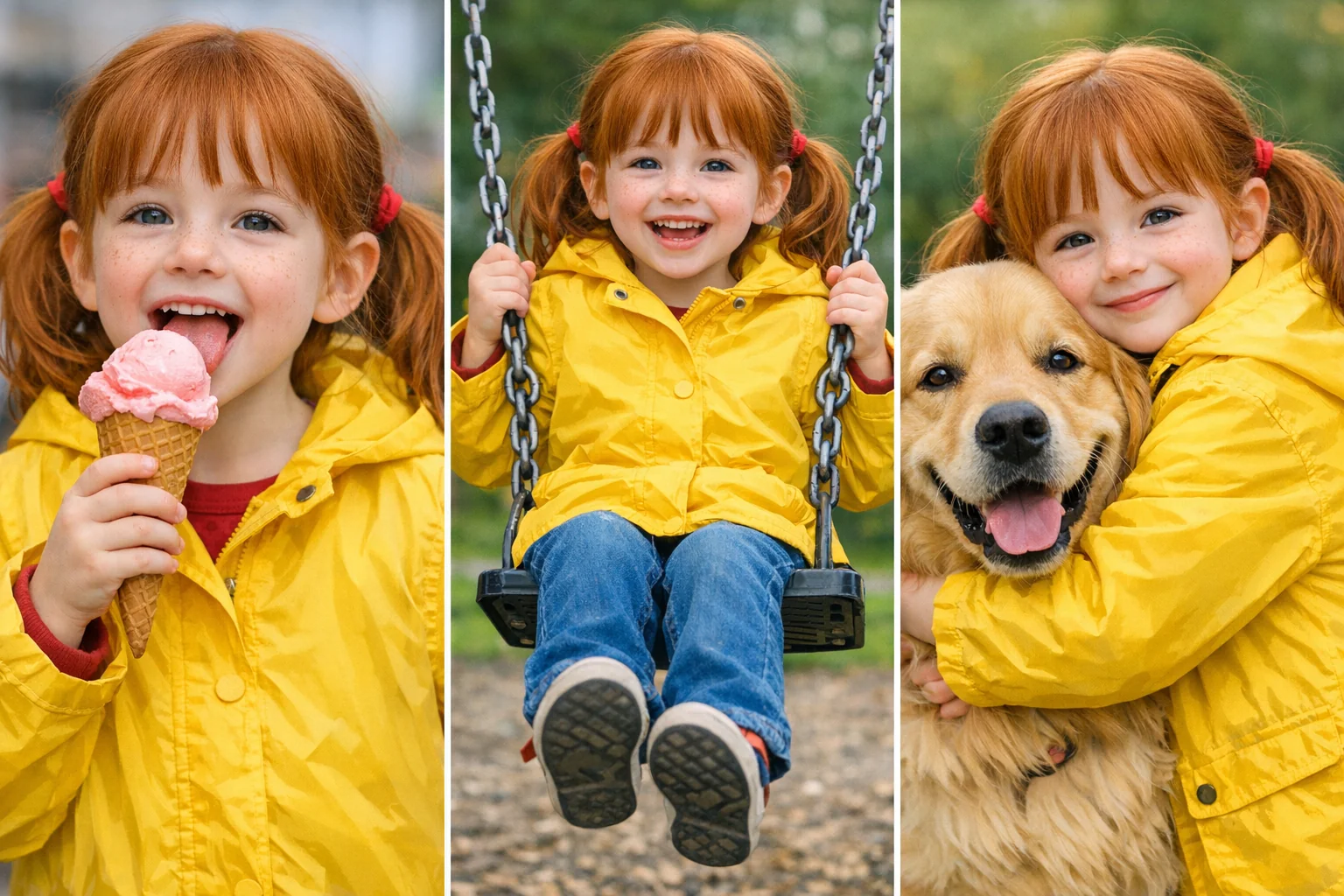
Character & Style Consistency
When generating a series of images, the model can “remember” specific character traits (hair, outfits, facial features) or a particular art style. This makes it easy to create comics, storyboards, or brand-consistent marketing assets.
How to Use GPT Image 1.5 on WeryAI
Start creating in three simple steps
- 1
Choose the model
Select the GPT Image 1.5 model in AI image models
- 2
Enter content
Type a prompt or upload a reference image
- 3
Generate images
Click the generate button, then wait and download your images
WeryAI now deeply integrates the GPT Image 1.5 model, GPT Image 1.5 is OpenAI’s newest flagship image generation model and the first vision model branded with “GPT”, marking a definitive step beyond the DALL·E era. Released in December 2025, it moves past simple “text-to-pixel” matching and instead leverages GPT-5-level reasoning to understand physics, causality, and nuanced cultural context. GPT Image 1.5 is up to 4× faster than the previous generation and introduces revolutionary “conversational editing”, letting you refine image details like editing a document—while finally solving the long-standing problem of garbled AI-generated text. Try GPT Image 1.5 on WeryAI for free and experience an AI creator that doesn’t just draw—it understands you.
YouTube videos about the GPT Image 1.5 image model
X posts about the GPT Image 1.5 image model
Explore other AI image models on WeryAI



Frequently Asked Questions
GPT Image 1.5 is an AI image model launched by OpenAI. On WeryAI you can use GPT Image 1.5 to create stunning images from text prompts or reference images in seconds.
Yes. New users get free credits on signup — no credit card required. You can also earn more free credits through daily check-in, completing tasks, and inviting friends, so you can keep using GPT Image 1.5 without upfront payment.
It's easy: 1) Go to WeryAI's Text to Image tool; 2) Select GPT Image 1.5 from the model list; 3) Enter your prompt and click Generate; 4) Download or share the result.
GPT Image 1.5 stands out because of improved photorealism, finer detail control, and stronger prompt adherence compared to earlier OpenAI image models. This makes it a unique choice among the dozens of AI image models available on WeryAI.
GPT Image 1.5 excels at high-fidelity product mockups, realistic portraits, and detailed scene generation. Try it side-by-side with other models on WeryAI to see if it fits your specific creative needs.
Yes! On WeryAI's Text to Image tool, you can select up to 4 models and compare them side by side with the same prompt. This makes it easy to find the best model for your needs.
Disclaimer: WeryAI is an independently operated product/platform and has no affiliation with OpenAI or GPT Image 1.5, nor has it received any endorsement, authorization, or sponsorship from them. We simply provide users with a convenient way to access and use the GPT Image 1.5 model through a customized interface and API technology.

Ready to start creating?
Try GPT Image 1.5 now and turn your ideas into stunning images
No credit card required — sign up to get started