
Precise prompt control
Direct the subject, composition, lighting, colors, and fine details with a clear written prompt.
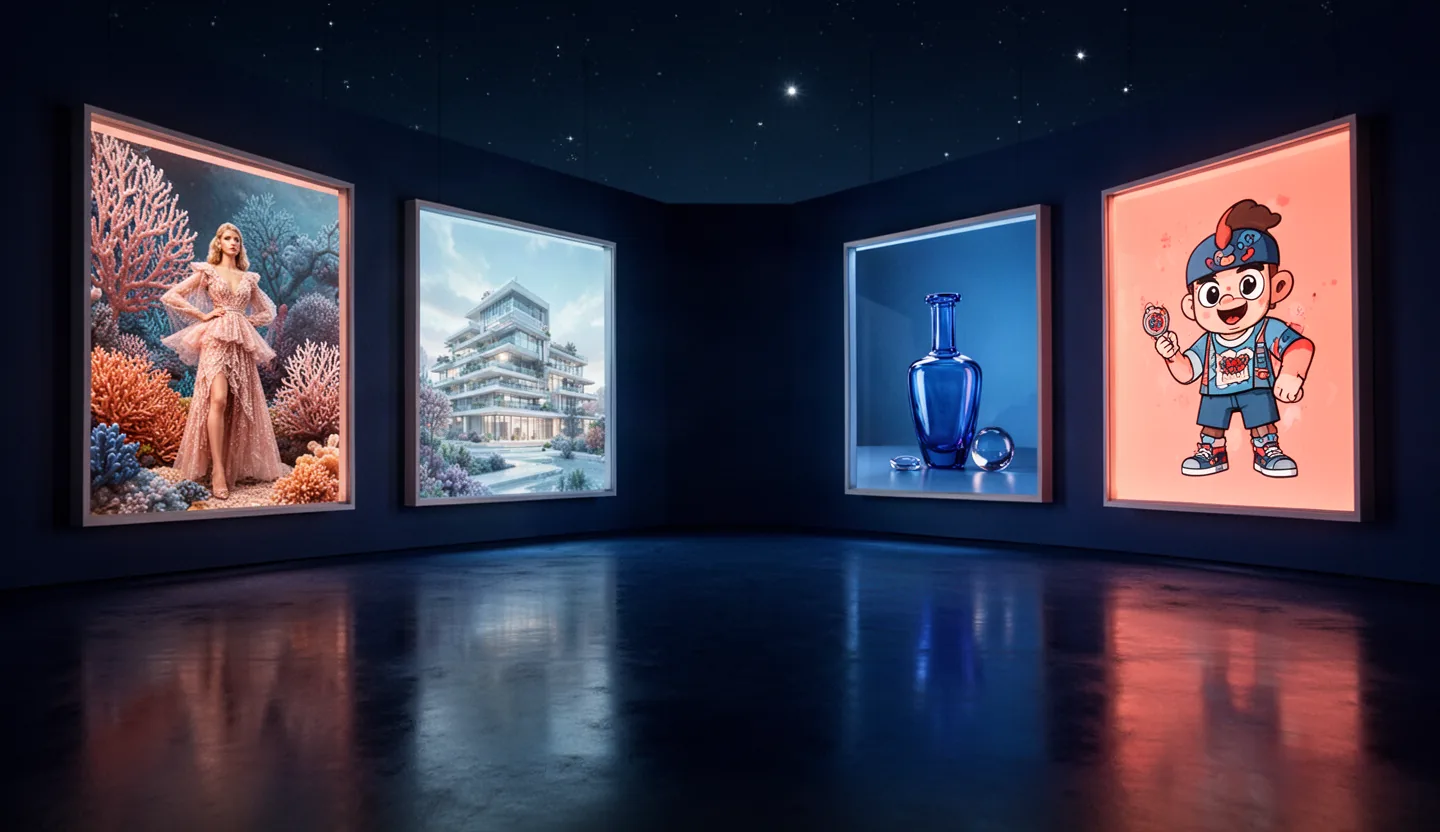
Create and edit images with AI
Use the WeryAI image model to turn text into images or edit an uploaded reference image through the real WeryAI generation workflow.
W Powered by WeryAI
Describe an idea or upload a reference, choose the available settings, and send a real image generation task.

Upload
 New users receive 20 credits
Creative possibilities
Explore polished visual directions while keeping control of the subject, composition, mood, and details.
Direct the subject, composition, lighting, colors, and fine details with a clear written prompt.
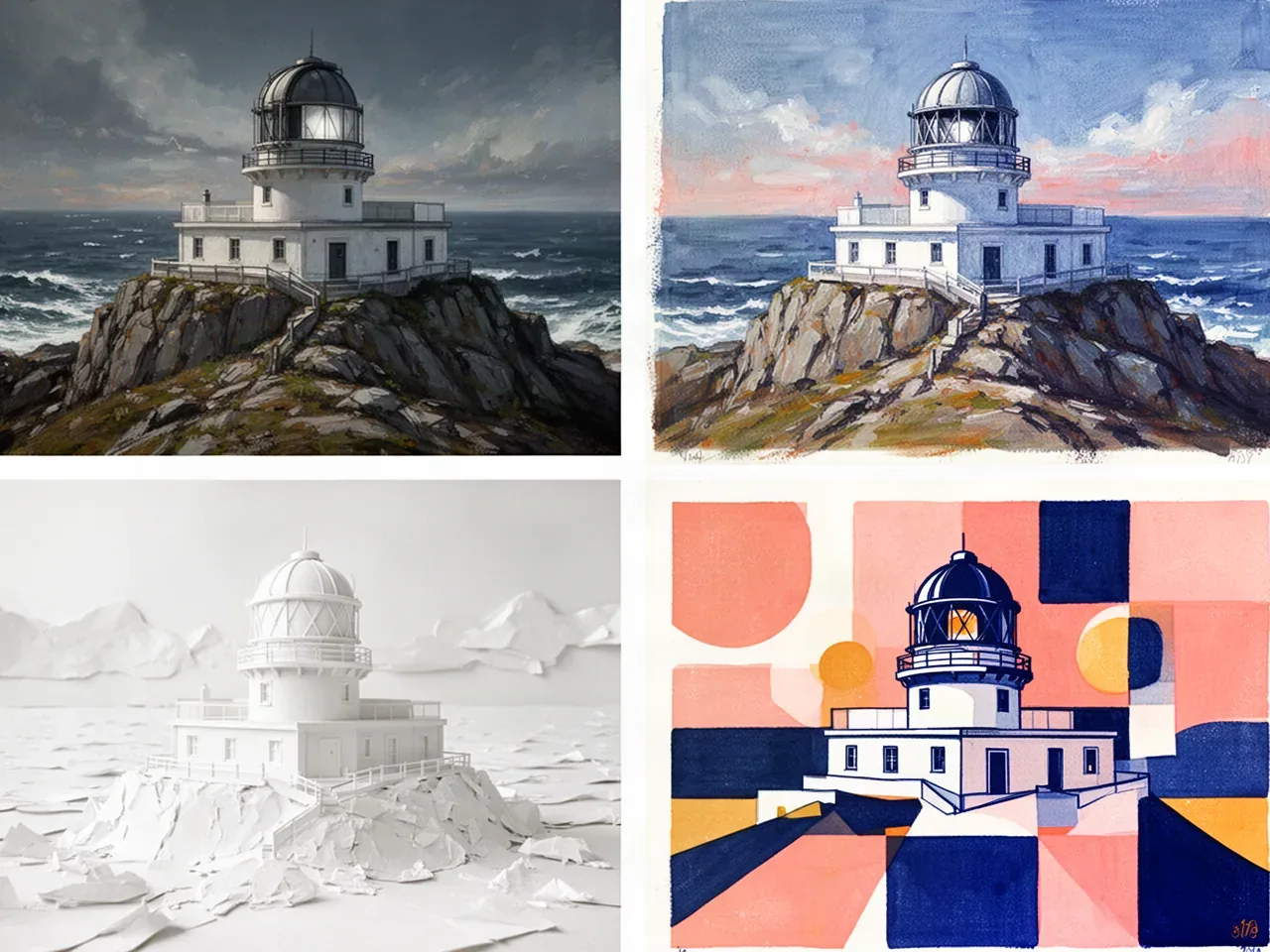
Develop photography, illustration, concept art, product visuals, and other distinctive looks.
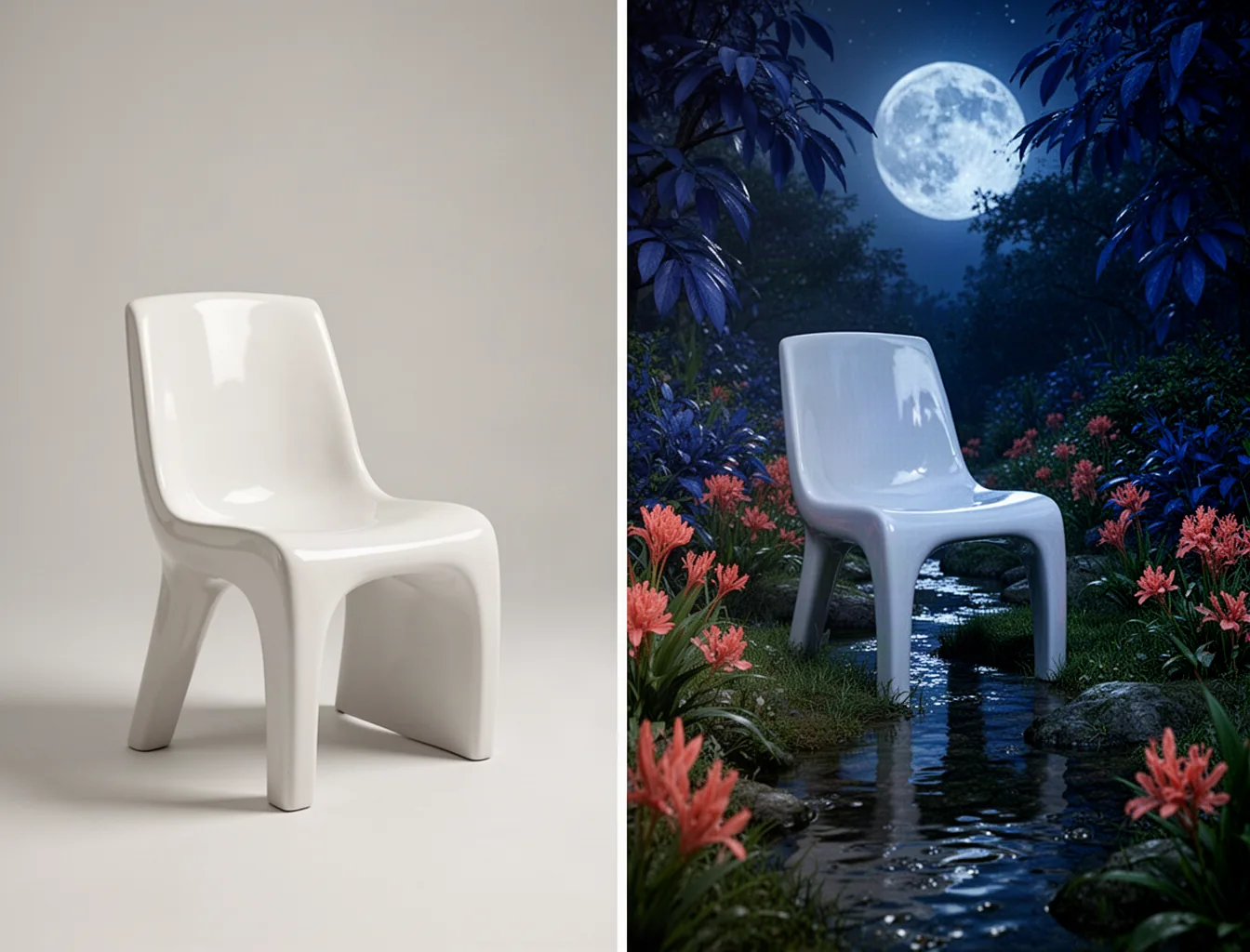
Upload an image and describe the changes you want to its style, setting, composition, or details.
WERYAI IMAGE 2.0
Configure your request, sign in to WeryAI, and submit it through the existing account and task workflow.
Enter a text prompt, or upload a reference image and explain how it should change.
Choose from the aspect ratios and output image counts currently available.
Sign in to WeryAI and submit an actual task under the displayed credit and model access rules.
FAQ
It is a WeryAI page for creating or editing images with the WeryAI Image 2.0 model.
New users receive 20 credits after registration. Each task uses the amount shown in the interface before submission; costs can vary by settings and model access.
Yes. Create from a text prompt, or upload a reference image and describe the edit you want.
Yes. Requests enter the real WeryAI task workflow and remain subject to current login, credit balance, model availability, and access rules.
Commercial use must comply with the current WeryAI terms and all laws that apply to your content and intended use.
WERYAI CREATIVE WORKBENCH
Start from a prompt or reference image and create through the WeryAI image model workflow.
Task cost and model access are shown before submission and depend on current account rules.